Page 4 - VisionGuard 6000
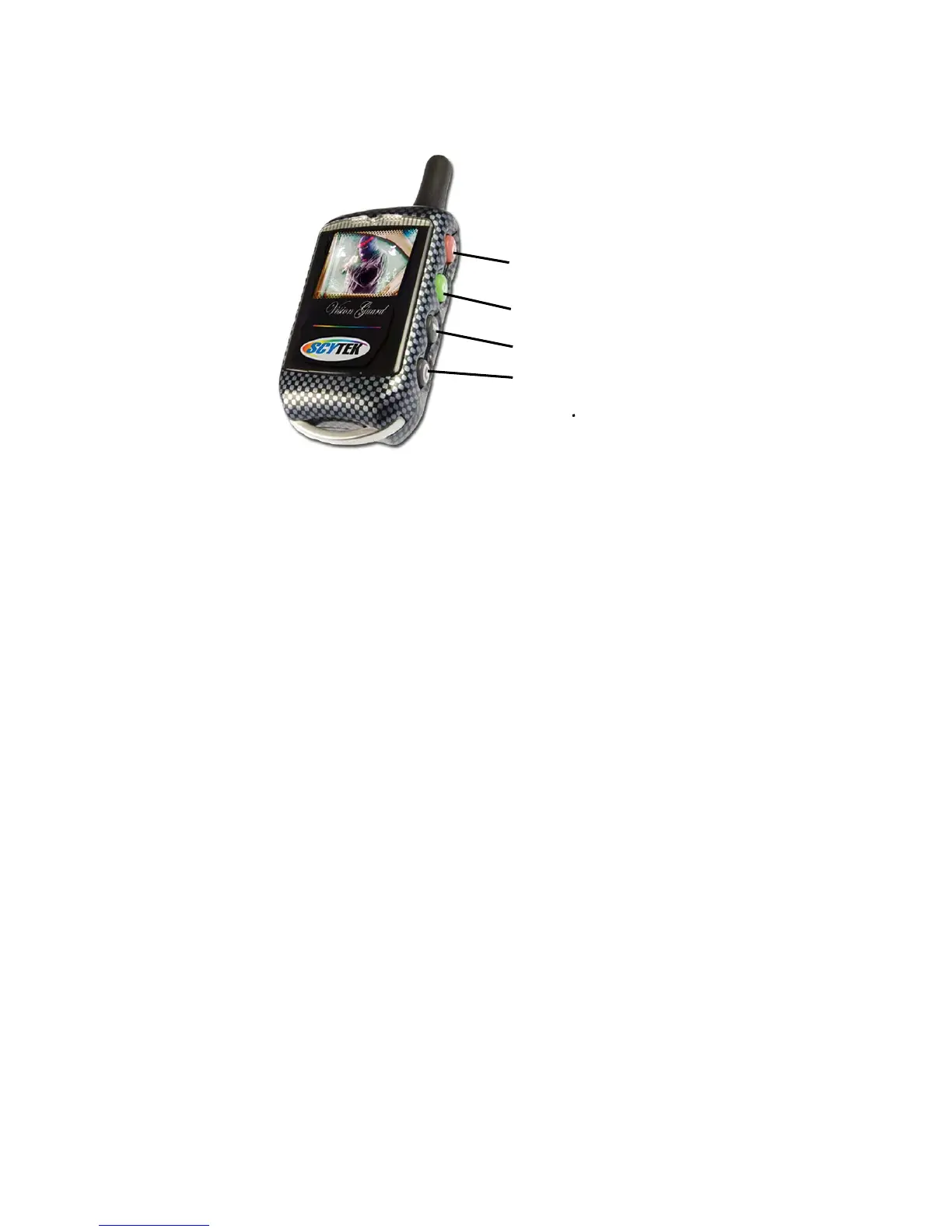
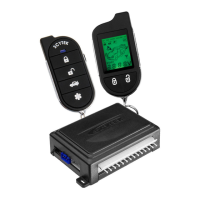
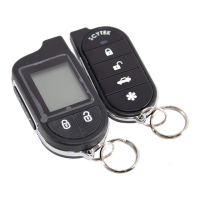
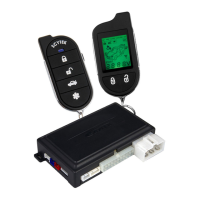
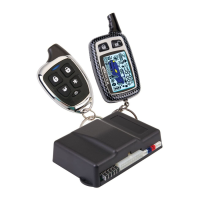
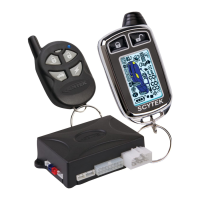
True Color 2-way Camera Ready Remote Transmitter Description
The VisionGuard 6000 True Color 2-way LCD remote transmitter, is offering increased range
and confirmation of any activated features.
Button 1
Arms the system. Button 1 also locks the doors when the system is in Valet Mode.
Button 2
Disarms the system. Button 2 also unlocks the doors when the system is in Valet
Mode.
Button 3
When Pressed and released momentarily activates the Auxiliary Output 2. When
pressed for 2 seconds Acitvates the Remote Start feature.
Button 1 and 2
When pressed together for 2 seconds Activates the Panic Feature
Button 3 and 4
When pressed together for 2 seconds Activates the Auxiliary 1 output normally
used for trunk release.
Button 4
is the Confirmation button. Quickly pressing button 4 will activate the LCD display’s
backlighting for use in the dark. Pressing button 4 for 2 seconds activates the system’s
confirmation feature which will then display the current status of the system (armed,
disarmed, engine running, etc.).
Adding/Replacing True Color 2-way LCD Transmitters
When adding an optional 2-way LCD transmitter to the system, follow these steps:
1. Turn on the ignition key On, Off, On, Off, On, Off, and back On. (Key On 4 times)
· The siren will chirp 4 times.
2. Press and hold the Override switch for 5 seconds.
· The siren will chirp 4 times.
· The LED will illuminate.
3. Press Button 1 on the first transmitter.
· The siren will chirp once.
Button 1
Button 2
Button 3
Button 4




 To Next Page