SD CodeFree™ BLOOD GLUCOSE MONITORING SYSTEM
13
Understanding Your New System
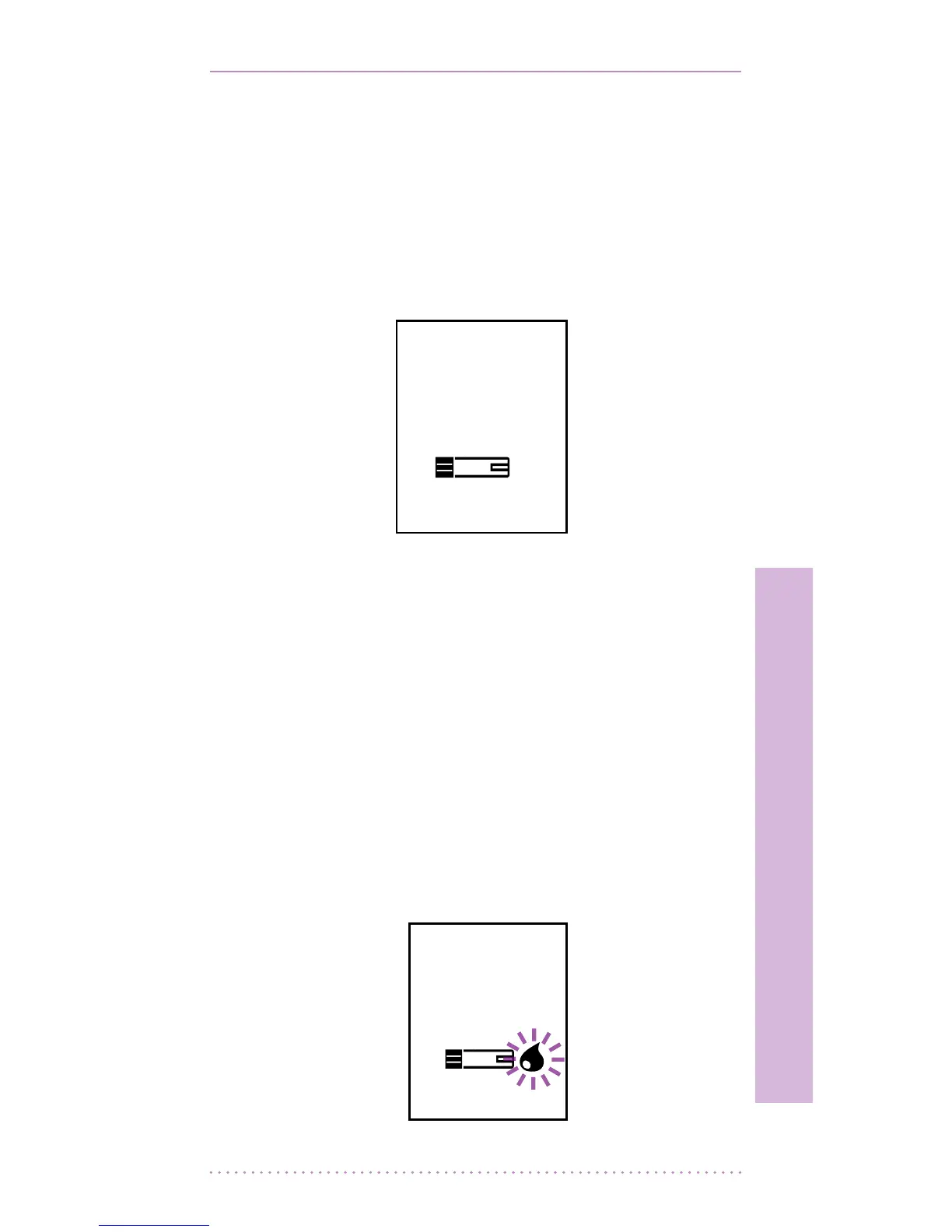
1) Strip Stand-by Display
After turning on the meter, the image below
will be displayed automatically showing a
ashing test strip icon. In this Strip Stand-by
Display, you are able to enter the setup mode
(e.g. time, date, alarms) of the meter or search
previous test results.
2) Blood Stand-by Display
If a test strip is inserted into the meter when the
unit is switched o or when the test srtip icon is
ashing the image below will be displayed. This
indicates the unit is ready to have the blood
sample added to the inserted test strip. If you
remove the test strip the unit will revert to the
ashing test strip icon. When the blood drop
icon is ashing with the test strip inserted the
On/O button will not function although the
unit will switch itself o if no blood is added
within 3 minutes.


 To Next Page