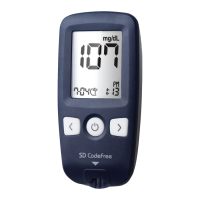
SD CodeFree™ BLOOD GLUCOSE MONITORING SYSTEM
19
Understanding Your New System
10. Meter Set up
STEP-1 : Setting the Audible Beep
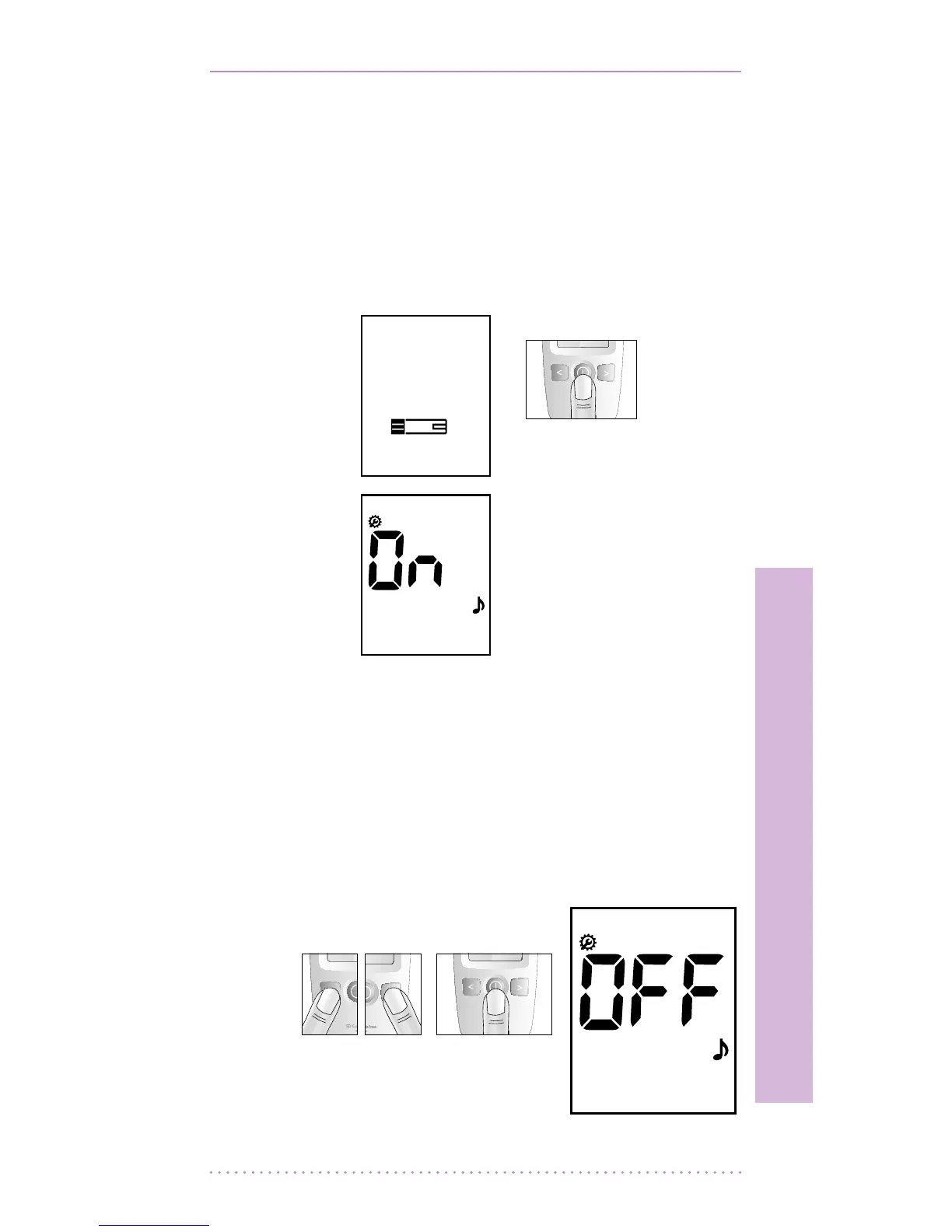
1. In Strip Stand-by Display, press the ON/
OFF button for 3 seconds and the display
for setting the audible beep will be visible.
The spanner symbol is always shown when
in Setup mode.
2. Set the audible beep on or o by pressing
either the left or the right button and then
selecting the preferred feature by pressing
the ON/OFF button. If you select the beep
on feature, a ‘beep’ sound is made at the
same time; otherwise, if you select the
beep o feature, no sound is made.
[ Press and hold ]
for 3 seconds
[ Left or right
button ]
[ ON/OFF
button ]


 To Next Page