18/22 Ref. GPAO : 33502017201_1_1
8. Programming visualisation
The MICS Nexys is factory-set for your application. The user can display this programming as follows:
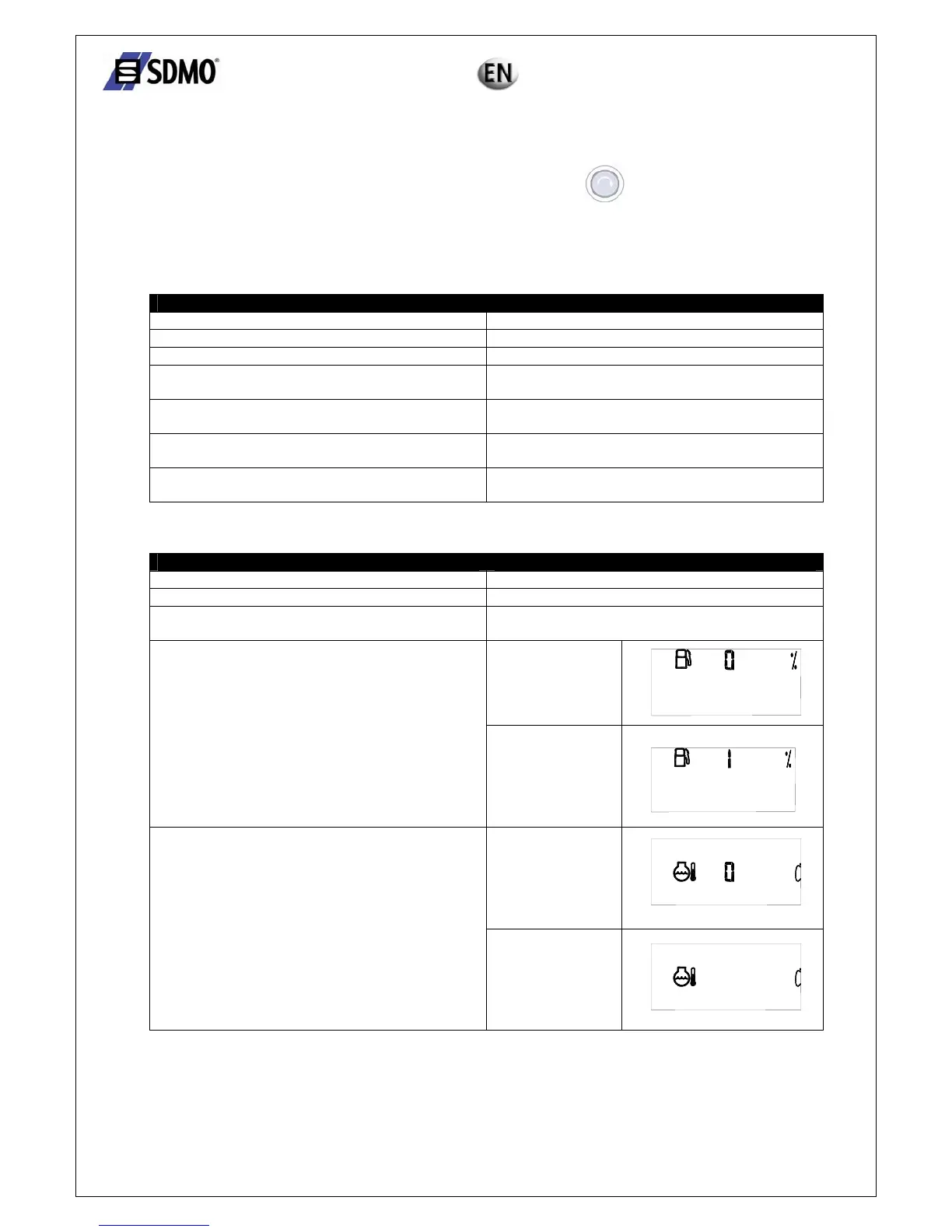
¾ As soon as the Nexys module is switched on (key switch to "ON"), press until the LED test is complete
(until the LEDs go out).
The programming will now appear on the screen. Each parameter appears for 4 seconds, screen by screen.
The parameters appear on the screen in the following order:
Parameter label Possible parameter value(s)
Operating frequency 50, 60 Hz
Nominal speed 1500, 1800, 3000, 3600 RPM
Preheating plug 1 = active, 0 = not active
Micro break and line restoration delay AUT = 1 (active)
AUT = 0 (not active)
Alternator charging fault Active = 1
Not active = 0
Low fuel level Alarm = 0
Fault = 1
Ventilation delay for gas engines Active = 1
Not active = 0
If the "measurements" card has been inserted into the module, the following parameters will appear on the screen:
Parameter label Possible parameter value(s)
Type of line 3P+N, 3P, 2P+N, 1P+N
Nominal voltage (in volts) 208, 220, 230, 240, 380, 400, 415, 440, 480, 500, 600
Current transformers primary current value (in A) 30, 40, 60, 100, 150, 200, 250, 300, 400, 500, 600,
800, 1000, 1200, 1600
No display if
Fuel level
Display if
No display if
Coolant temperature
Display if
1


 To Next Page