HotFind-D Infrared Camera Operation Manual
32
Select “Color Scale” with “△,
+
”and“ ”, and then press “ ” and “ ”
to shift between the images. The images can be previewed during
shifting.
5.7 SDS HotFind-D to act as a Thermometer
5.7.1 Instruction of SDS HotFind-D laser point
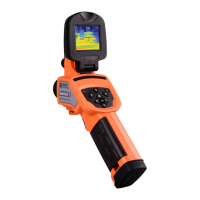
HotFind-D provides the laser pointer function. When observing a target,
the user can select “Setup”-> “Other” -> “Laser on” and press and hold
the trigger to turn on the laser pointer for locating the target (as the
following diagram).
Warning:Laser is harmful to the eyes.
5.7.2 Set the laser point as the measuring instruction
Select ”Setup”->” Analysis Setup” ->”Laser Adjust” -> “On”.


 To Next Page