18
PC-MAC SYNCHRONIZATION
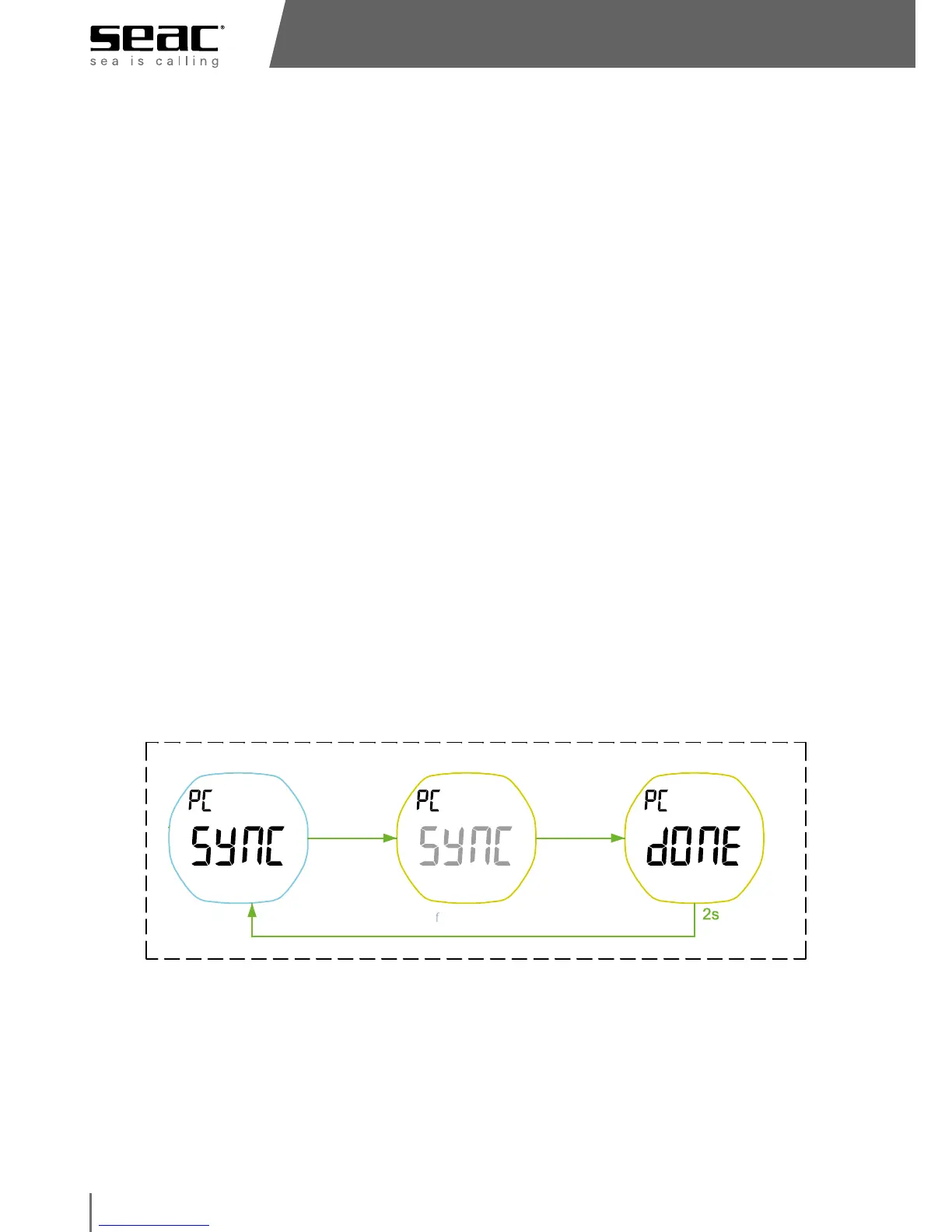
• The Driver automatically activates the PC Sync function when it is connected
to a Mac or PC using the special USB cable (optional). Make sure that the
clamp is properly centered, inserting the two side pins into the correct seats
on the back of the Driver. Before performing this operation, make sure that
the four metal contacts on both the Driver and the plug are very clean to
ensure data transmission.
• To download your data you need to install the dedicated SEAC software for
the Driver to your PC/Mac. You can download it from www.seacsub.com
and follow the instructions for the PC/Mac program to sync and download
your data.
• WARNING!
Using the PC/Mac program, you can set whether or not to keep logbook
data saved to the Driver or whether to delete the memory once the data
have been transferred to your computer. The decision to delete data from
the Driver is irreversible.
While connected with the PC/Mac, you can check for any updates to the Driver
firmware by selecting: Help menu > Software update. The program will check
whether the Driver has installed the updated software, and if applicable it will
perform the update. You need an active internet connection for this function.
sync
start
sync end
PC data sync mode - go to this mode automatically when USB is connected



 To Next Page