EasyManua.ls Logo

Seada SDCP6 - Page 8

Default Icon
26 pages
Print Icon
To Next Page IconTo Next Page
To Previous Page IconTo Previous Page
Loading...
Website: www.seada.co.uk 6/23 E-mail: sales@seada.co.uk
Double-click the below software icon to run this software:
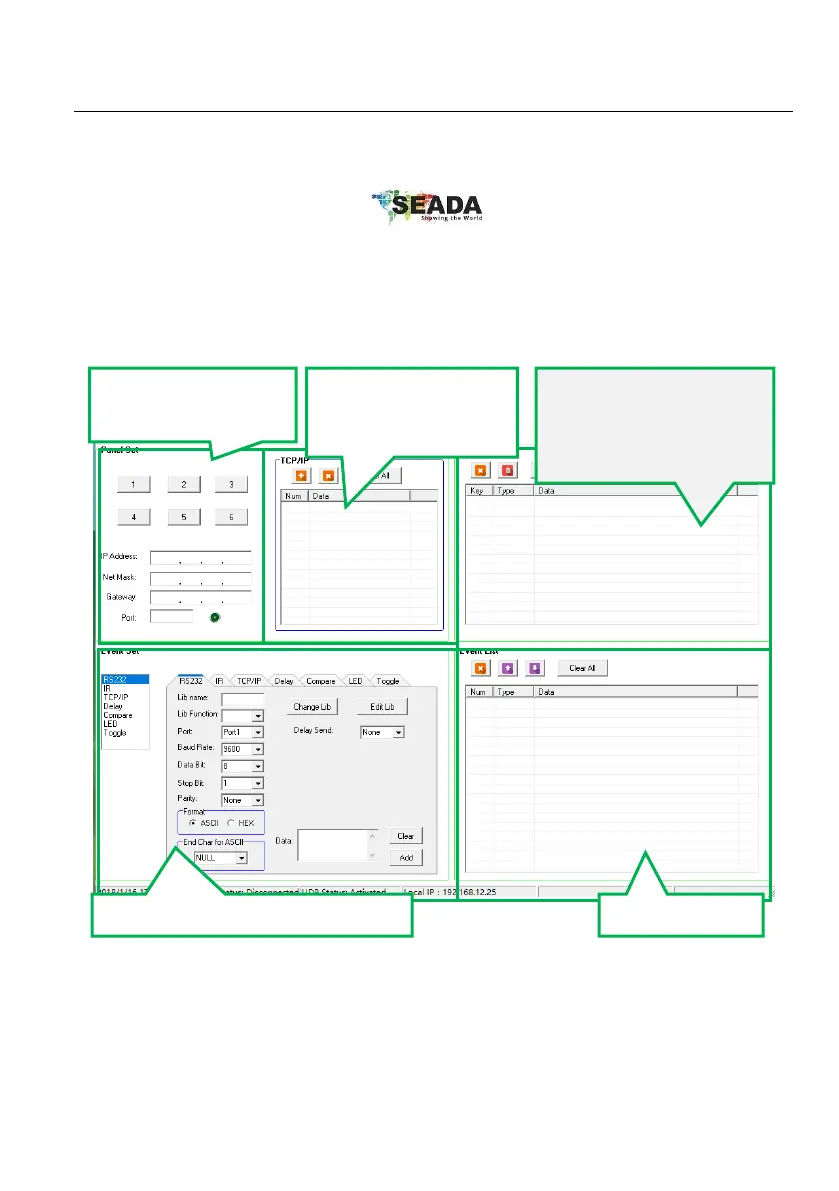
The main window of the Control Panel Software has five parts: Panel Set, TCP/IP, Action List,
Event Set and Event List.
The main window of Control Panel Software is shown as below:

Show IP addresses of
all connected devices
in LAN.
Panel Set: Click “1~6”
to set key action
Set events for the selected action.
Show all events.