36Revision 2.EL950 1.3.1074C 18.6
SET POINT
Displays the factory default Set Point temperature for each machine type. See Temp secon for the specic
machine refrigeraon modes. Ambient snack machines without a refrigeraon system will display 36F.
These temperatures may be adjusted,
The opmal temperatures have been set according to NAMA
specicaons for opmal product safety. Before making any adjustment see Temp and Helath Safety
secon.
DROP SENSOR
Allows you to adjust the Drop Sensor Sensivity; 1 is most sensive and 9 is least sensive. The default
seng is 3 and should not need to be changed.
STEP DISPLAY
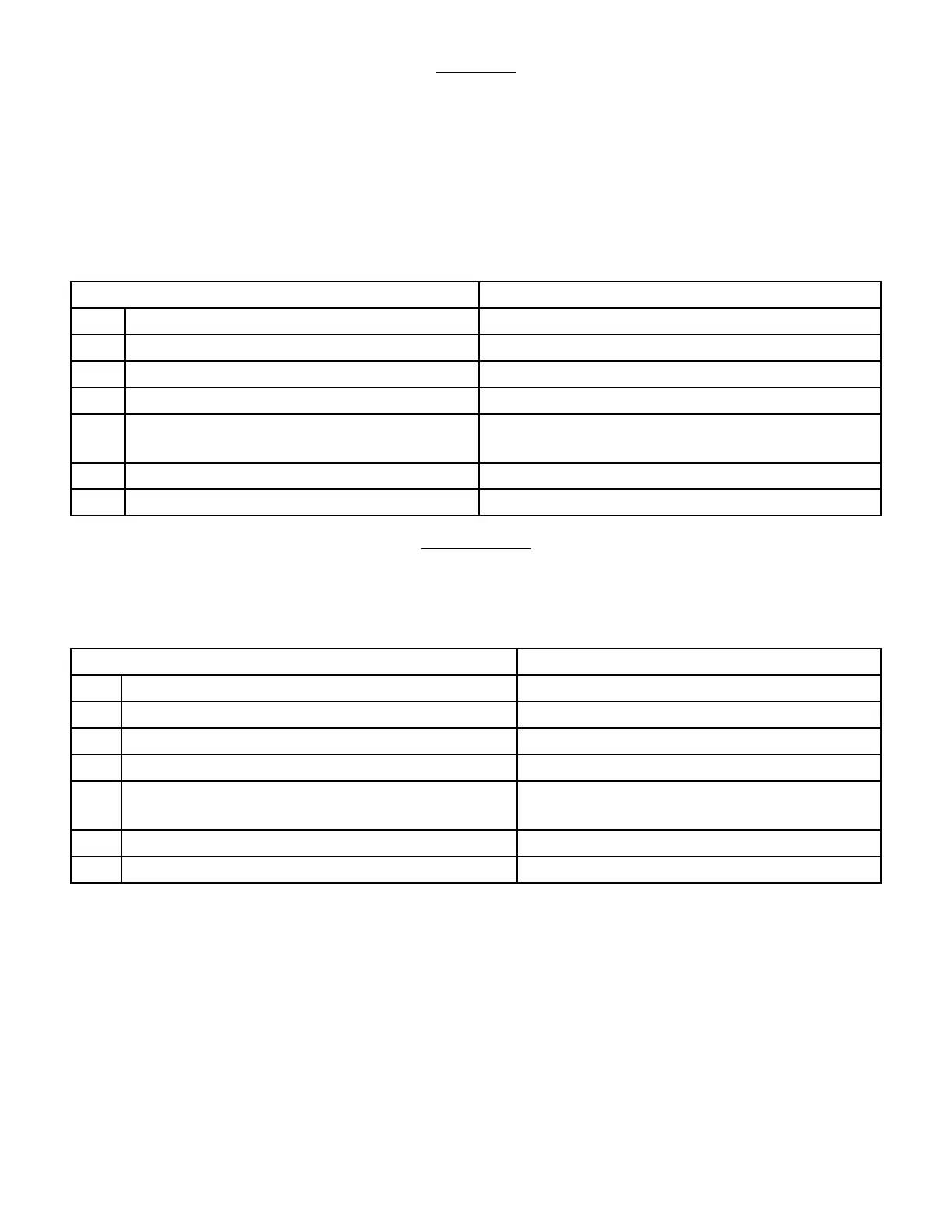
1. Press Service Mode Buon Motor Count or Error Code **
2. Press 5 for Opons Menu Opons
3. Press 8 for Set Point Setpoint (Current Seng)F *-Exit 8-Edit
4. Press 8 to edit the temperature Set Point Setpoint (Choice Flashing)F *-Exit #-Save
5. Connue pressing 8 unl the desired
temperature is shown on the display
Setpoint (New Temp)F *-Exit 8-Edit
6. Press # to save the seng Setpoint (New Seng)F *-Exit 8-Edit
6. Press * three mes to exit 0.00
STEP DISPLAY
1. Press Service Mode Buon Motor Count or Error Code **
2. Press 5 for Opons Menu Opons
3. Press 9 for Drop Sensor Drop Sensor (Current Seng) *-Exit 9-Edit
4. Press 9 to edit the Drop Sensor sensivity level Drop Sensor (Choice Flashing) *-Exit #-Save
5. Connue pressing 9 unl the desired seng is
shown on the display
Drop Sensor (New Temp) *-Exit 9-Edit
6. Press # to save the seng Drop Sensor (New Seng) *-Exit 9-Edit
6. Press * three mes to exit 0.00










 To Next Page