SATA Internal Hard Drive10
Single drive installation
Before you start: DiscWizard is not needed
for this operation. The Windows 2000 and XP
operating systems require SATA host drivers
for embedded motherboards and add-in SATA
host adapter cards to be loaded from a oppy
(diskette) drive. The SATA drivers are usually
contained on the CD that came with your
motherboard or add-in SATA host adapter.
Please extract the drivers to a diskette before
you start the installation. Windows Vista will
allow SATA host drivers to be installed directly
from a CD.
1 First, connect the drive according to the
instructions on page 5.
2 Boot your system to the Windows 7/Vista/
XP, or 2000 CD. If you’re having trouble
booting to the Windows CD, you may need to
change the boot sequence in the system BIOS.
3 When prompted by Windows to install a third
party SCSI or RAID driver, press the “F6” key
then the “S” key when, prompted, to specify
additional devices.
4 Insert the SATA driver diskette or CD and
press enter.
5 Follow the on-screen instructions to nish
installing Windows.
Install additional storage drive
1 Install the drive according to the instructions
on page 4.
2 Boot into Windows 7/Vista/XP, or 2000.
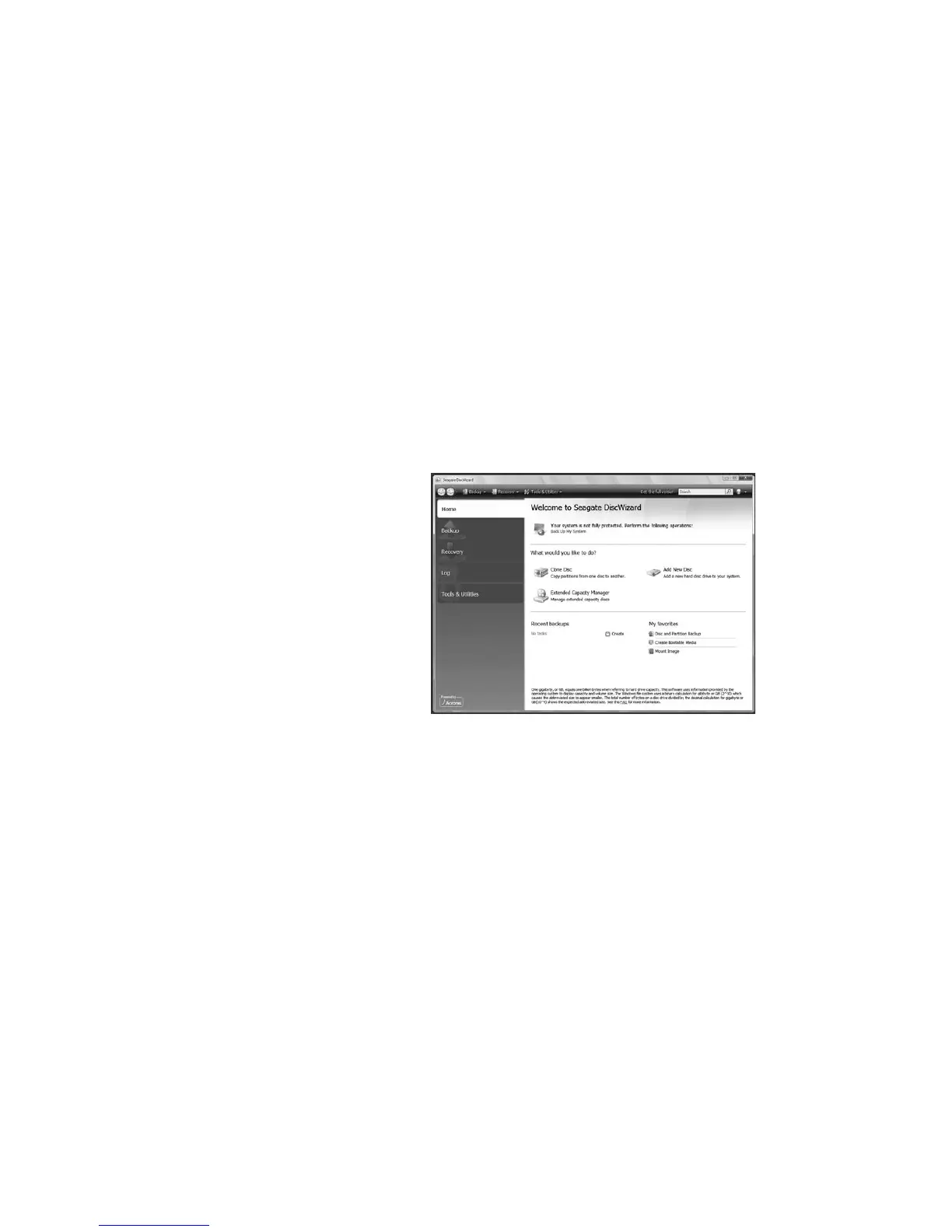
3 Install the DiscWizard software.
4 Choose the Add New Disk option to format
the drive.
Note: Formatting can also be completed by using the
Windows Disk Management Utility in the Control Panel.
For more information, see the support documentation
on the utility CD.
Note: These
instructions assume
that you have one
existing SATA drive
which you will continue
to use as the boot
drive, and that you
are adding your
new Seagate SATA
drive to your PC for
additional storage and
performance.










 To Next Page