SATA Internal Hard Drive8
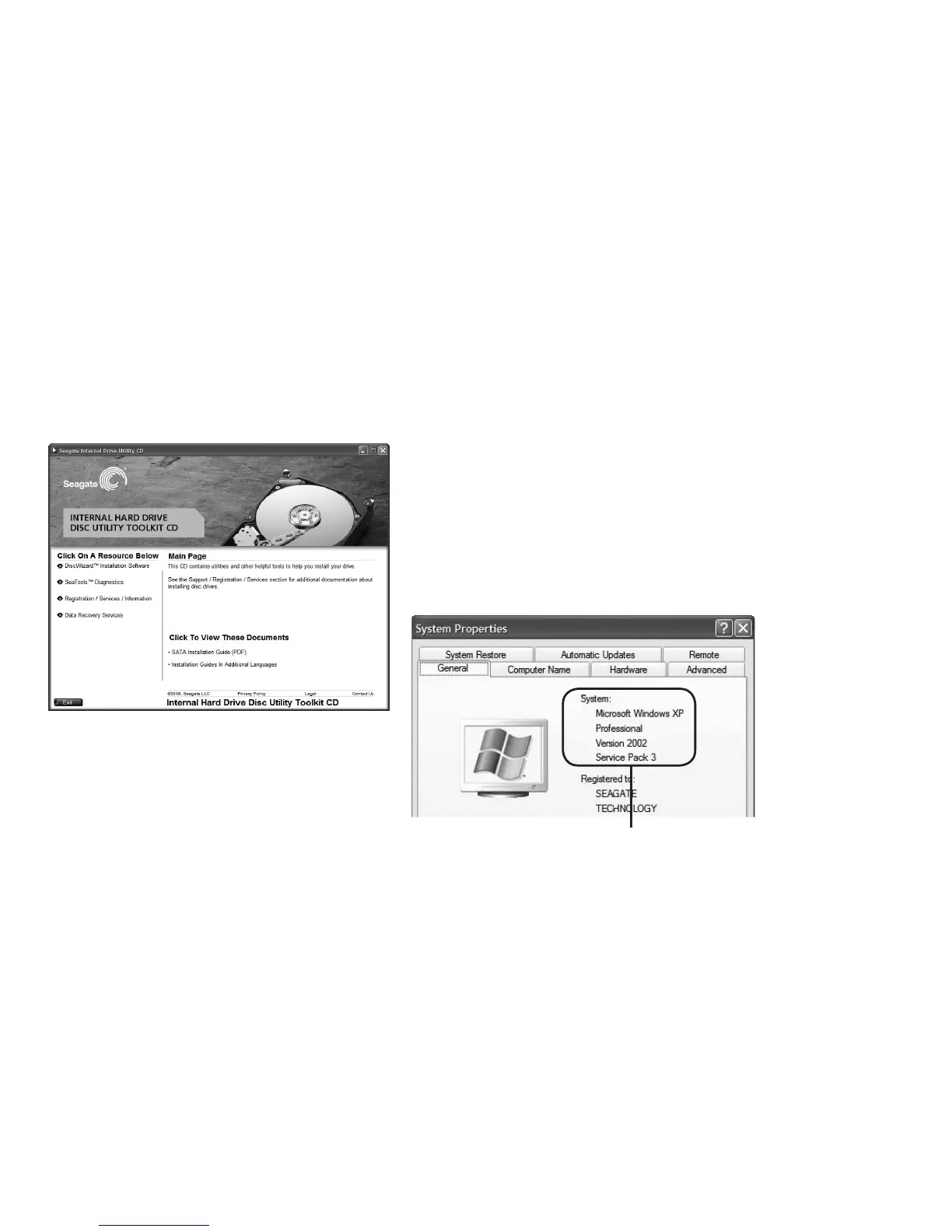
Install DiscWizard
Insert the Seagate Disk Utility CD into your
CD-ROM drive. If the main menu screen does
not appear automatically, browse to your
CD-ROM drive letter and click on restart le.
Install DiscWizard.
Remove the CD when the installation is complete!
Note: Extra features
on the CD include
SeaTools Diagnostic
Utilities, Warranty
Registration, Technical
Documentation, plus
Seagate data recovery
service information.
Hardware and software requirements
for drives larger than 137GB
To properly address the full capacity of drives
larger than 137GB, your system must support
48-bit BIOS and your OS must have supporting
service packs installed. Failure to meet these
requirements will result in data loss when storing
data to the drive beyond 137GB.
Check your OS version by referencing the
printed label on the Installation CD or right-click
the My Computer icon on your desktop and
select the Properties option.
The general tab will display the OS version and
service pack info.
Operating System
and Service Pack










 To Next Page