Installation Guide 7
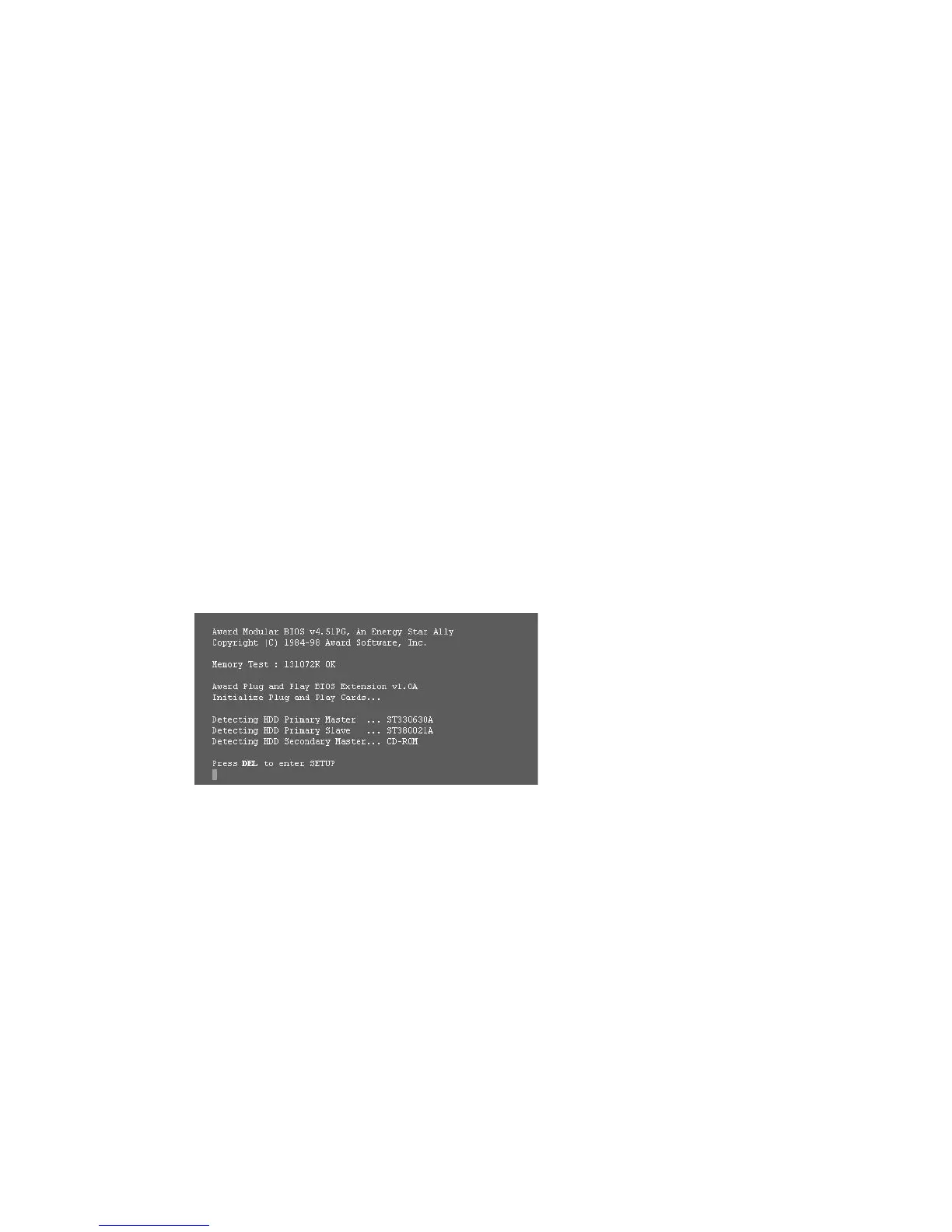
Make sure your computer detects
your drive at start up
If your new drive connects directly to your
motherboard and is not automatically detected
at start up, you may need to run the System
Setup (BIOS) program to enable the SATA ports.
Entering setup is generally achieved by pressing
DEL, ESC, or the F2 key during startup.
Please refer to the documentation supplied with
your system or motherboard to enable the SATA
ports in the system BIOS.
If your new drive connects to an add-in SATA
card, there is no need to enter the system BIOS
to enable SATA disk detection. The add-in card
will automatically detect the drive at start up.
Typical SATA detection message at start up.
Choose an installation option
• Single-driveinstallation
If your computer does not have a working
hard drive, or this is a new system build,
go to the single drive installation instructions
– page 10.
• Installingyournewdriveasadditionalstorage
– page 10.
• Upgradeandcloneoldbootdrivetonew
boot drive – page 11.
• Installingyournewdriveasadditionalstorage
in your Power Mac – page 12.
Note: DiscWizard is not compatible with Macintosh
systems.










 To Next Page