Installation Guide 11
Upgrade and clone
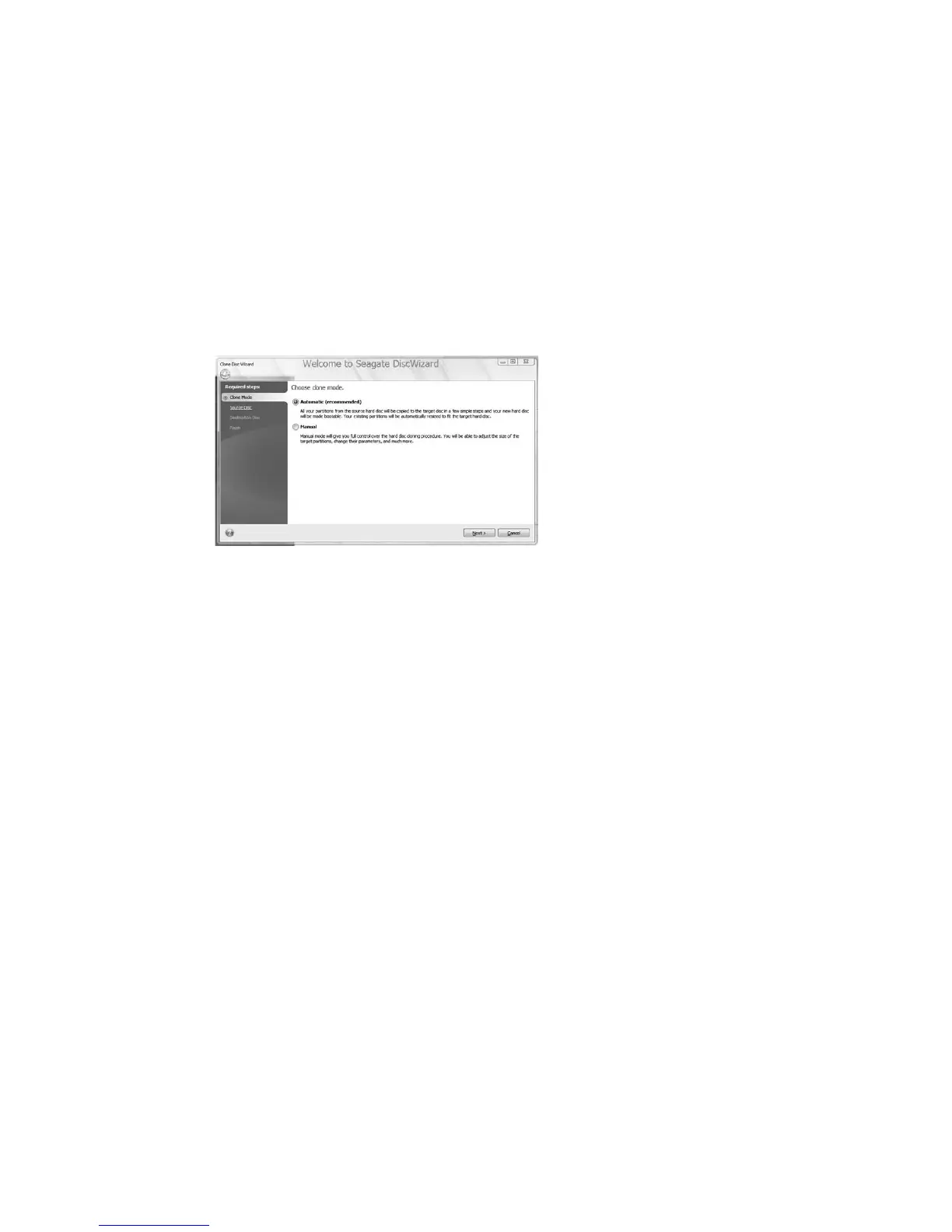
1 Choose the Clone Disk option and select next.
2 Click Automatic (default) and choose next.
3 Highlight your source drive and click next.
4 Choose your destination and select next.
5 Review the layout and select next.
6 Proceed with reboot.
Upon reboot, the clone procedure starts
copying your data. Follow the on-screen
instructions and shut down your system after
the copy.
Windows Vista users need to be ready with the
Vista OS disk for security authentication.
Important: After your system shuts down,
physically disconnect the power and data
cables from your source boot drive and power
the system back on. Upon restart, your system
will boot to your new replacement drive.










 To Next Page