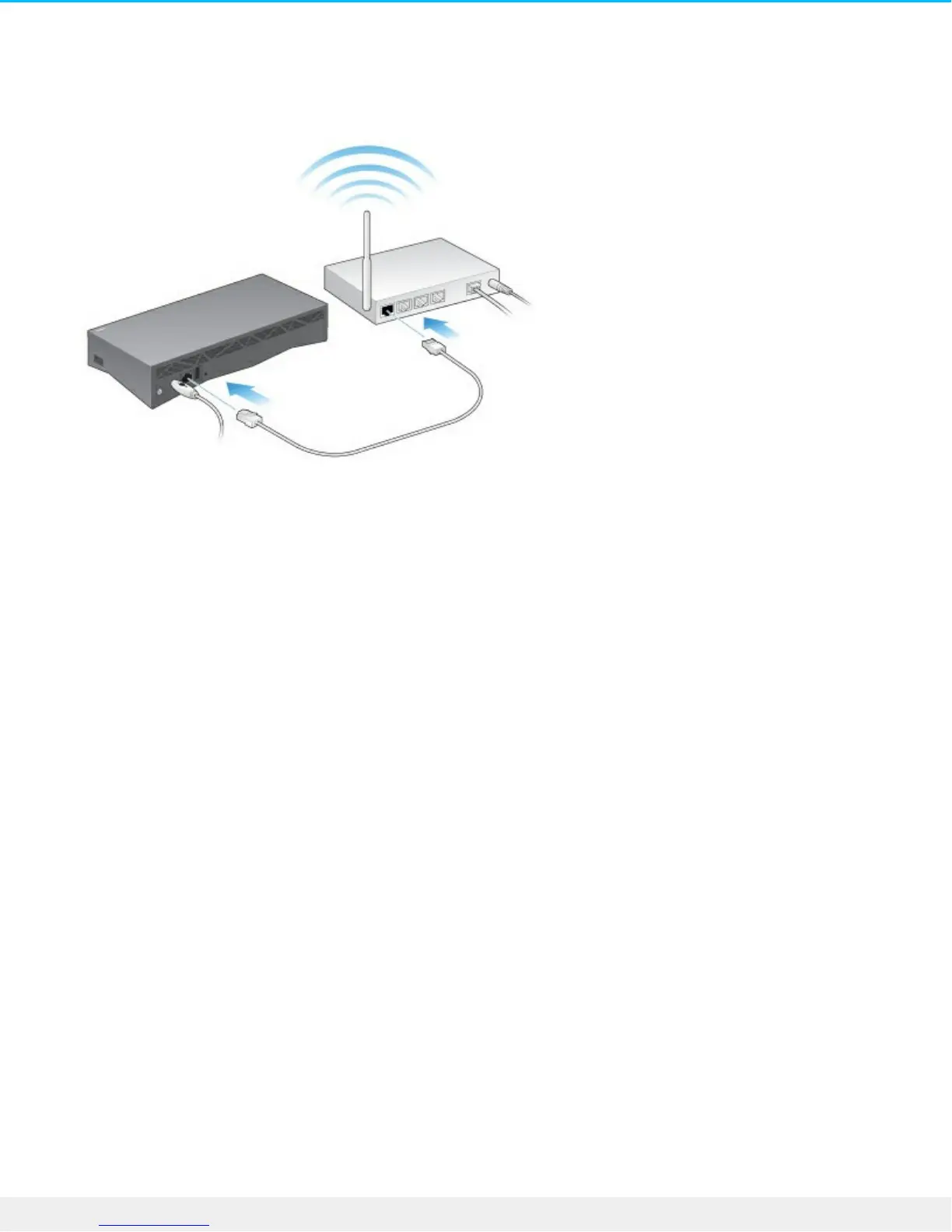
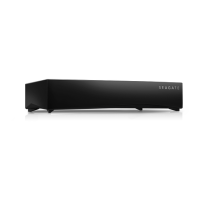
1. Using the supplied Ethernet cable, connect your Personal Cloud to your Wi-Fi router.
2. Attach the power adapter to the Personal Cloud power port, and plug the adapter into a power outlet.
While powering up, the LED on the top of the device quickly flashes white. When the LED is a solid white,
the device is ready to access on your network. For more information about the LED behavior, see LED
Behavior.





 To Next Page