Seagate Video 3.5 HDD Product Manual, Rev. A 22
www.seagate.com
3.4 Drive mounting
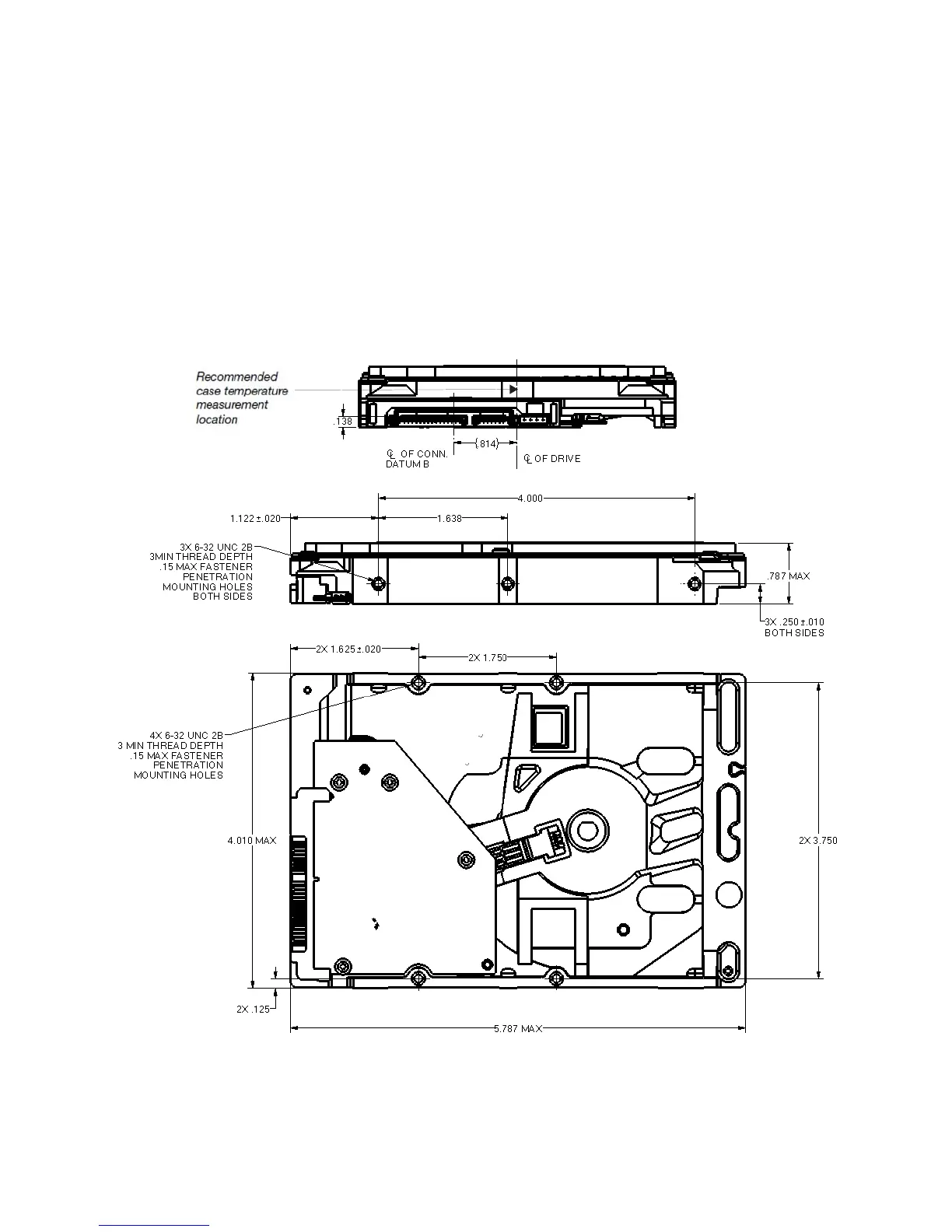
Users can mount the drive in any orientation using four screws in the side-mounting holes or four screws in the
bottom-mounting holes. See Figure 4 for drive mounting dimensions. Follow these important mounting precautions
when mounting the drive:
• Allow a minimum clearance of 0.030 in (0.76mm) around the entire perimeter of the drive for cooling.
• Use only 6-32 UNC mounting screws.
• The screws should be inserted no more than 0.150 in (3.81mm) into the bottom or side mounting holes.
• Do not overtighten the mounting screws (maximum torque: 6 in per lb).
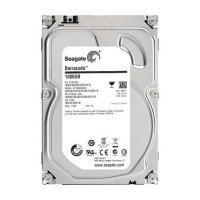
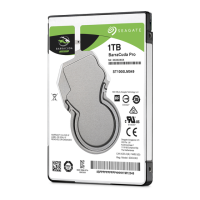
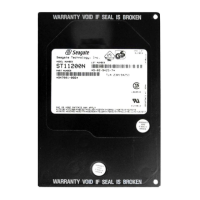
Note. Image is for reference only, and may not represent actual drive.
Figure 4 Mounting dimensions (1TB model)
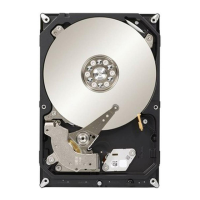
Note. Image is for reference only, and may not represent actual drive.




 To Next Page