20
Scorpion 40 DDS-4 Product Manual, Version A
Mounting an internal Scorpion 40
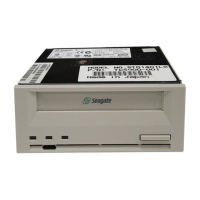
You can install your Seagate internal DDS drive
horizontally or vertically (on its side). Figure 8 shows a
3.5-inch drive being installed in a typical system using
side mounting screws.
Mounting the drive in a 3.5-inch drive bay
Mount the drive in a 3.5-inch drive bay and secure it
using two M3.0 metric screws on each side of the
drive. Do not use non-metric screws or screws longer
than 4 mm or you may damage the drive. As shown in
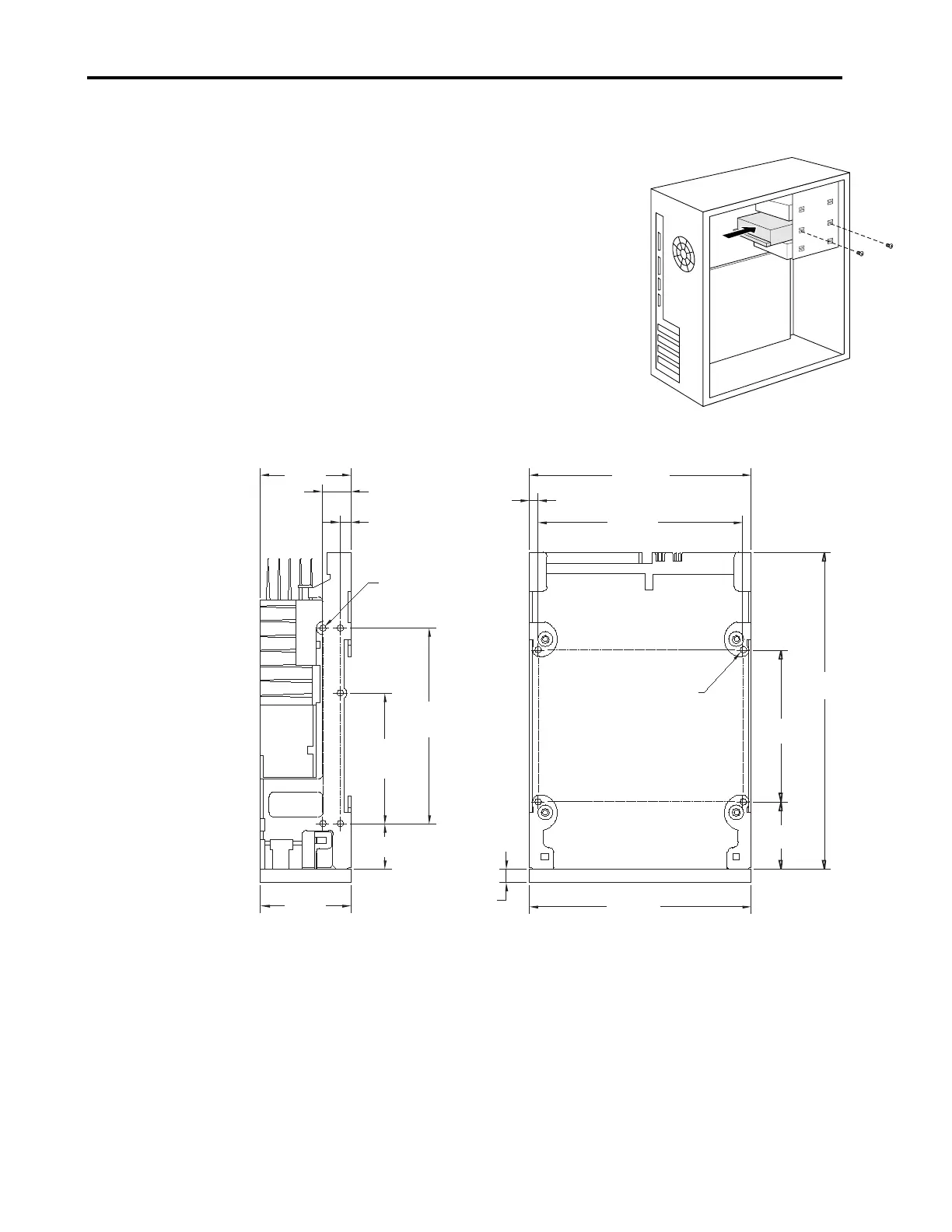
Figure 9 below, the 3.5-inch drive has four screw holes
on the bottom and five on each side.
Figure 8. Mounting a drive
41.3 mm
(1.63 in)
101.6 mm
(4.00 in)
101.6 mm
(4.00 in)
94.0 mm
(3.70 in)
3.8 mm (0.15 in)
13.0 mm (0.51 in)
2 places
5.0 mm (0.196 in)
2 places
90.0 mm
(3.54 in)
2 places
70.0 mm
(2.75 in)
6.0 mm
(0.24 in)
31.0 mm
(1.22 in)
146.0 mm
(5.75 in)
41.2 mm
(1.62 in)
60.0 mm
(2.36 in)
2 places
21.0 mm (0.83 in)
2 places
Side View
Bottom View
M3.0 x 4 deep min.
(10 places)
M3.0 x 4 deep min.
(4 places)
Note: Tolerance for all dimensions is 0.25mm (0.01 in)
Figure 9. Mounting holes for Scorpion 40 drive in 3.5-inch configuration (without
mounting brackets)



 To Next Page