Drive operation and maintenance
29
Write-protecting a cartridge
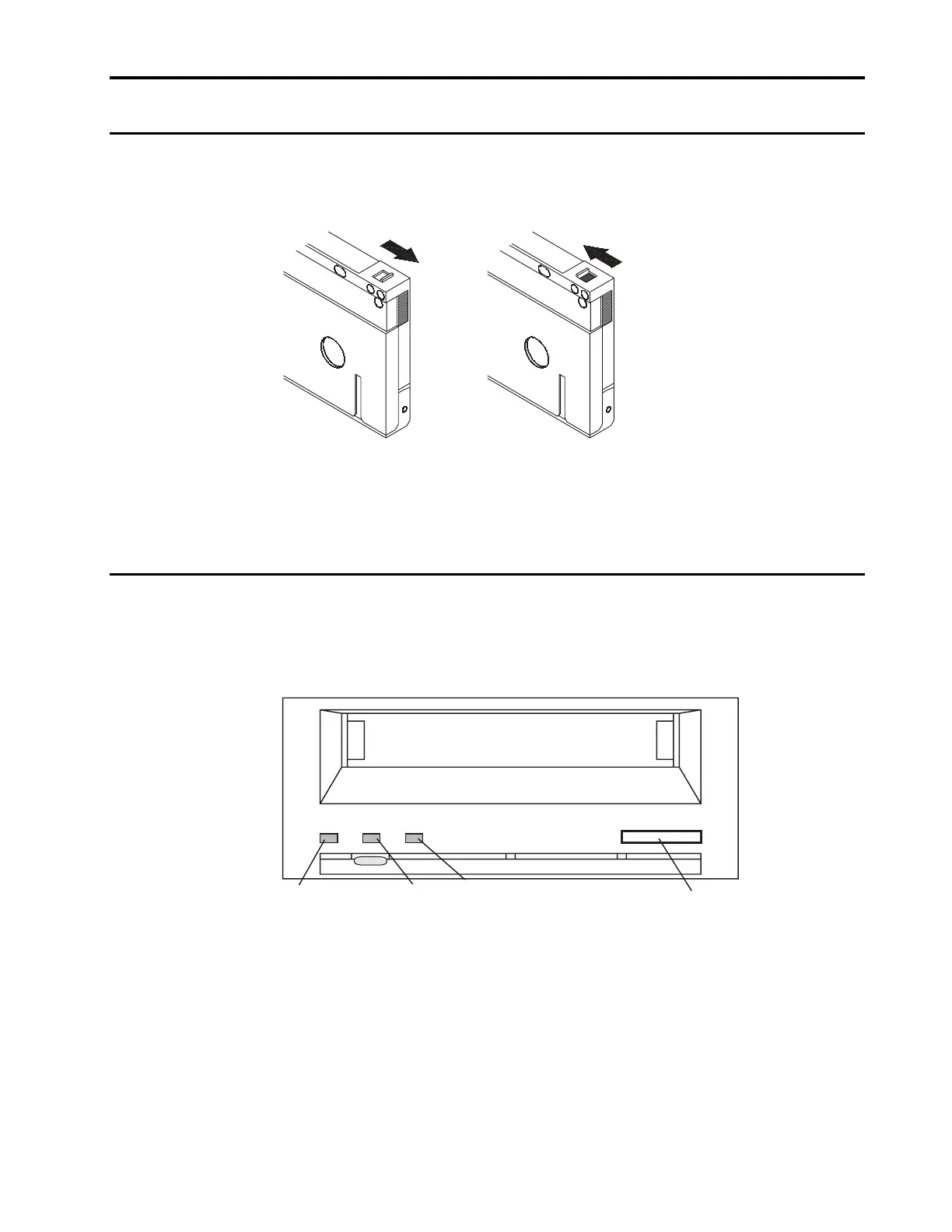
Figure 18 shows how to write-protect or write-enable a DDS tape using the sliding
write-protect tab. You can only write data to the tape when the tab is in the write-
enabled (closed) position.
Write protected
Write enabled
Figure 18. Write-protect tab on a DDS cartridge
LED codes
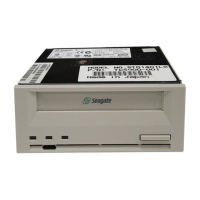
As shown in Figure 19 below, the front panel of the Scorpion 40 contains three
LEDs. These LEDs provide information about both normal and error conditions. The
external Scorpion 40 also includes a green power-on LED on the front panel.
Clean
LED
Media
LED
Eject
Button
Drive
LED
Figure 19. Front panel of internal Scorpion 40 (external drive is similar)



 To Next Page