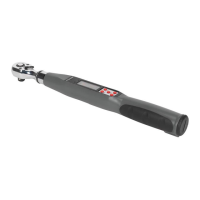
4. operation
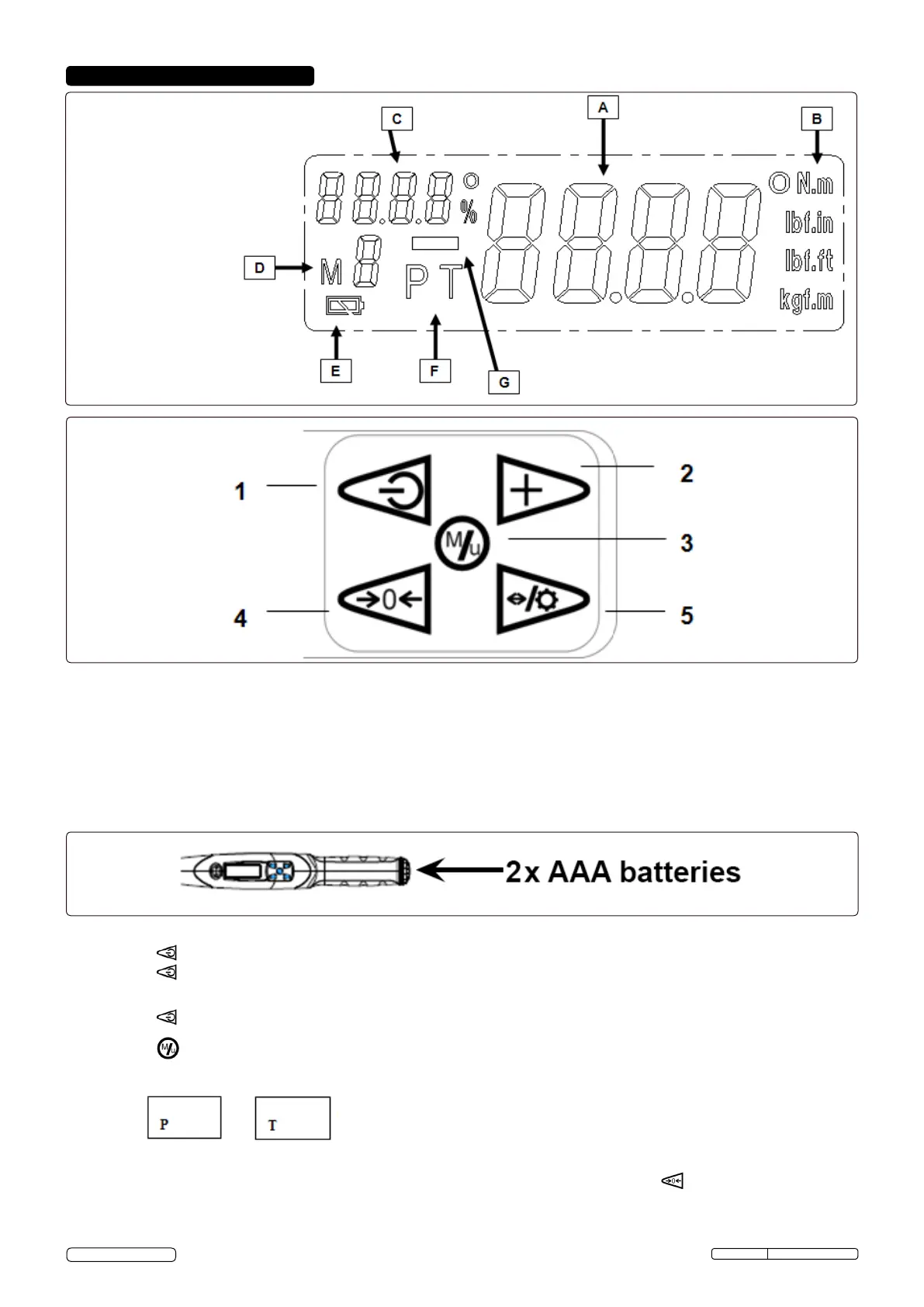
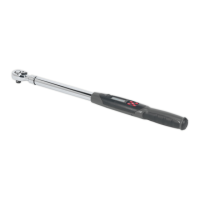
4.1. Display
A: Real-time torque value
B: Torque units
C: Target torque indicator
D: Memory storage numbers
E: Battery indicator
F: Peak / Track mode
G: MINUS symbol for counter- clockwise
rotation
1. Power ON / OFF button.
2. Memory storage numbers selection / setting button.
3. Memorise the torque setting value.
4. Button to zero the torque values.
5. Button for display illumination (hold for 3 seconds) / for selecting the next digit.
4.2. Control Panel
4.3. Preparation for use
4.3.1. Open the cover of the battery compartment by turning it counter-clockwise.
4.3.2. Insert two AAA batteries positive end rst, push the battery cap on against the spring and screw clockwise to lock.
Note: DO NOT mix the type of battery or use new/used ones together. Keep the battery terminals clean. If the battery voltage is low, the
battery symbol will be displayed on the screen and soon afterwards the wrench will turn off. Replace batteries.
4.4. Turning the tool on / off
4.4.1. Press button to turn on. The buzzer sounds and on the display all readouts will be displayed at the same time for a moment
4.4.2. Press button again to turn off the electronic system.
4.5. Peak and Track Mode Setting
4.5.1. Press to turn the wrench on. After turning on the display, the default is in “ Track “ mode, i.e. the real-time torque reached
during operation will be displayed.
4.5.2. Press button to select:
(Peak) mode or back to (Track) mode.
4.5.3. During the “Peak” mode, the maximum value reached will be saved additionally and the value is shown on the display for approx. 2
seconds. After that, this value is ashing then you can keep going for the next application or press button to zero then keep going
for the next application.
STW308 Issue: 1 - 14/05/14
Original Language Version
© Jack Sealey Limited


 To Next Page