4.6. Unit Selection
4.6.1. Enter the selecting mode by pressing and holding the button for 5 seconds.
4.6.2. is shown on the screen, select the units between N.m/ lbf.ft/ lbf.in/ kgf.m by pressing button.
4.6.3. Press button to conrm the unit selection. The wrench will switch to the setting of Auto Power Off.
Caution:
If no button is touched within 3 seconds, the wrench will remain at the last selection of unit, and return to measuring mode.
4.7. Auto power off setting
The torque wrench will be turned off automatically without any buttons being touched over a period. Change the auto –off
setting as follows:
4.7.1. Once the unit is selected, the default Auto-Off time (5 mins) will be shown on the screen.
4.7.2. Wait for 2 seconds without touching any buttons, or press button to remain on the default setting.
4.7.3. Change the wrench’s Auto-off time by pressing button. Select the shut-off time between 5 minutes, 15 minutes or “off”
to turn off the Auto-off function.
4.7.4. Press button to conrm the selection. The wrench returns to measuring mode.
Caution:
If no button is touched within 3 seconds, the wrench will remain at the last selection of unit, and return to measuring mode.
4.8. Programming the Torque value
4.8.1. The wrench has ve presets for setting the target Torque value.
4.9. Target Torque Setting
4.9.1. Press button to turn the wrench on.
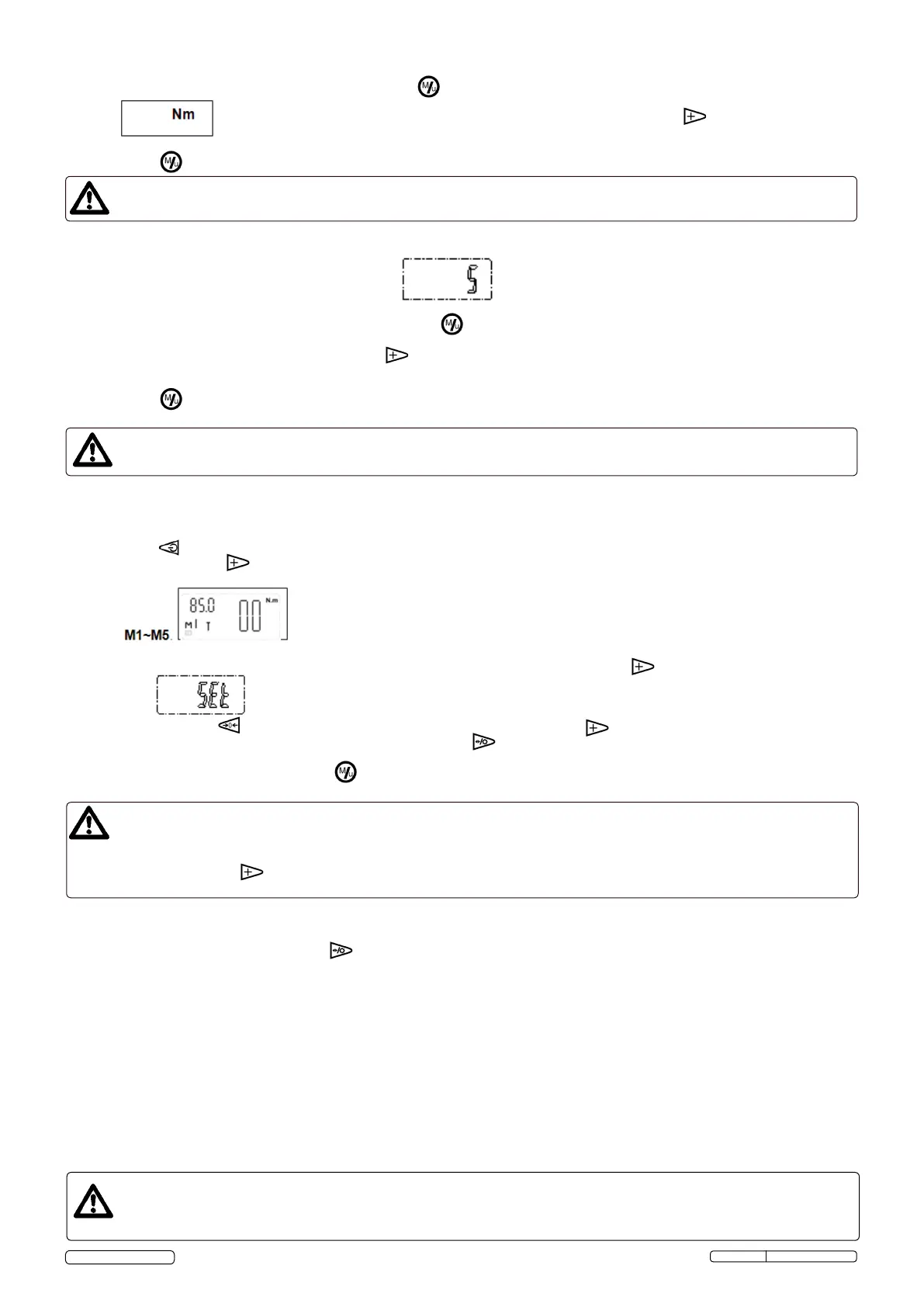
4.9.2. Press and hold the button for 5 seconds (more than if required) to select the memory storage number between
4.9.3. Once the memory number is chosen, access the target Torque programming by pressing the button.
4.9.4. When is shown on screen, the “0000” or last saved torque value is displayed. The rst digit of this value (“0000”)
is ashing. Press button to zero the last saved value OR by repeatedly pressing button, the value of the ashing digit is
gradually increased. When the desired value is achieved, press button to skip to the next digit. Repeat this process for all the
digits, (ones, tens, hundreds etc.)
4.9.5. When the required torque is set, press to save the pre-set value.
Caution:
“Erro” will be shown on the screen, when the pre-set torque does not exceed the minimal torque of 10% FS or over the 100%
of torque value. After 1 second, the wrench returns to target torque value setting.
After pressing the “ “ button access the torque setting mode, if no buttons are touched for 3 seconds, the torque
wrench will quit automatically and return to measuring mode.
4.10. Turning the display illumination on/off
4.10.1. The display illumination can be turned on prior to or after programming the torque.
4.10.2. In order to do this, press and hold the button for 5 seconds.
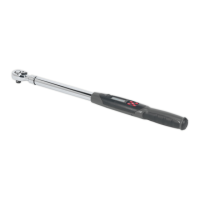
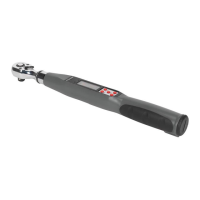
4.11. Operating the torque wrench
4.11.1. Select the socket required for your work.
4.11.2. Place the tool on the bolt or nut. Grip the torque wrench handle and pull on the wrench with quick movements. Avoid jerky
movements.
4.11.3. With the target torque pre-set, the target value is indicated on the screen.
4.11.4. The LED light will be ashing GREEN when you are in the upper 50%-98% of the programmed torque value.
4.11.5. When you approach the programmed torque value in (+/- 5Nm) the buzzer will sound.
4.11.6. When you are within 2% of the programmed value, the RED light will be seen and you will feel a vibration in the handle. Once +/-
2 Nm of the desired torque value is achieved, the buzzer will emit a quicker sound sequence.
4.11.7 When you are over 2% of the programmed torque, the buzzer will emit a continuous tone, the LED will turn GREEN and a vibration
will be felt in the handle.
4.11.8. During the peaK mode, the maximum value reached will be saved additionally and the value is shown on the display. After releasing
the wrench for approx. 2 seconds, this value is ashing, then you can keep going for the next application.
ATTENTION: When you hear the continuous tone, stop pulling immediately in case the target torque is low.
Caution:
Never use the torque wrench when it has a low battery. The wrench’s accuracy will be affected.
“----” will be shown on the screen, when applying torque is exceeded at 100% of the maximum torque value.
STW308 Issue: 1 - 14/05/14
Original Language Version
© Jack Sealey Limited


 To Next Page
 Loading...