B-1
© 2013 SeaStar Solutions i6800 Installation Supplement, Rev. C
APPENDIX B USING THE COLOR CANtrak
DISPLAY
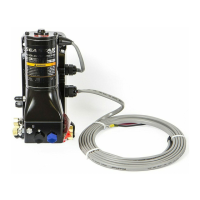
The color CANtrak is a powerful tool that can be used to set up
the i6800 actuators and perform software updates. Note that the
CANtrak is used as a display on other products, so this section will
describe functionality that will not be used for i6800 setup.
B.1 Display Navigation
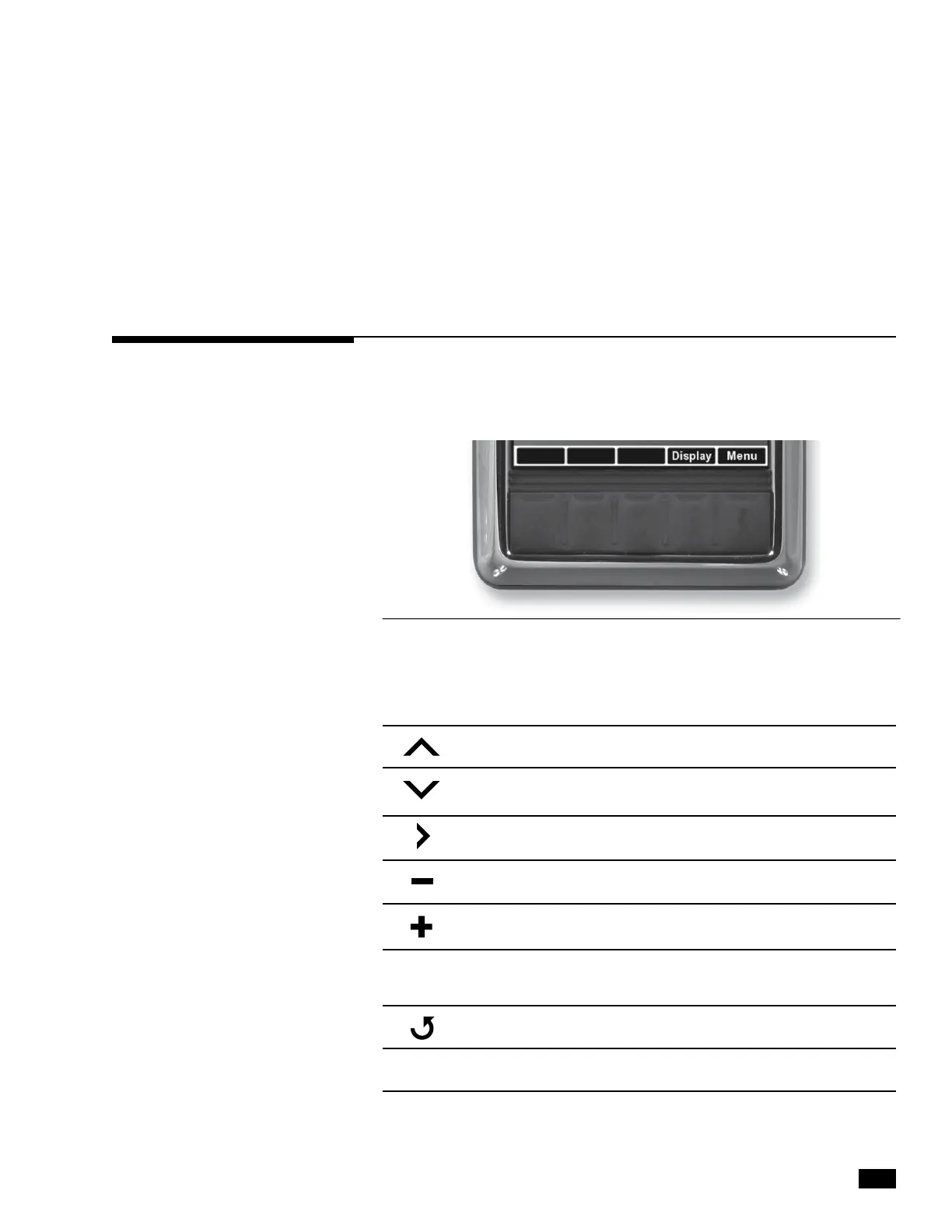
The five buttons at the bottom of the unit are used to select various
actions. The five boxes at the bottom of the display screen will indicate
the legend for each button. These legends vary based on what is on
the screen.
Figure B-1. Navigation buttons and legend.
WORD
OR SYMBOL IDENTIFIES A FUNCTION OR SETTING
Moves the cursor up the screen to the next item.
Moves the cursor down the screen to the next item.
Enters the sub-menu at the cursor location.
Reduces the setting of the selected item.
Increases the setting of the selected item.
Accepts a given statement or condition and advances
to the next screen.
Returns to previous menu.
Saves change and returns to previous menu.
OK
Save



 To Next Page