Air conditioning168
Switching the air conditioner on/off
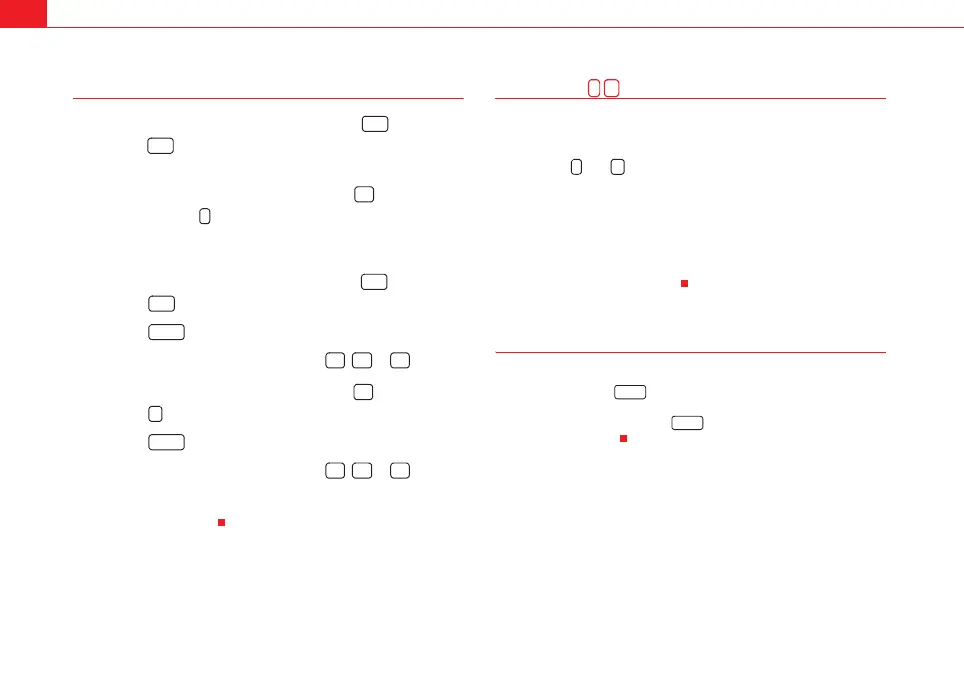
Switching the air conditioner off: models with an button
– Press the button. The air conditioner is switched off and the
supply of air from outside the vehicle is cut off.
Switching the air conditioner off: models with a button
– Keep pressing the button for the blower until the display
segment is empty. The air conditioner is switched off and the
supply of air from outside the vehicle is cut off.
Switching the air conditioner on: models with an button
– Press the button again, or
– Press the button or
– Press one of the air distribution buttons , or .
Switching the air conditioner on: models with a button
– Press the button for the blower, or
– Press the button or
– Press one of the air distribution buttons , or .
The air conditioner also starts to operate if one of the blower or temperature
selector buttons is pressed.
Blower speed
The automatically selected blower speed can be reduced or
increased manually.
– Press the and buttons in the centre of the control panel
⇒ page 164, fig. 141 to set the blower to the desired speed (and
regulate the volume of air delivery).
The air conditioner system automatically regulates the blower speed
according to the interior temperature. However, you can also adjust the air
delivery manually. The current blower setting is illustrated by a bar in the
middle display (above the buttons).
Automatic change of passenger temperature
In order to automatically set the passenger temperature like the driver
temperature, press the button on the driver side for 2 seconds approx-
imately. In order to automatically set the driver temperature like the
passenger temperature, press the button on the passenger side for 2
seconds approximately.
OFF
OFF
-
OFF
OFF
AUTO
+
AUTO
- +
- +
AUTO
AUTO
ExeoST_EN.book Seite 168 Freitag, 3. September 2010 11:41 11


 To Next Page
 Loading...