APOLLO 600+
PG 10 TESTED. TRUSTED… WORLDWIDE.
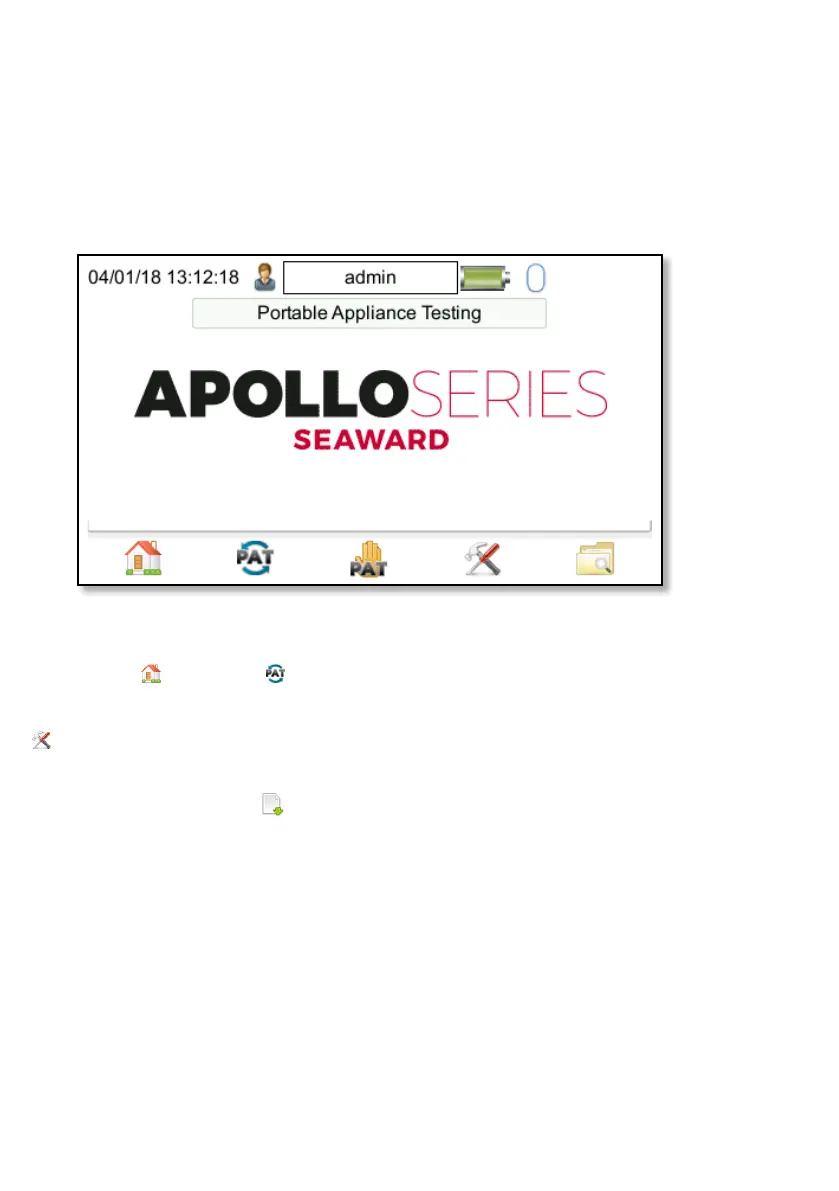
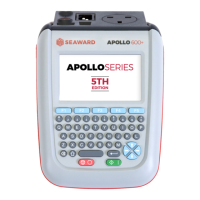
User options can be accessed from the
Home screen by selecting (F1) for
the Portable Appliance Testing window
and then selecting the Tools function
(F4).
User options consist of three pages,
which can be accessed using (F3):
Page 1 allows the Asset ID, Start
Increment, On Test Fail, After Test,
Leakage Result, Earth Result, Earth
Reverse and Substitute Leakage Factor
parameters to be changed.
Page 2 allows the Comments, New
Comments, CheckBox Interval and
Comment Lines to be setup.
Page 3 can be used to delete single
items from the defaults lists; Site List,
Location List, Comments: Description,
Comments: Make, Comments: Model,
Comments: Asset Group, Comments:
Manufacturer, Custom Test: Test Name,
Custom Test: Test Units and Custom
Test: Test Results
Use (F2) to delete the selection as
required.
USER OPTIONS
PAT SETTINGS
PAT Settings are used to setup standard user preferences, such as the options after
each test.


 To Next Page