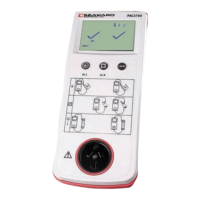
PAC3760 plus
Operating Instructions
8
Power ON/OFF = press and hold the Class I and Class II
test buttons simultaneously, PAC3760 plus will power
on/off when buttons are released.
Note: The unit will automatically switch OFF after
approximately 3 minutes if no keys are pressed.
3 Performing Tests
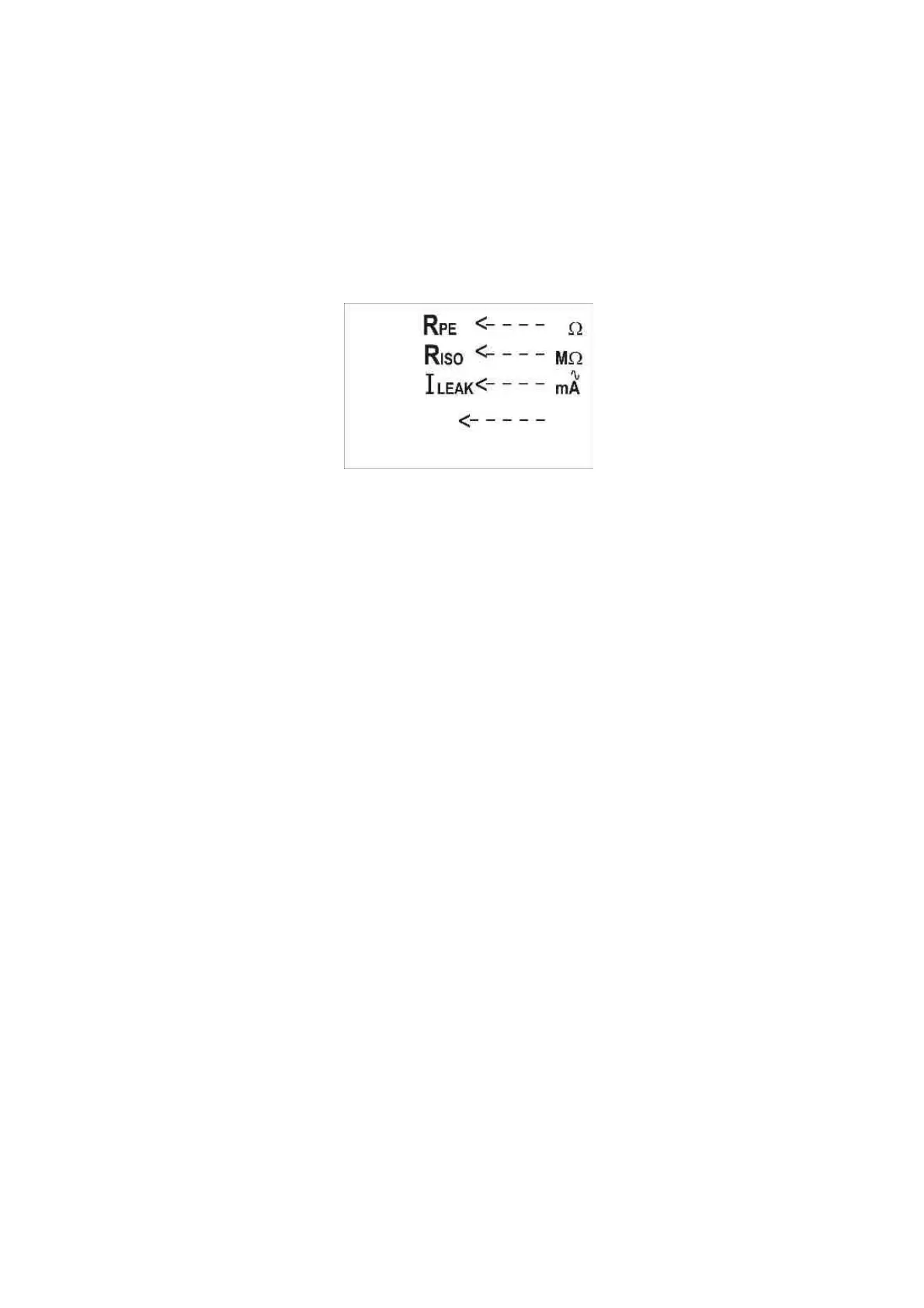
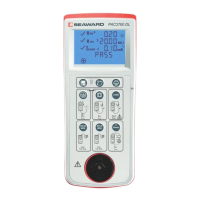
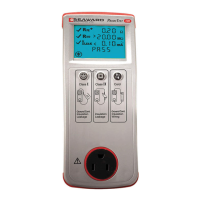
Press keys Class I and Class II test buttons together to
switch on the unit. When the unit is ready the display will
be as shown below.
3.1 Testing a Class I Appliance
Visually inspect the appliance as per requirements of
AS/NZS3760:2003. If the appliance passes a visual
inspection proceed with the electrical tests.
Plug the earth test lead into the Earth Continuity test
terminal on the PAC3760 plus end panel.
Plug the appliance into the PAC3760 plus front panel test
socket.
Connect the earth test lead to an exposed metal part on the
appliance.
If the Appliance under test has an ON/OFF switch, make
sure it is in the ON position.
Press the Class I test button to start a Class I test sequence.
The PAC3760 plus will now test the continuity of the
protective earth.





 To Next Page