Chapter 4
15
4.6.4 Connecting SEBAPuls 20 / 120 with SDI-12 output
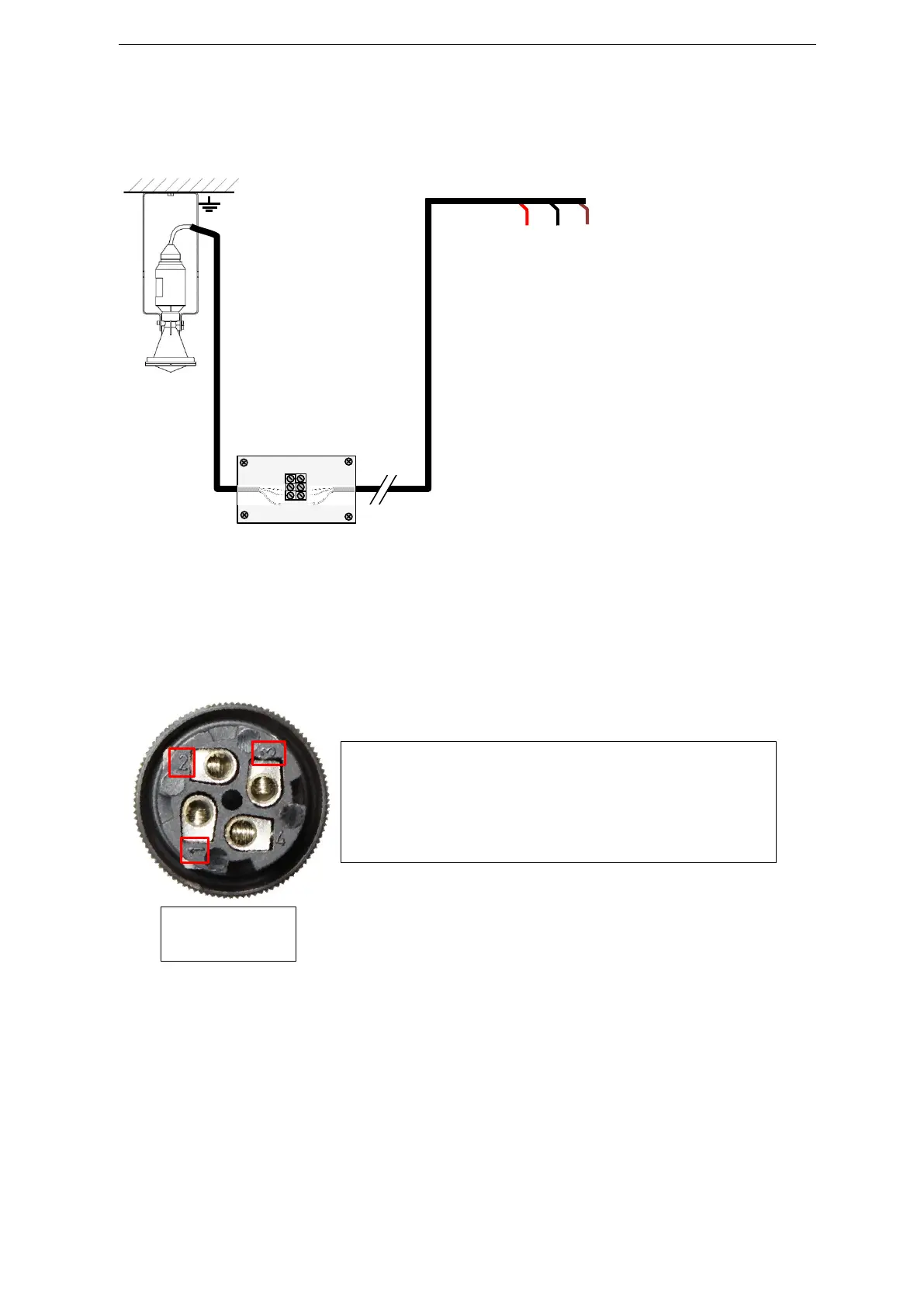
The SDI-12 output of the sensors SEBAPuls 20 / 120 is provided directly without converter. The wiring
of the sensor has to be performed according to the following terminal assignment:
Depending on the configuration of the data logger, you can connect SDI-12 sensors either with a
M12-plug or wire them on a mounting rail with terminal strip, provided that the data logger has a
SDI-12 sensor input.
In case you connect the SDI-12 sensor with a M12-plug to the data logger, consider the following pin
assignment for mounting the plug to the sensor, if this has not been prepared at the factory.
In case you wire the SDI-12 sensor on a mounting rail with terminal strip, additionally consider the
wiring diagram included in delivery.



 To Next Page