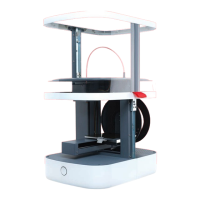
The printer requires a manual connection to be established
between your printer and the computer, in which a USB port is
identified for the printer’s use.
This simple procedure is described below.
Establishing a connection:
• Connect your computer to the printer using the USB cable
supplied. Ensure you have an internet connection.
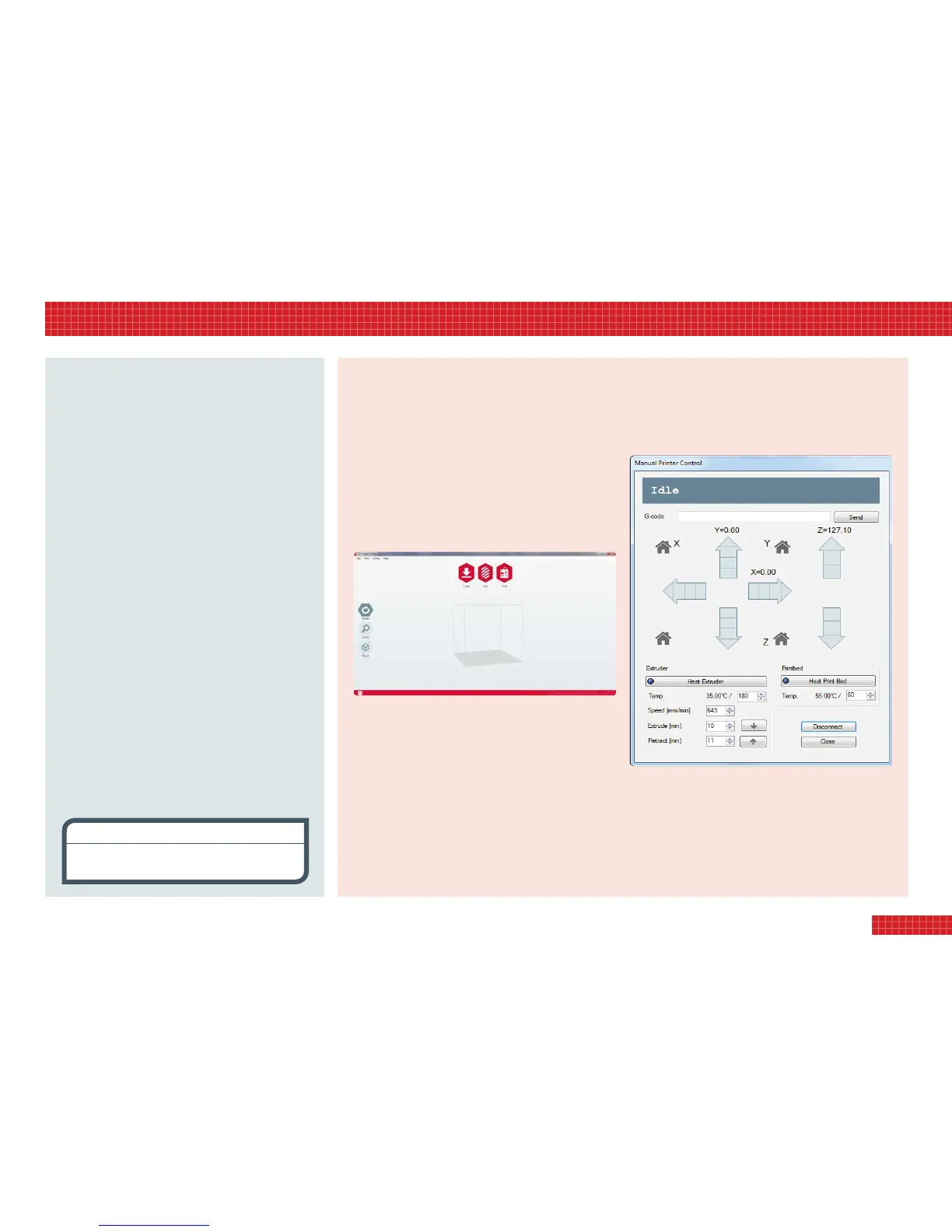
• Launch the 3D Create & Print software; a screen will appear
showing the object control field (below).
Windows
• Go to the Config menu and select Printer Settings.
• If the port is showing in the drop-down Connection menu,
then the printer is already connected.
• If the port is not showing, click Refresh Ports and it will
appear. Click Apply, and then OK.
Mac
• To access port connection, go to the 3D Create & Print menu
and select Printer Preferences.
• Select a port, and click OK.
Testing the connection to the printer:
Windows
• Go to the Config menu.
• Select Manual Printer Control (below), and click Connect.
• You will now be prompted to calibrate your printer before
attempting to print for the first time. Please see overleaf for
details on how to do this.
Mac
• Go to Printer and select Manual Control.
• Click Connect.
VISIT www.3dprinter-collection.com TO DOWNLOAD AND INSTALL THE SOFTWARE
7
connect & test the printer
3. connecting & testing your printer
Visitwww.3dprinter-collection.comtodownloadthe
3DCreate&Printsoftware.PleaseensurethatyourPCor
Macmeetstheminimumspecicationrequirements.
Illustrationsinthisquick-startmanualapplytoWindows
software;detailedMacinstructionsareavailableinthe
full-lengthpdfguidefromwww.3dprinter-collection.com.
Windows
• Operatingsystem: Vista and higher
• Graphicscard: OpenGL 1.5 or higher
• Freediskspace: 500 MB
• .NET 3.5 required
Mac
• Operatingsystem: OS X 10.7 or higher
• Graphicscard: OpenGL 1.5 or higher
• Freediskspace: 500 MB
Downloading and installing for Windows
• Double-click the Windows version, then choose where to
save the program and whether to create a desktop short
cut. Once selected, the program will download.
Downloading and installing for Mac
• Double-click the download link.
• Double-click the installer.
• Click & drag the 3D Print app into the Applications folder.
download the software
licensing
3DCreate&Printincorporatesopensourcesoftware
les,licensedundertheApachelicence,version2.0.


 To Next Page
 Loading...