52 •
6.2 Additional functions (menu)
Additional functions are available in the menu for the
scales. This allows you to configure the scales perfectly
to your own needs.
* The menu item "rF" is described in section “Operate
scales in a wireless group (menu)" on page 58.
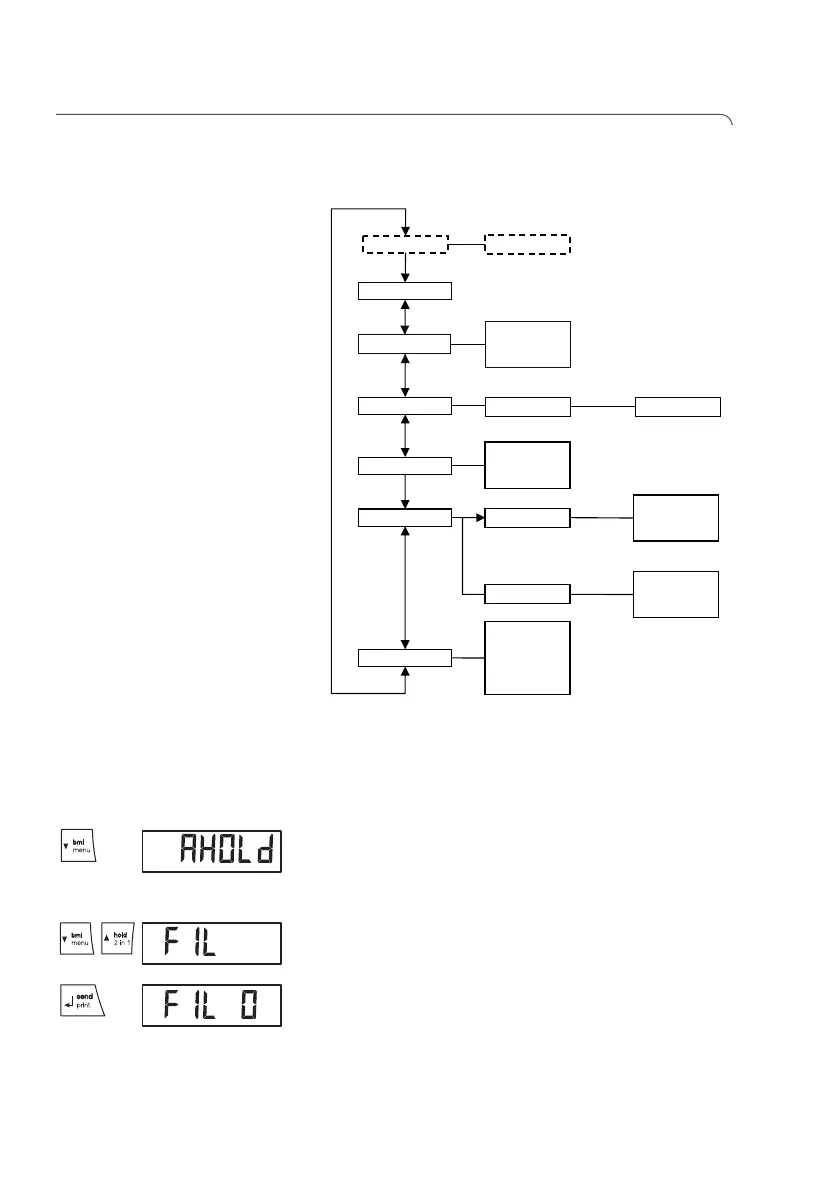
Navigate in the menu 1. Switch on the scales.
2. Hold down the arrow key (bmi/menu) until the
menu is called up.
The last menu item selected is shown in the display
(here: Autohold "Ahold").
3. Keep pressing one of the arrow keys until the re-
quired menu item appears in the display (here: at-
tenuation "Fil").
4. Confirm your selection with the Enter key (send/
print).
The current selection for the menu item or a sub-
menu is displayed (here level "0").
rF* ….
Reset
Autohold
• on
• off
Fil
• 0
• 1
• 2
Beep
• on
• off
• on
• off
Press
Hold
PT Weight
PT
Net Weight
• on
• off
Autoclear


 To Next Page
 Loading...












