Secure Power Ltd
User Manual
25
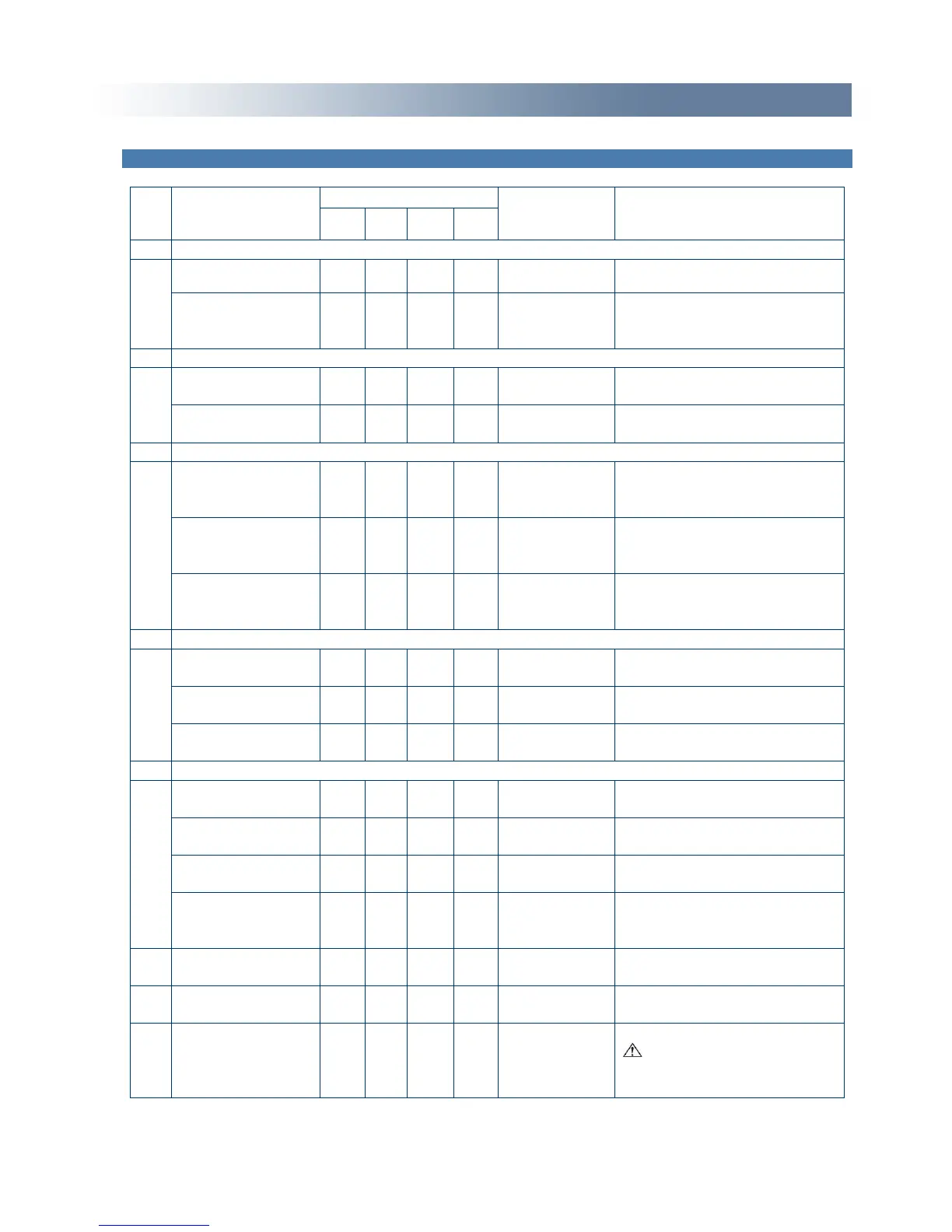
Appendix 2: The corresponding working status of indications
High/low voltage
protection, turn to
battery mode
Battery Voltage
abnormal warning
Main AC Normal
voltage in bypass
mode
Eliminate after starting the
UPS
Main AC high
voltage warning in
bypass mode
Main AC low
voltage warning in
bypass mode
Battery disconnect warning
Affirm if the battery switch is
closed
Affirm if the battery switch is
closed
Affirm if the battery is
connected well
Output overload protection
Overload warning
in line mode,
Remove the less important
loads
Overload in line
mode, protection
Remove the less important
loads
Overload warning
in battery mode
Remove the less important
loads
Overload in
battery mode,
protection
Remove the less important
loads
Overload warning
in bypass mode
Remove the less important
loads
Fan fault (fan icon
flash)
Check if the fan is blocked by
object.
If display fault code and icon
lights, contact for
maintenance when you can’t
deal with it by yourself.
● Indicator lights for a long time
► Indicator flashes
▲ The status of the indicator depends on other conditions


 To Next Page