Secure Power Ltd
User Manual
11
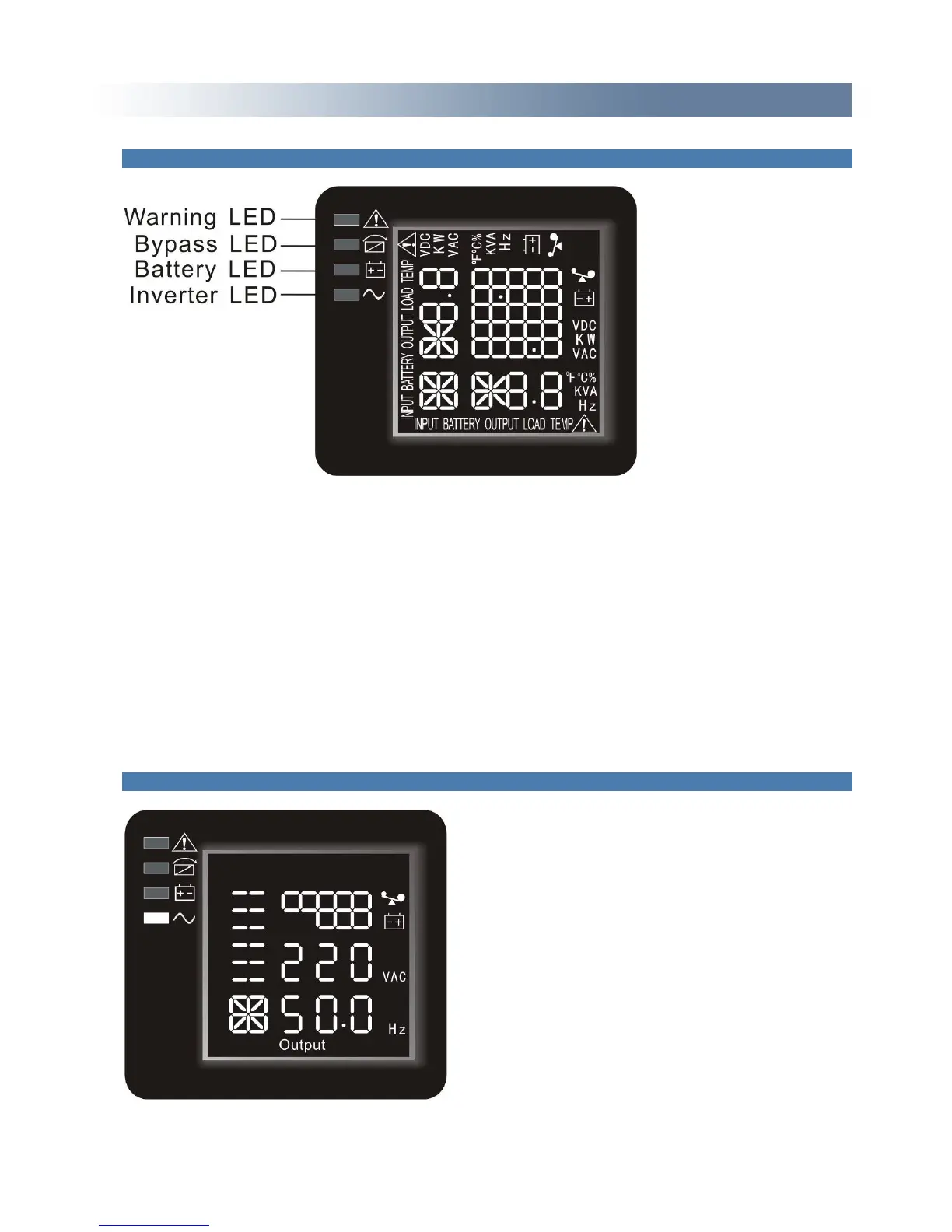
4.1.2 The function of LED indicators
Warning red LED is on: UPS is fault. For example: Overload beyond the allowed time, inverter fault,
BUS fault, over temperature fault etc.
Bypass yellow LED is on: UPS is alarming. For example: Bypass mode supply power and etc.
Battery yellow LED is on: UPS is alarming. For example: Battery mode supply power and etc.
Inverter green LED is on: UPS is normally powered by mains or ECO mode or battery mode.
After starting the UPS, the four LED’s will light and go out one-by-one. It circulates several times until
starting the UPS is successful.
NOTE: As to the LED indication in different modes, please refer to the LED display panel and warning
table.
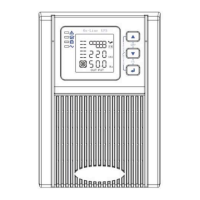
4.1.3 LCD display functions the LCD displays as following Fig.
LCD display comprises numerical value section, capacity graphics section, fan-status graphics
section and charger-status graphics section.



 To Next Page