30
PC INTERFACE
PC Interface is not a setting, it is included in the Set 1 menu
for easy access when data in the unit's memory is to be
downloaded (copied) to the PC download software
program for storage and viewing.
To download data (while in the Surface Mode) -
• Press Both buttons simultaneously, release when SET:
1 appears.
• Press and release the Advance (Front) button, FO2
appears with the value flashing.
• Press the Advance (Front) button 3 more times.
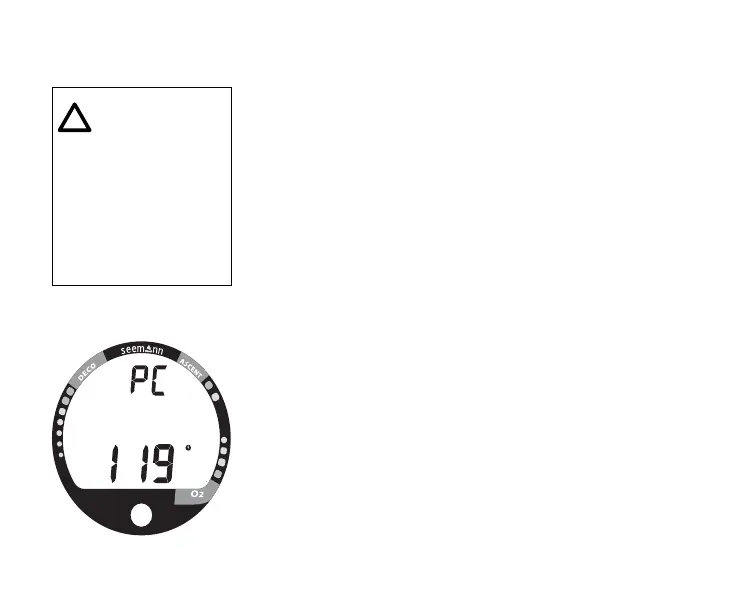
• The graphic PC appears with a 120 second countdown
(Fig. 24). Download must be initiated before the
countdown reaches 00.
• Download is initiated by the external device requesting
data transfer (i.e., the PC download program).
• Press the Advance (Front) button to revert to Surface
Mode.
Fig. 24 - PC Interface
NOTE: For more
information re-
garding PC Inter-
face, refer to page
74 of this manual
and to documents
provided with the
download prod-
uct.



 To Next Page