43
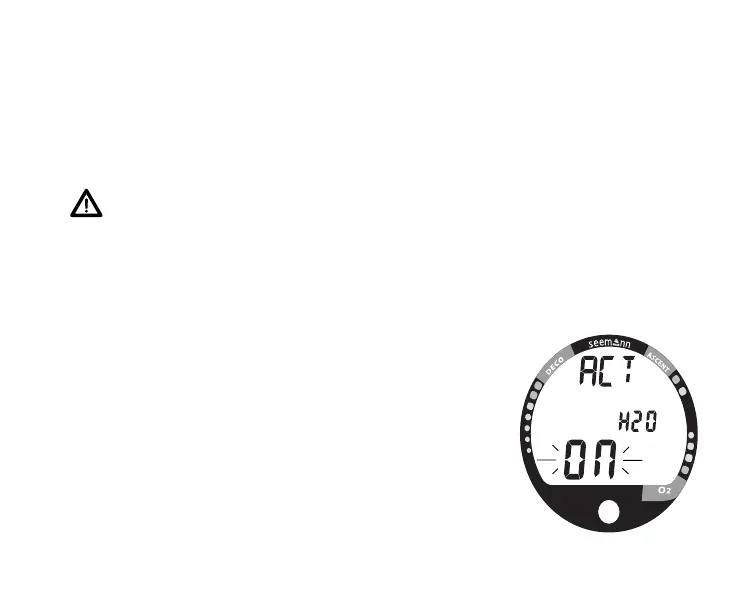
Fig. 40 - Set Water Activation
TO SET - WATER ACTIVATION
(while in the Surface Mode)
Factory set ON, this feature can also be set OFF. When
set ON, the XP 5 will automatically Activate and enter Dive
Mode upon immersion in water and descent to 5 ft (1.5 m).
WARNING: If the Water Activation feature is set
OFF, the XP 5 must be manually (push button)
activated prior to commencing a dive.
• Press Both buttons and release when SET: 2 appears.
• Press and release the Advance (Front) button, the Units
screen appears with the set point flashing.
• Press the Advance (Front) button 15 more times (14
more times if the Digital Gauge Mode was set ON).
• The graphics ACT and H2O appear with ON (or OFF)
flashing (Fig. 40).
• Press and release the Select (Side) button to toggle
between ON and OFF.
• Press the Advance (Front) button to accept the setting
and revert to Surface Mode.



 To Next Page