42
TO SET - USER SET DIGITAL GAUGE MODE
(while in the Surface Mode)
Factory set OFF, User Set Digital Gauge Mode can also be
set ON. This feature is also described on page 66.
NOTE: Once a dive is made with this feature
set ON, the setting will be locked ON for 24
hours after the dive. Set Digital Gauge Mode
will not appear as a selection for 24 hours
after the dive.
• Press Both buttons, release when SET: 2 appears.
• Press and release the Advance (Front) button, the Units
screen appears with the set point flashing.
• Press the Advance (Front) button 14 more times.
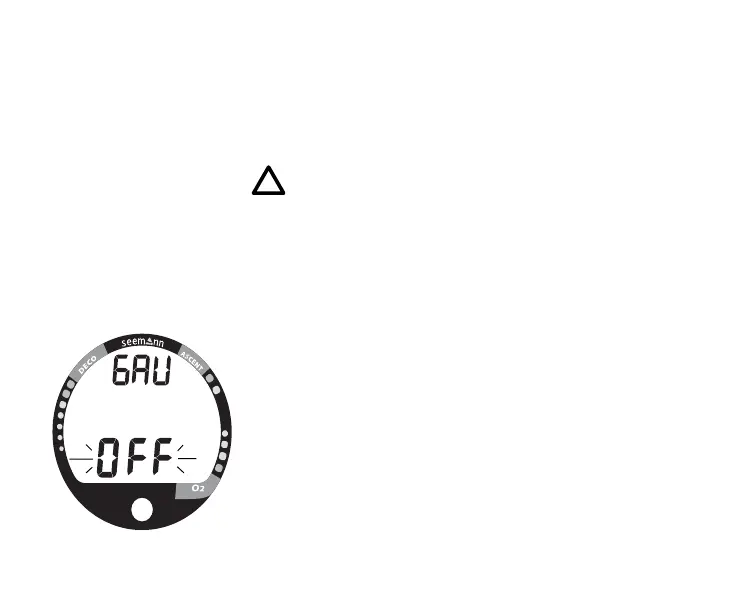
• The graphic GAU appears with OFF (Fig. 39) flashing .
• Press and release the Select (Side) button to toggle
between ON and OFF.
• Press the Advance (Front) button to accept the setting
and advance to Set Plan Mode, or press and hold Both
buttons for 2 seconds to revert to Surface Mode.
Fig. 39 - User Set Gauge Mode



 To Next Page