English-85
• When you scroll the pointer down to the
middle of the screen, the remote control’s
shortcuts will be shown.
• Use the zoom shortcut buttons or the
zoom menu to zoom in or zoom out.
• You can clear cookies or clear all browser
data from the settings menu.
• Your TV is compatible with USB mice.
Plug your mouse or wireless mouse
adaptor to the USB input of your TV.
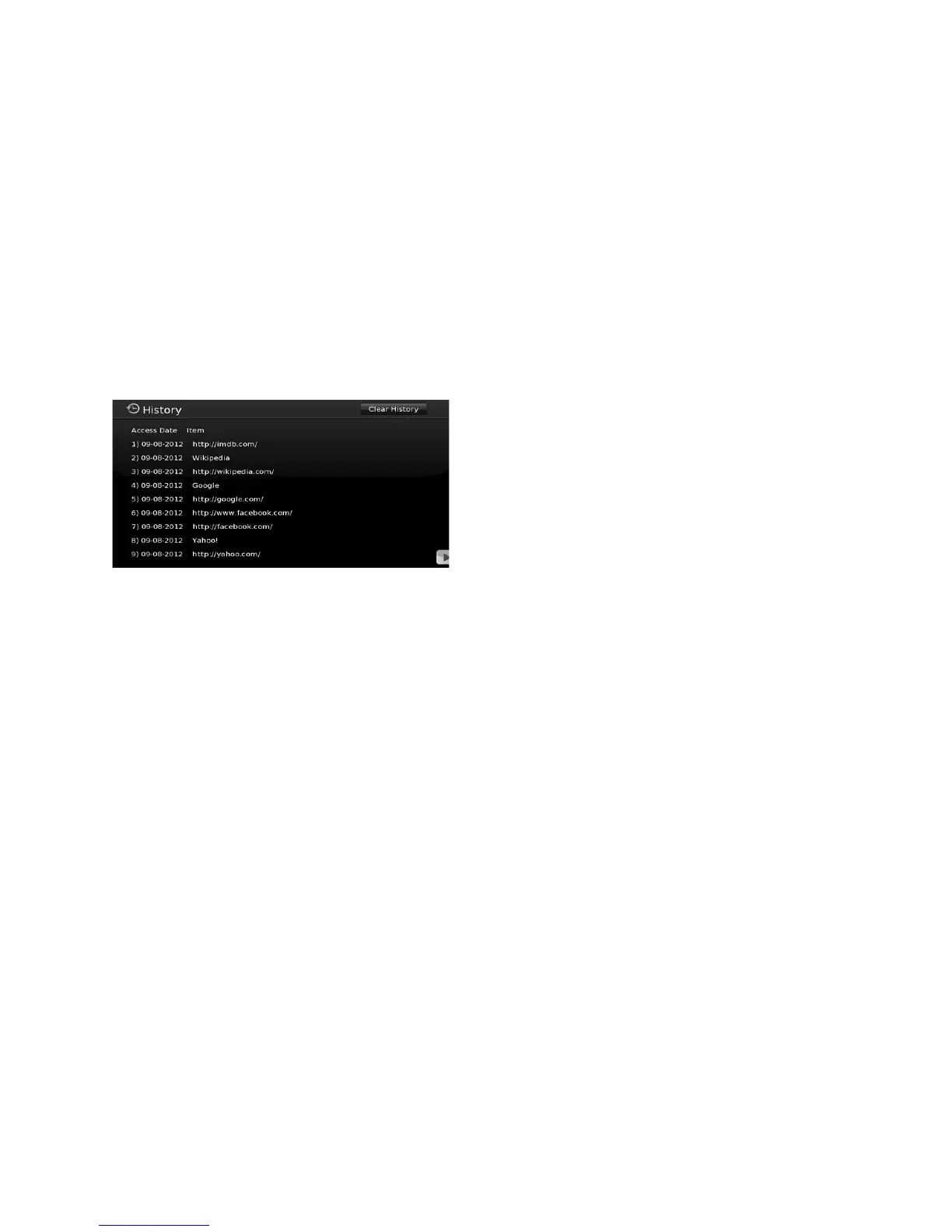
• To view your browsing history, click the
history button. You can also clear your
browsing history from here.
• The browser does not support multiple
tabs.
• Some internet pages include flash
content. These are not supported by
the browser.
• Your TV does not support any down-
load processes from the web browser.


 To Next Page