6 [en] Quick Installation Guide
Hardware Installation
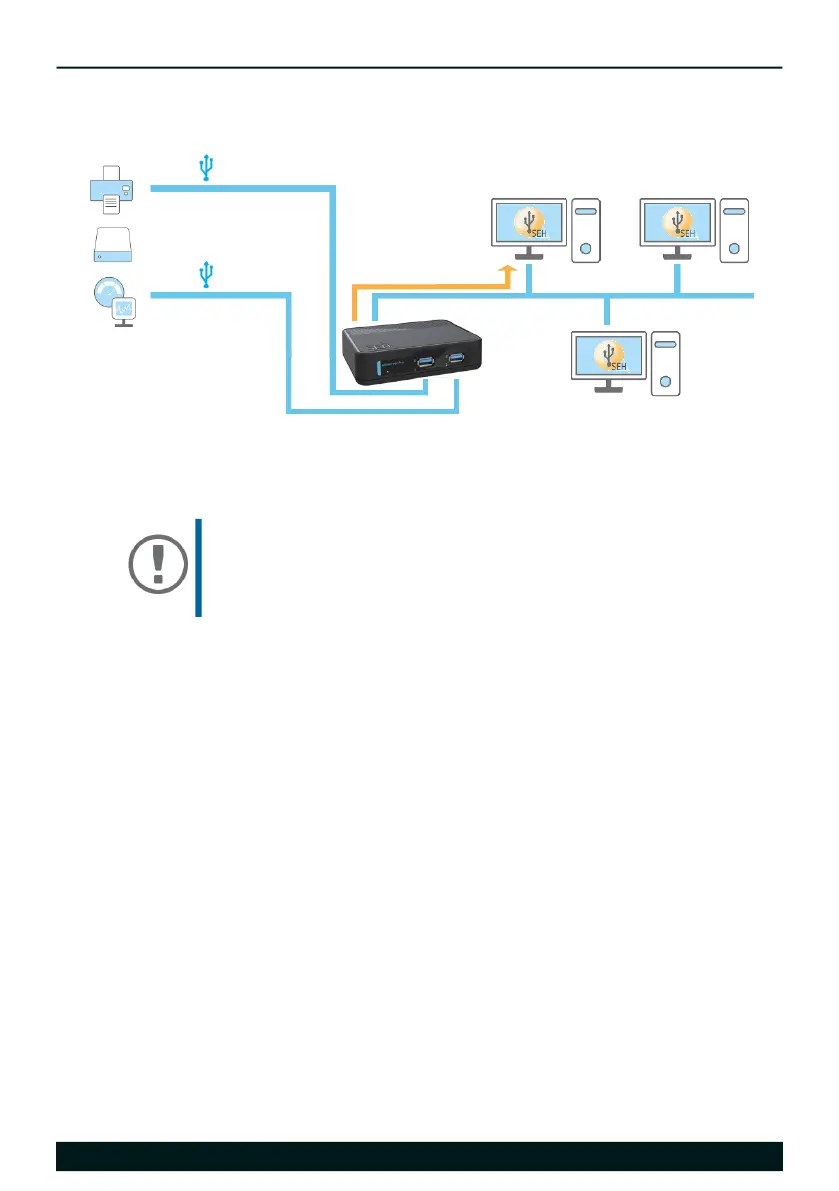
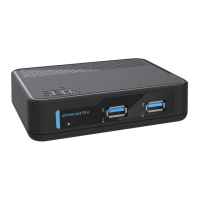
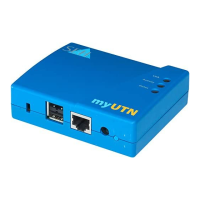
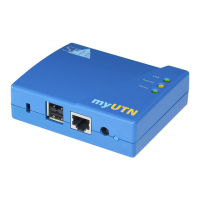
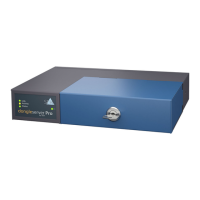
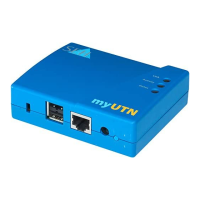
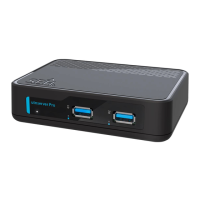
You can directly connect up to 2 USB devices to the utnserver Pro.
1. Connect the USB device to a USB port of the UTN server.
2. Repeat step 1 if you want to connect more than one USB device.
3. Connect the network cable (RJ-45) to the UTN server.
4. Connect the power cord to the UTN server.
The UTN server boots and then is ready for use.
Important:
USB device and UTN server can be connected via a USB
cable, if required.
Only use USB cables shorter than 3 meters.
USB devices
UTN
connection
clients with software tool
'SEH UTN Manager'
UTN deviceserver
USB 3.0
USB 3.0
network


 To Next Page