14 15
YoumayalsopurchasetheSeikoDual-ActionCleaningPen(SLP-CLNPEN)tohelpkeepthe
printer clean and operating at it’s optimum.
1 Removelabelstockfromprinter.
2 Removethefrontfaceplate.
3 UsetheSeikoDual-ActionCleaningPentocleantheprinthead,roller,andfeedrampto
remove any debris or adhesive that may have built up on your printer.
4 To clean your pen tip, wipe the tip across a clean paper surface.
**PleaseusetheAlcoholendofthePenontheareawheretheAdhesiveRemoverend
was used.
Cleaning the Printer
1 Removelabelstockfromprinter.
2 InserttheSeikoSmartLabelPrinterCleaningCard(SLP-CLNCRD).
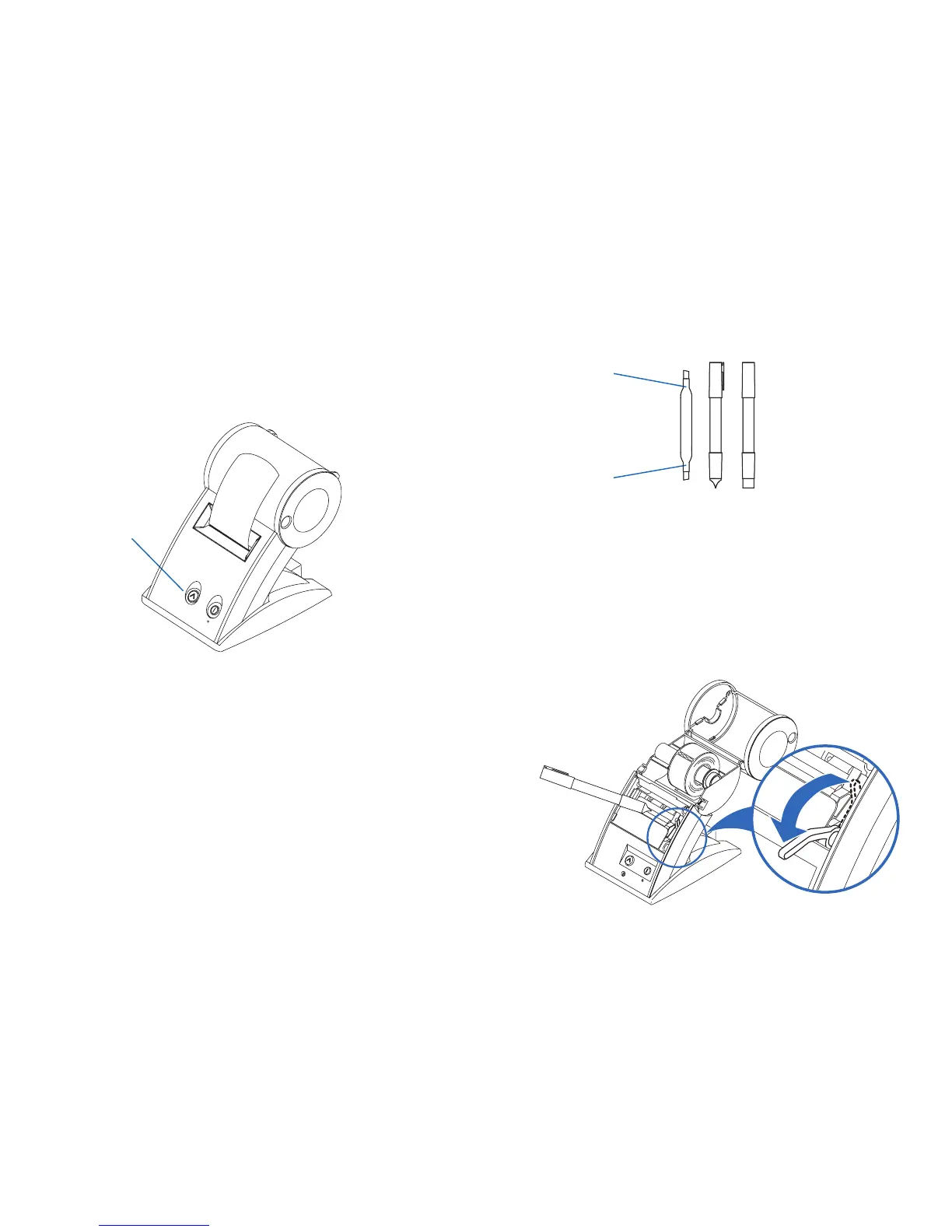
3 The Card should feed automatically or you can press the “Form Feed” button to
manuallyfeedthecard(youmayalsogentlypullthecardtoguideitthroughtheroller).
4 Repeatprocessifnecessary.
5 Properly dispose of the used card.
Form Feed button
RemovesAdhesive
Cleans the print head


 To Next Page