EasyManua.ls Logo

Seiko Data-2000 - How to Use the Calculator Function (Continued); Handling Overflow Errors; Advanced Calculation Examples

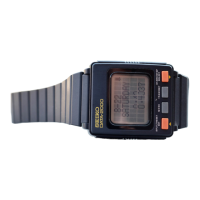
Seiko Data-2000
18 pages
Print Icon
To Next Page IconTo Next Page
To Previous Page IconTo Previous Page
Loading...
12
10
Key
operation
CE
[
I
Display
12.34
I!
••-5b7S9l02
it*
(ERROR*
'
7.0y7775l1)
+0.6456783
^
7.
853454
|
Remarks
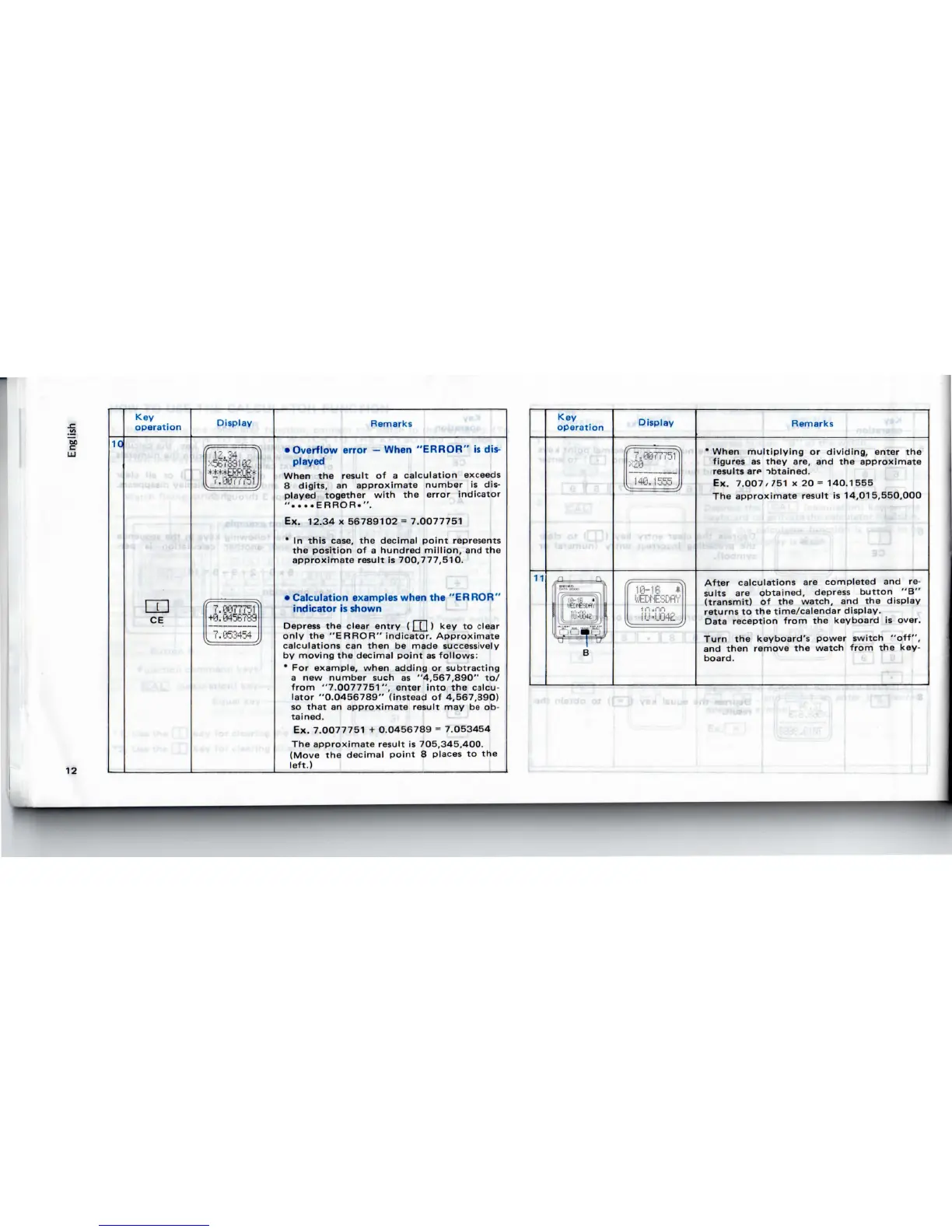
Overflow
error
When
"ERROR
is
dis-
played
When
the
result
of a
calculation
exceeds
8
digits
an
approximate number
is
dis-
played
together
with
the
error indicator
"....ERROR.".
Ex.
12.34x56789102
=
7.0077751
*
In
this
case,
the
decimal
point
represents
the
position
of a
hundred
million,
and the
approximate result
is
700,777,510.
Calculation
examples
when
the
"ERROR"
indicator
is
shown
only
the
"ERROR"
indicator.
Approximate
calculations
can
then
be
made
successively
by
moving
the
decimal
point
as
follows:
*
For
example, when adding
or
subtracting
a
new
number
such
as
"4,567,890"
to/
from
"7.0077751",
enter
into
the
calcu-
lator
"0.0456789"
(instead
of
4,567,890)
so
that
an
approximate
result
may be ob-
tained.
Ex.
7.0077751
+
0.0456789
=
7.O53454
The
approximate
result
is
705,345,400.
(Move
the
decimal
point
8
places
to the
left.)
11
Key
operation
'
e:
nun
Display
Remarks
'
When
multiplying
or
dividing,
enter
the
figures
as
they
are,
and the
approximate
results
are
ibtained.
Ex.
7.007/751x20=140.1555
The
approximate result
is
14,015,550,000
After
calculations
are
completed
and re-
sults
are
obtained,
depress
button
"B"
(transmit)
of the
watch,
and the
display
returns
to the
time/calendar display.
Data
reception
from
the
keyboard
is
over.
Turn
the
keyboard's power switch
"off",
and
then
remove
the
watch from
the
key-
board.

Related product manuals