9
8
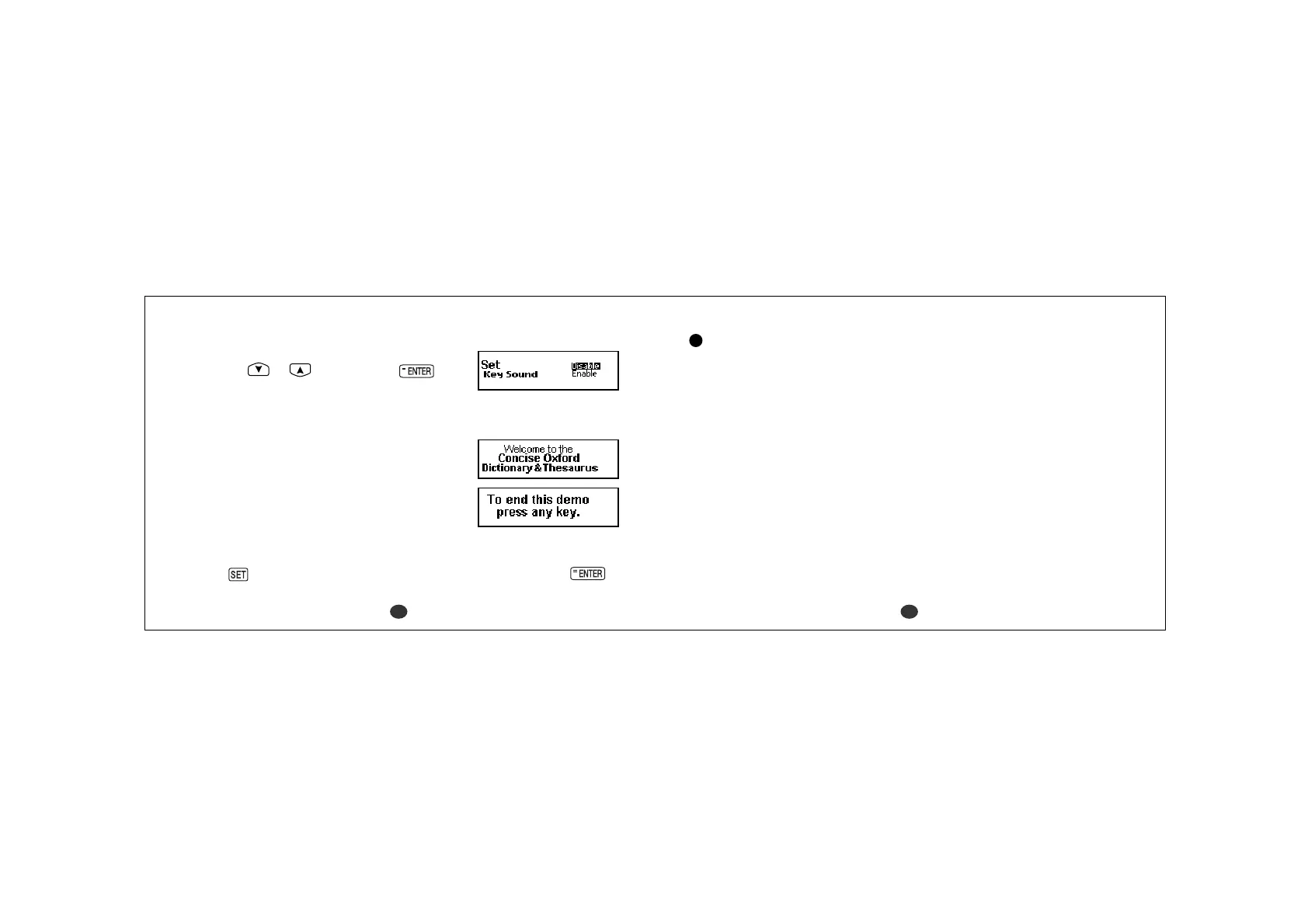
3 Set the key sound
You can turn the key touch sound on and off
by using
or and then press .
The “Key Sound” can also be set using the
“Setting” function. (See page 108.)
4 Demo function
When you turn on the power, a demonstration
display will begin to explain the contents of
the unit.
You can stop the demonstration by pressing
any of the keys.
* If you want to turn off the demonstration display at the time of power ON,
press
and select “Demo Message”. Select “Disable” and press .
(See page 104.)
Changing the battery
If the battery is almost exhausted, the message “Battery is almost
exhausted, please change it !” will appear at the time of power ON.
NOTE - Please check the contrast setting is correct before changing
the battery.
• The unit is powered by one AAA alkaline battery.
• Make sure that power is switched off before replacing the battery.
•Press the “RESET” button on the bottom of the unit after battery
replacement.
• Changing the battery and Resetting erases the EASY LEARN List, the
Game Score, the calculator memory and the initialize settings.



 To Next Page