PoolMatch | pH · ORP
0000138883 rev. 1.0 EN
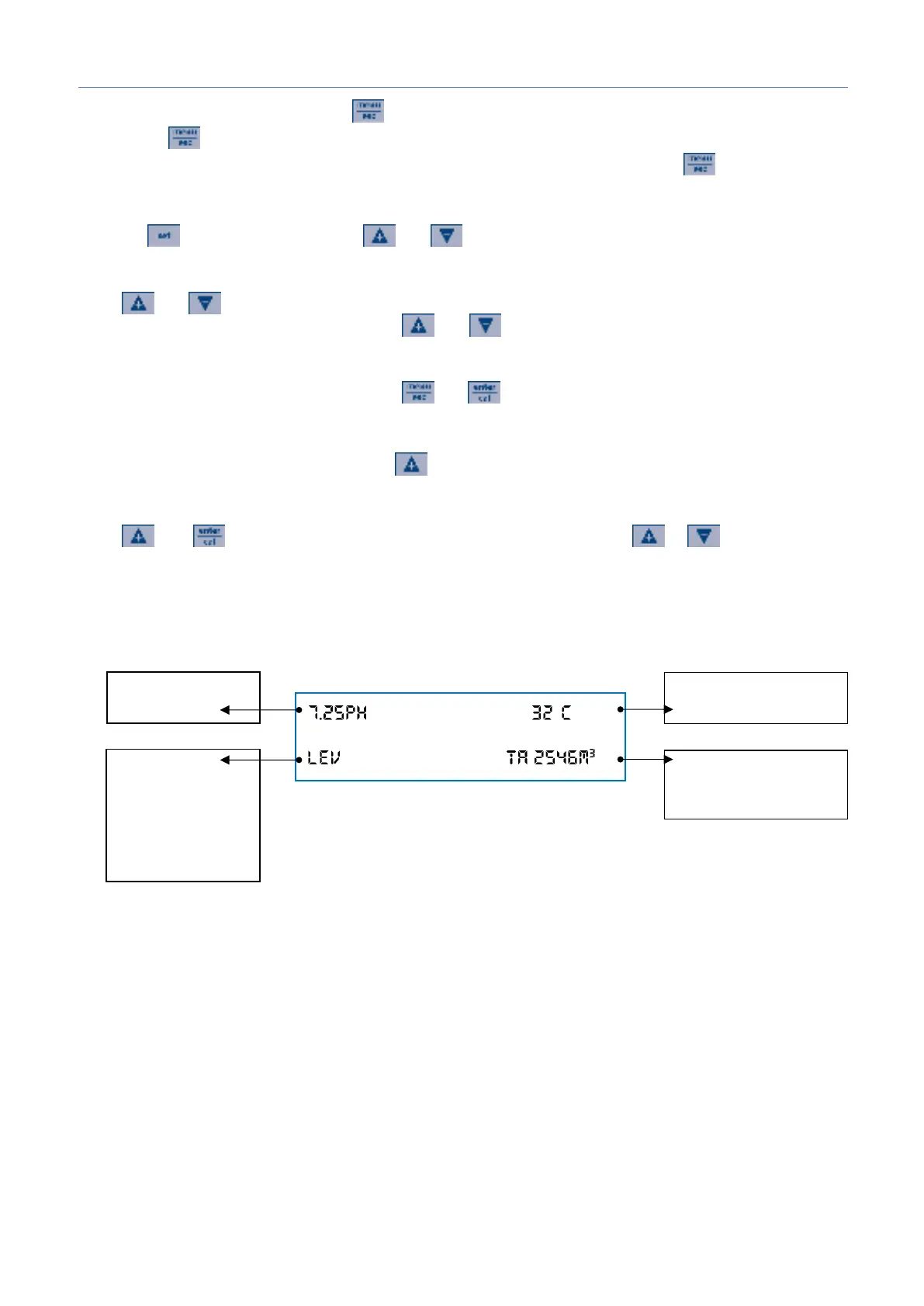
Save and exit Program setup – Press
Pressing the key determines the exit from the programming menu with saving of the parameters, if the
parameter of the menu item in which one is in has not been changed when pressing the key.
Set Point adjustment
Press the button for 3 seconds, use and to set the desired value.
Stand-by mode (backlight on)
Press and buttons simultaneously for 5 seconds to switch off the unit backlight. Dosage and
calibration are disabled. To exit standby, press and buttons simultaneously.
Priming
Only while the pump is in stand-by press down and in the same time.
Flowrate counter reset
To reset value of "Permanent Totalizer" press button for 3 seconds, in stand-by mode only.
Offset/Slope Menu
Press and buttons the unit show Offset/Slope calibration value, press or to scroll the
menu.
Alarm list
- LEV
- WDG
- OFA1 & OFA2
- Stand By
- Flow
Flowater totalizer
Absolut
Resetable


 To Next Page