SEL-3031 Instruction Manual Date Code 20091009
Settings and Commands
PC Software
4.2
Communications
ACSELERATOR QuickSet uses the device USB management port to communicate with
the SEL-3031. Perform the following steps to configure
ACSELERATOR QuickSet to
communicate effectively with the device.
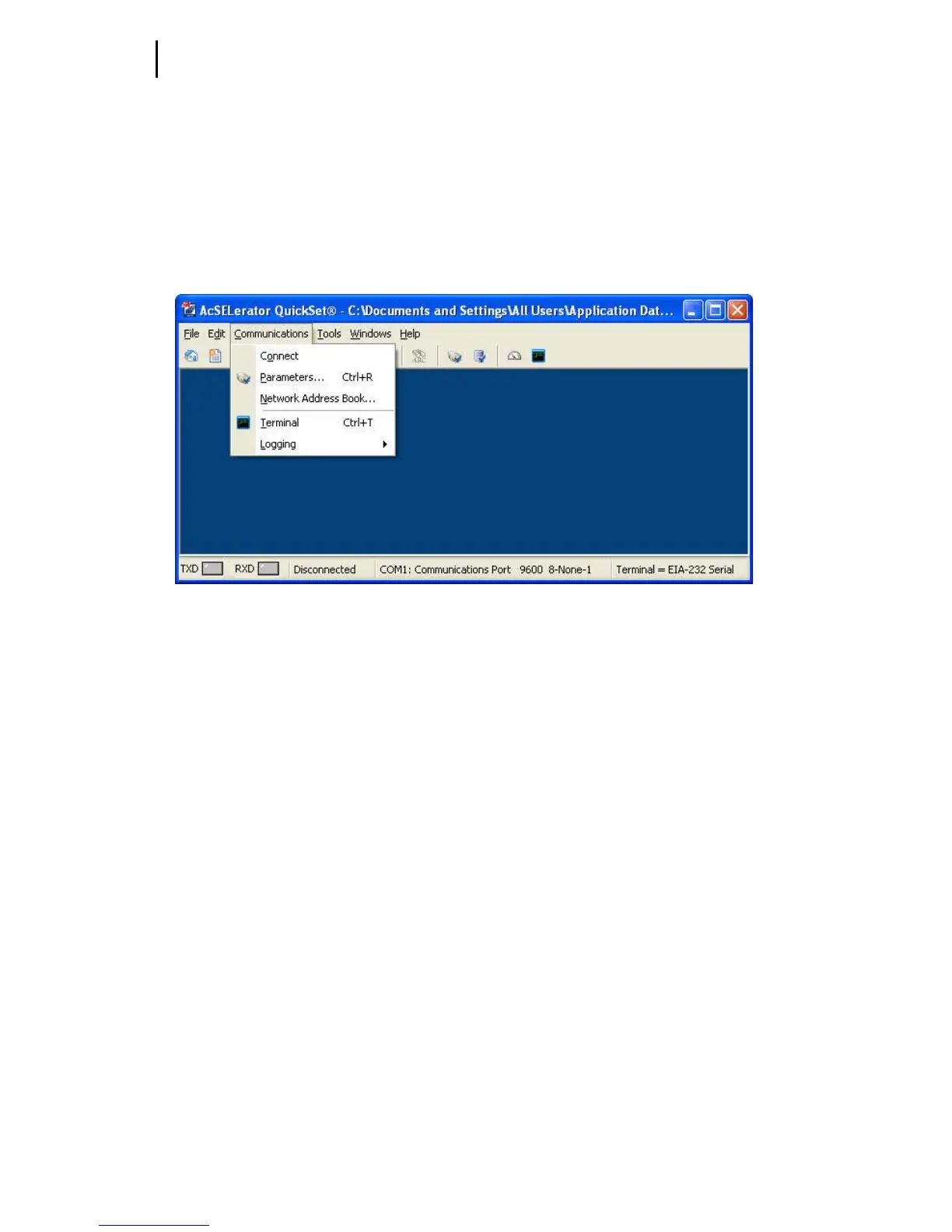
Step 1. Click Communications from the
ACSELERATOR QuickSet main
menu bar, as shown in Figure 4.1.
Figure 4.1 Communications Menu
Step 2. Select Parameters to display the screen shown in Figure 4.2.


 To Next Page