SEL-487B Data Sheet Schweitzer Engineering Laboratories, Inc.
14
in the relay. Use any of the dozens of measured or
calculated analog values in the relay to create display
messages for system metering on the front-panel LCD.
SELOGIC Control Equations With
Expanded Capabilities and Aliases
Expanded SELOGIC control equations (Table 6) put relay
logic in the hands of the protection engineer. Assign the
relay inputs to suit your application, logically combine
selected relay elements for various control functions, and
assign outputs to your logic functions. Programming
SEL
OGIC control equations consists of combining relay
elements, inputs, and outputs with SEL
OGIC control
equation operators. You can use any of the relay internal
variables (Relay Word bits) in these equations. For
complex or unique applications, these expanded
SEL
OGIC control equation functions allow superior
flexibility. Add programmable control functions to your
protection and automation systems. New functions and
capabilities enable you to use analog values in
conditional logic statements. Use the new alias capability
to assign more meaningful relay variable names. This
improves the readability of customized programming.
Use as many as 200 aliases to rename any digital or
analog quantity. The following is an example of possible
applications of SEL
OGIC control equations using aliases:
=>>SET T <Enter>
1: PMV01,THETA
(assign the alias “THETA” to math variable PMV01)
2: PMV02,TAN
(assign the alias “TAN” to math variable PMV02)
=>>SET L <Enter>
1: # CALCULATE THE TANGENT OF THETA
2: TAN:=SIN(THETA)/COS(THETA)
(use the aliases in an equation)
ACSELERATOR QuickSet SEL-5030
Software
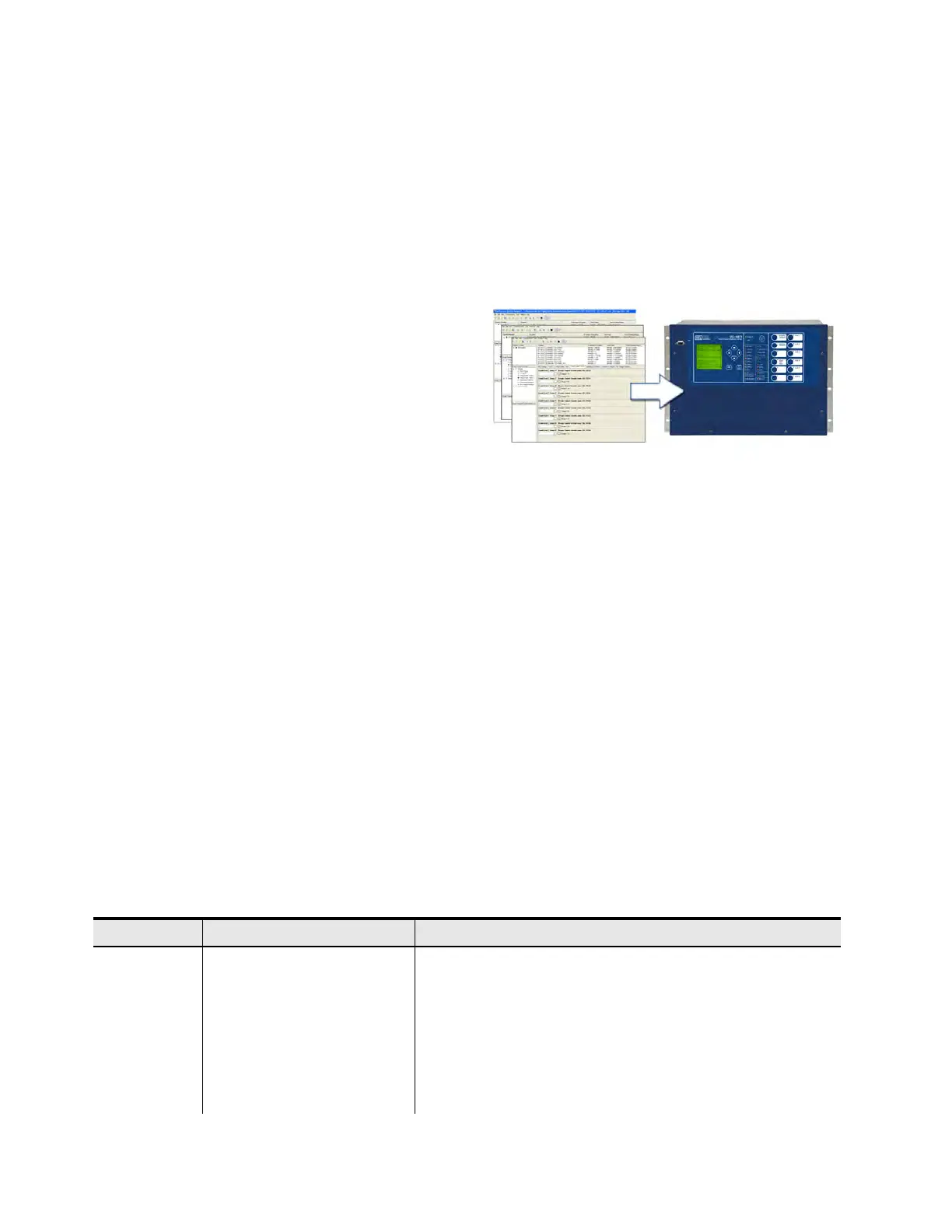
Use the ACSELERATOR QuickSet
®
SEL-5030 Software
to develop settings and busbar configurations offline.
The system automatically checks interrelated settings
and highlights out-of-range settings. You can transfer
settings you create offline by using a PC
communications link with the SEL-487B. The relay
converts event reports to oscillograms with time-
coordinated element assertion and phasor diagrams. The
ACSELERATOR QuickSet interface supports Server 2008,
Windows
®
7 and Windows 8 operating systems, and can
be used to open COMTRADE files from SEL and other
products. You can also use
ACSELERATOR QuickSet to
design application-specific settings templates and then
store the templates in non-volatile memory within the
relay for trouble-free retrieval.
Figure 24 Settings Templates
MIRRORED BITS Communications
The SEL patented MIRRORED BITS technology provides
bidirectional relay-to-relay digital communication.
Figure 25 shows two SEL-487B relays with M
IRRORED
BITS communications using SEL-2815 Fiber-Optic
Transceivers. In the SEL-487B, M
IRRORED BITS com-
munications can operate simultaneously on any two
serial ports. This bidirectional digital communication
creates additional outputs (transmitted M
IRRORED BITS)
and additional inputs (received M
IRRORED BITS) for each
serial port operating in the M
IRRORED BITS communica-
tions mode.
Communicated information can include digital, analog,
and virtual terminal data. Virtual terminal allows
operator access to remote relays through the local relay.
You can use this M
IRRORED BITS protocol to transfer
information between stations to enhance coordination
and achieve faster tripping.
Ta b l e 6 Ex p a n d e d S E L OGIC Control Equation Operators (Sheet 1 of 2)
Operator Type Operators Comments
Edge Trigger R_TRIG, F_TRIG Operates at the change of state of an internal function.
Math Functions SQRT, LN, EXP, COS, SIN, ABS,
ACOS, ASIN, CEIL, FLOOR, LOG
Combine these to calculate other trigonometric functions,
i.e., TAN: = SIN(THETA)/COS(THETA).
Arithmetic *, /, +, - Uses traditional math functions for analog quantities in an easily programma-
ble equation.
Comparison <, >, <=, >=,=, <> Compares the values of analog quantities against predefined thresholds or
against each other.
Boolean AND, OR, NOT Combines variables, and inverts the status of variables.



 To Next Page