5
Date Code 20131015 SEL-735 Quick-Start Guide
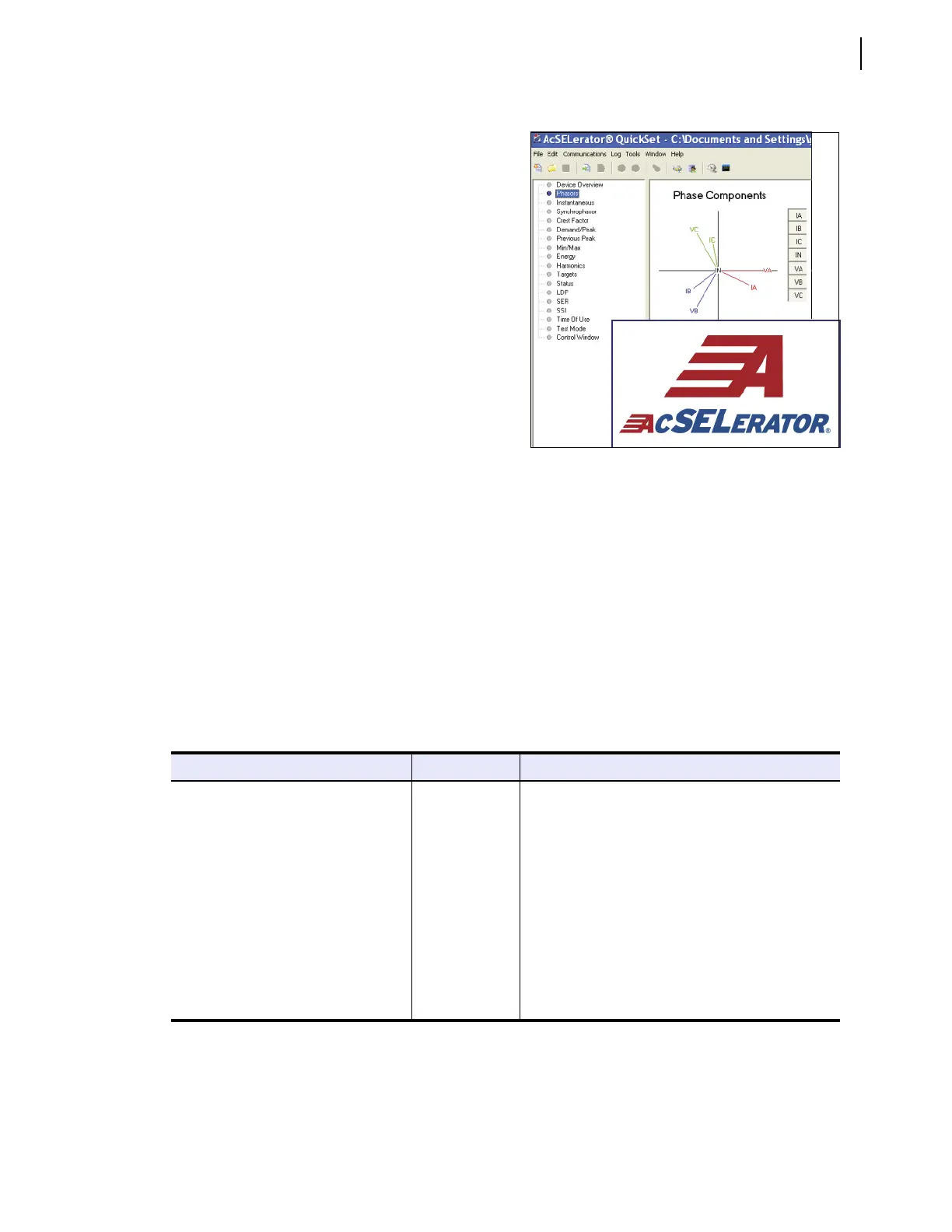
ACSELERATOR QuickSet SEL-5030 Software
IV. ACSELERATOR QuickSet SEL-5030 Software
B. Install ACSELERATOR QuickSet
Install ACSELERATOR QuickSet with the enclosed CD, or download from www.selinc.com. On the SEL
website, click on Products > Software Solutions > Settings Software >
ACSELERATOR QuickSet
Software, click on Download, save, and then run Install.exe. A wizard will guide an installation or an
upgrade of
ACSELERATOR QuickSet.
C. Configure ACSELERATOR QuickSet Communications
From a Windows PC, open ACSELERATOR QuickSet by clicking Start > Programs > SEL Applications >
ACSELERATOR QuickSet or by double-clicking the ACSELERATOR QuickSet icon. For initial
communications, connect any available serial or optical port on the meter to the PC using an ANSI optical
probe, a C234 or C287 serial cable, or a C662 serial-to-USB cable.
The SEL-735 supports various optical probes. Table 1 lists compatible probes and any special requirements.
A. Overview
SEL ships all SEL-735 meters with ACSELERATOR
QuickSet. Use
ACSELERATOR QuickSet to perform the
following tasks.
➤ Read and send configuration settings with an
SEL-735.
➤ Save and open configuration settings on a PC.
➤ Monitor real-time power system data.
➤ Control the meter remotely.
➤ Configure the communications ports.
➤ Retrieve the LDP, SER, and VSSI reports.
➤ Display waveforms from event reports.
Tab l e 1 Opt i c a l Par t P r o b es
SEL-735 Compatible Optical Probes Connector Special Instructions
ABACUS ELECTRICS A6Z
(SEL part number C660)
DB-9 None
ABACUS ELECTRICS A7Z DB-9 DTR Off
ABACUS ELECTRICS A9U
(SEL part number C661)
USB DTR Off; requires software driver
ELSTER/ABB UNICOM™ III DB-9 DTR Off
GE SmartCoupler SC-1A DB-9 DTR Off
Microtex Electronics FR3 USB Maximum 19200 bps rate; requires software driver
P+E Tecnik K01-USB USB Requires software driver; cannot use to upgrade firmware
uData Net PM500-300 DB-9 DTR Off; requires power from ac adapter or connector for
mouse or keyboard


 To Next Page