7
Date Code 20200324 SEL Application Guide 2020-05
SHOW A FRONT-PANEL DISPLAY MESSAGE
Some users may also want to include a front-panel display message when maintenance mode is
enabled. Refer to [3] for step-by-step guidelines on how to configure a front-panel display message
in an SEL-751.
UPDATE FRONT-PANEL OPERATOR CONTROL LABELS
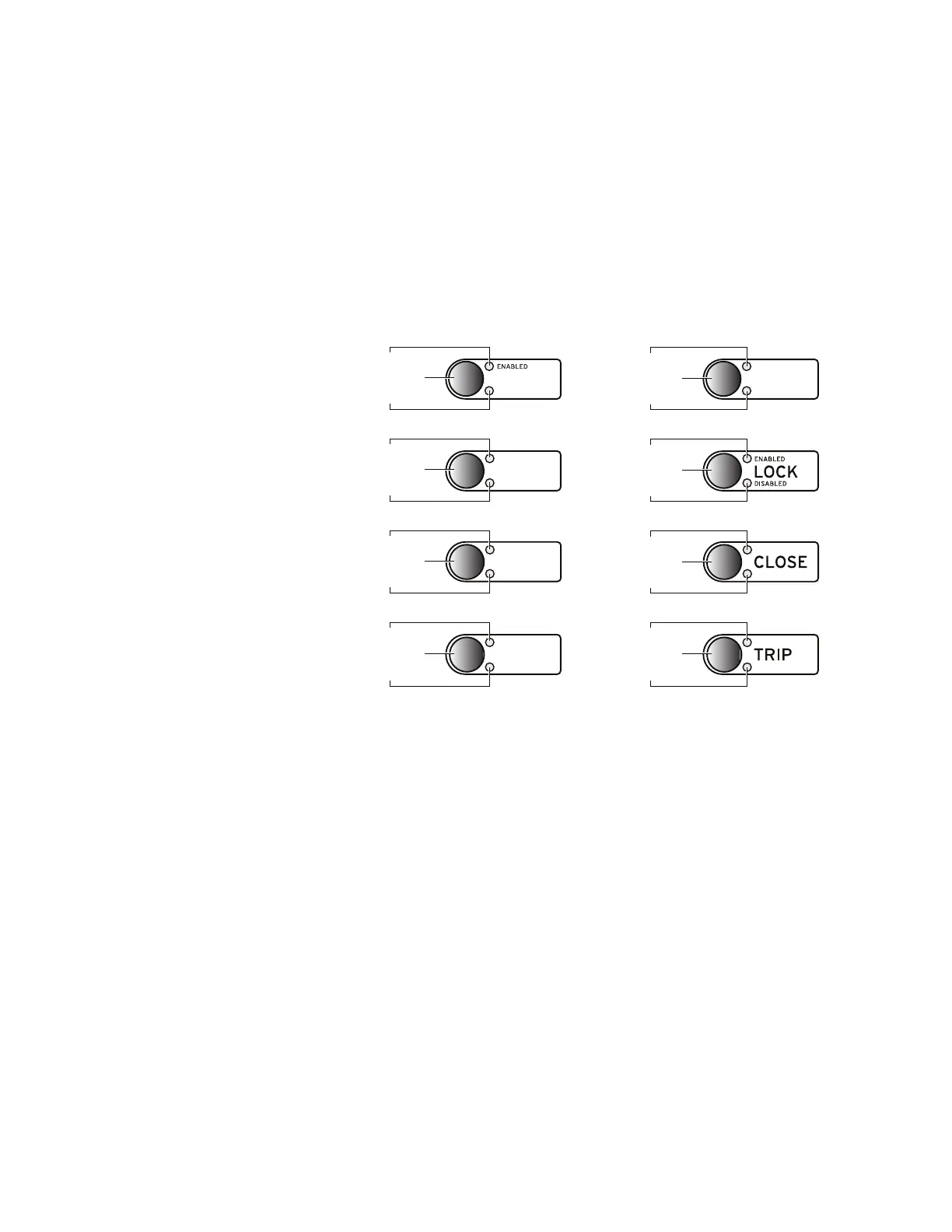
Once you change the settings, use the configurable label kit provided with the relay to update the
operator control labels on the SEL-751 to avoid confusion. In this example, we changed the label
for the PB05 pushbutton to
MAINT, as shown in Figure 12.
CONCLUSION
The safest way to work on electrical equipment is when it is completely de-energized. However,
should live-line work be necessary, this application guide demonstrates how to configure a mainte-
nance mode function in an SEL-751 to improve personnel safety. You can enable or disable this
function when you are physically present in front of the relay (local-mode only) and press a front-
panel pushbutton. When maintenance mode is enabled, a phase instantaneous overcurrent element
provides faster tripping during a fault if the relay does not have arc-flash detection and blocks all
close operations (e.g., automatic reclosing, a remote SCADA close, or a local pushbutton close).
Figure 12 Update Pushbutton Labels
MAINT
PB2A_LED
PB02
PB2B_LED
PB3A_LED
PB03
PB3B_LED
PB4A_LED
PB04
PB4B_LED
PB1A_LED
PB01
PB1B_LED
AUX4
AUX3
AUX2
PB6A_LED
PB06
PB6B_LED
PB7A_LED
PB07
PB7B_LED
PB8A_LED
PB08
PB8B_LED
PB5A_LED
PB05
PB5B_LED
BLOCK CLOSE
BREAKER CLOSED
BREAKER OPEN
AUX
Pushbutton LED
Operator Control Pushbutton
Pushbutton LED



 To Next Page