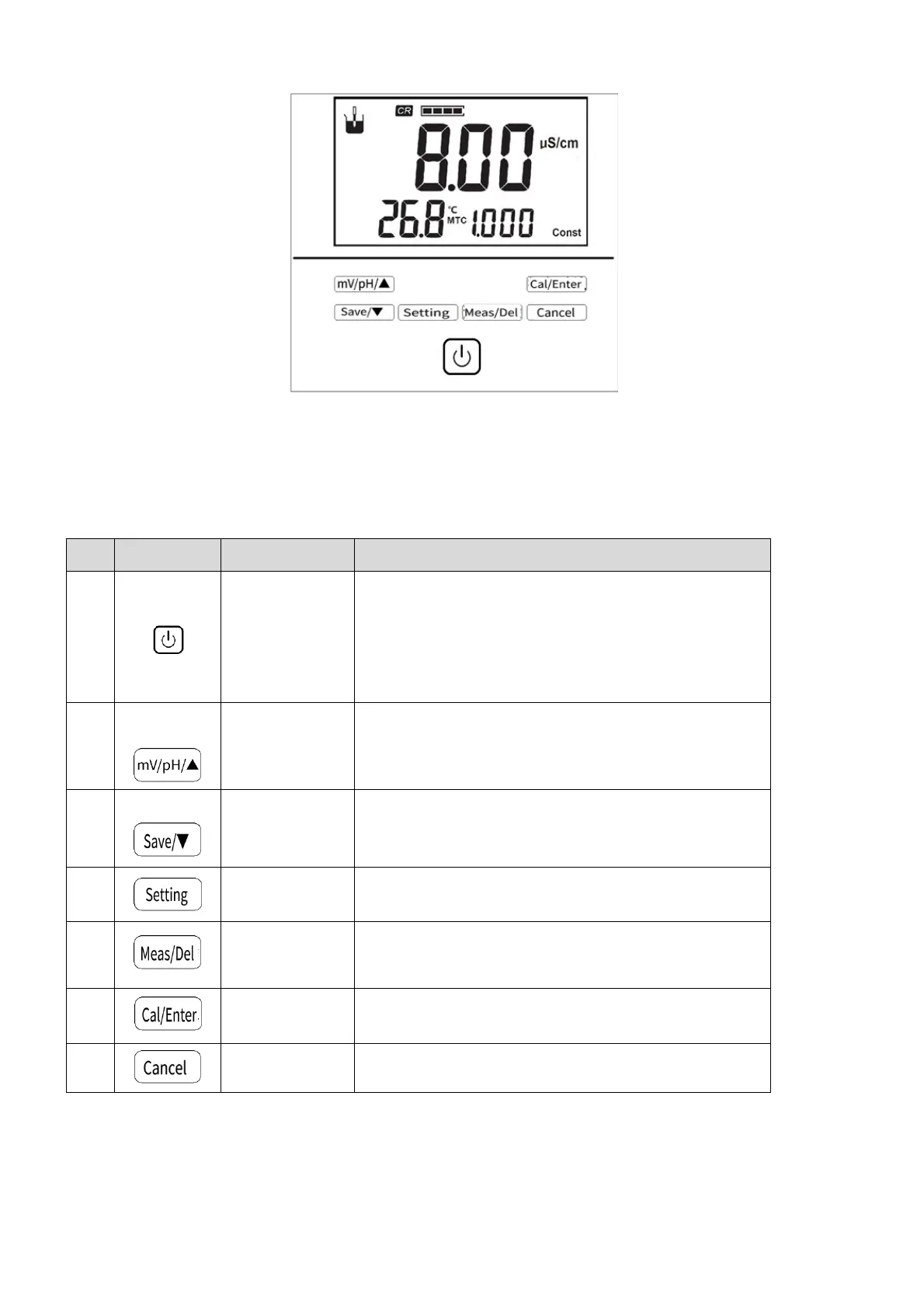
5.2 KeyFunctions
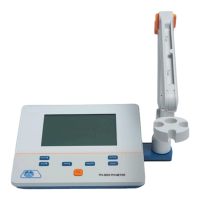
Figure5‐2Instrumentkeys
Themeteradoptstactpowerbutton,theinstrumenthas7keysintotal,thespecificfunctionsareasfollows:
Table5‐2KeyFunctionExplanation
No. Key Explanation Note
1
Powerkey
Switchonthemeterbypressandreleasethekey.
Switchoffthemeterbypressandholdthekeyformore
than3secondsandrelease.
Backlightadjustmentkeywhenswitchonthemeter.
2
mV/pH/Up
SwitchmVandpHdisplayinmeasurementstate.
Thevalueincreaseswhenthefunctionisset.
Movewhileviewingfunctions.
3
Save/Up
Storemeasurementresults.
Thevaluedecreaseswhensettingthefunction.
Movewhenviewingfunctions.
4
Enterthesettingfunctioninthemeasurementstate.
Setmanualtemperatureincalibrationstate.
5
Measurement/Delete
Repeatthenextmeasurementduringbalance
measurement.
Whenviewin
theresults
deletethemeasurementresult.
6
Calibration/Enter
Enterthecalibrationfunctionduringmeasurement.
Confirmsomefunction.
7
Cancel
Giveupsomefunction.



 To Next Page