Appendix I: Instructions on How to Update Firmware
Reset each SP PRO back to factory defaults
Each SP PRO must be set back to factory defaults before setting up Powerchain. This process clears out
the current configuration in the SP PRO so it is ready to accept a new Powerchain configuration.
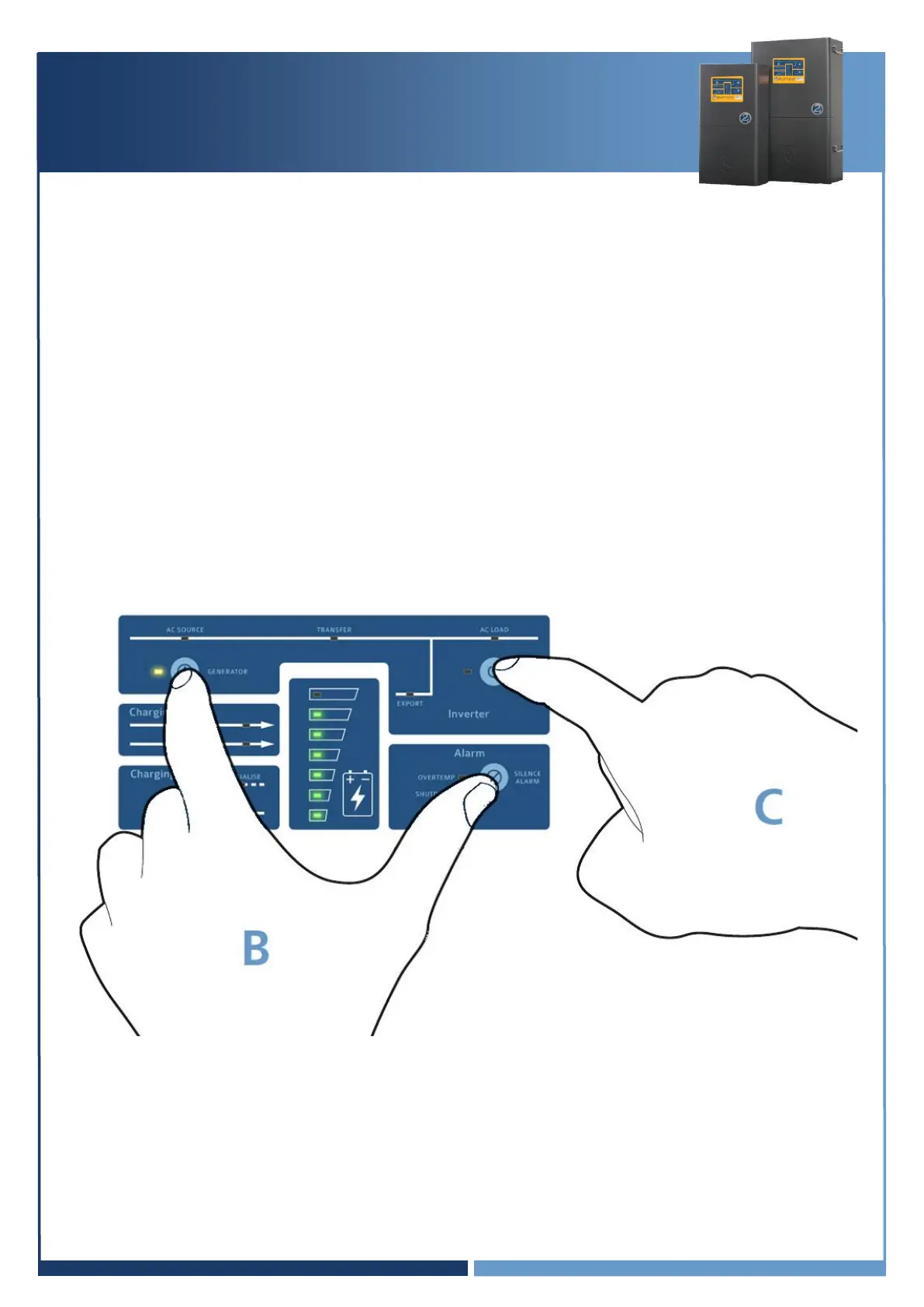
To reset to factory default, on the front panel of the SP PRO:
1. Press and hold the Generator and Alarm buttons (B),
2. Whist still holding these buttons, when the SP PRO beeps do a short press on the On button (C),
3. All Green front panel LEDs will come on. Let go of the Generator and Alarm buttons,
4. The SP PRO will now reset and go through the start-up sequence.



 To Next Page