33
English
20S EVO
11.6 Region Selection
You can select proper FM frequency region from the Device Manager.
With the region setting, you may optimize seek function to avoid
unnecessary frequency range (Factory default: Americas).
Region Frequency range Step
Worldwide 76.0 ~ 108.0 MHz ± 100 kHz
Americas 87.5 ~ 107.9 MHz ± 200 kHz
Asia 87.5 ~ 108.0 MHz ± 100 kHz
Australia 87.5 ~ 107.9 MHz ± 200 kHz
Europe 87.5 ~ 108.0 MHz ± 100 kHz
Japan 76.0 ~ 95.0 MHz ± 100 kHz
12 AMBIENT MODE
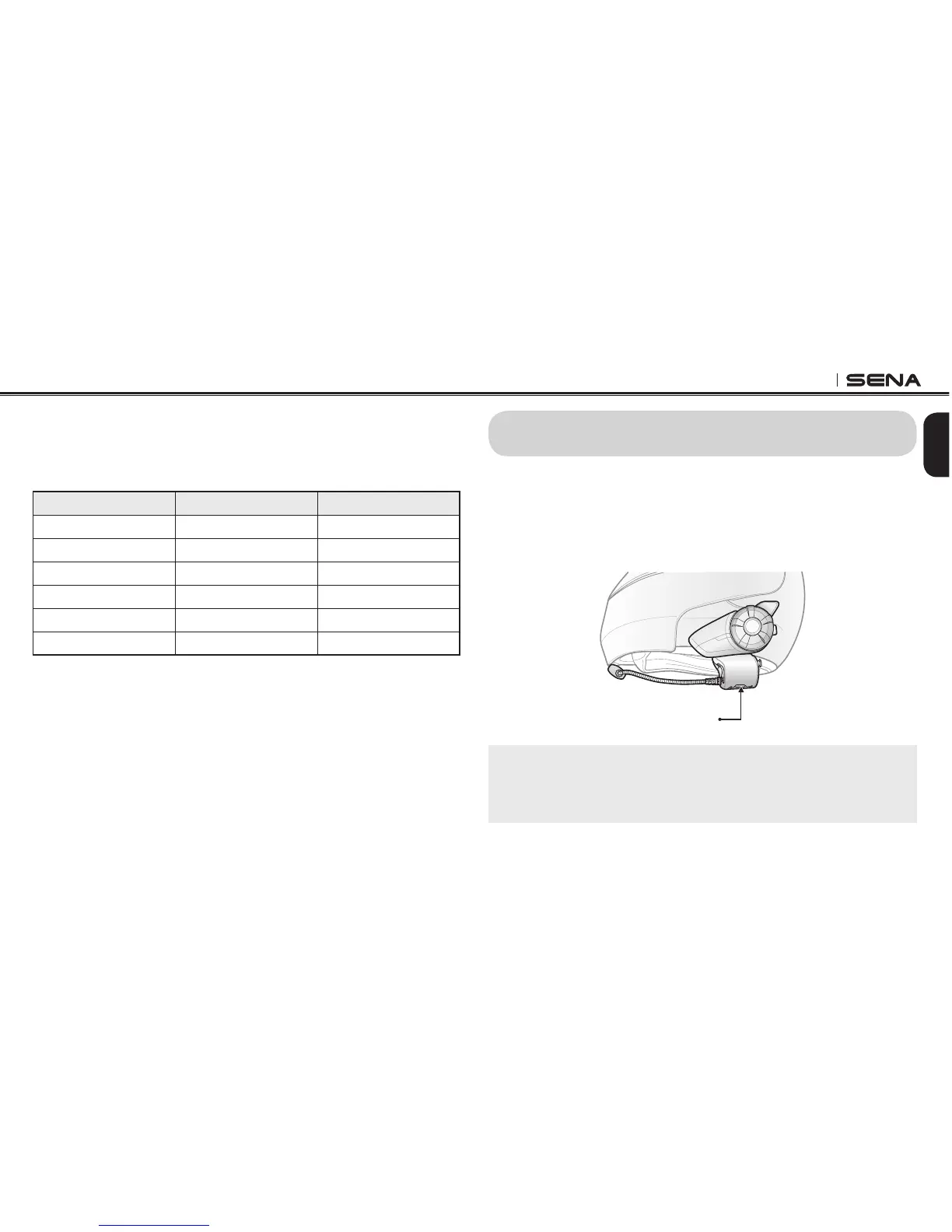
You can hear the ambient sound outside of your helmet by activating
the Ambient Mode. To activate the Ambient Mode, press twice the
Ambient Mode Button which is placed on the bottom of the clamp
unit. To deactivate the Ambient Mode, press twice the Ambient Mode
Button again.
Ambient Mode Button
Note:
The ambient mode has higher priority than mobile phone, so you cannot
make or answer phone call, listen to music, or have an intercom conversation
if the Ambient Mode is activated.



 To Next Page