EasyManua.ls Logo

Sena 20S EVO - OPERATION QUICK REFERENCE

Sena 20S EVO
66 pages
Print Icon
To Next Page IconTo Next Page
To Previous Page IconTo Previous Page
Loading...
58
20S EVO
24 FIRMWARE UPGRADE
The 20S EVO supports rmware upgrade function. Please visit Sena
Bluetooth web site at www.sena.com to check the latest software
downloads.
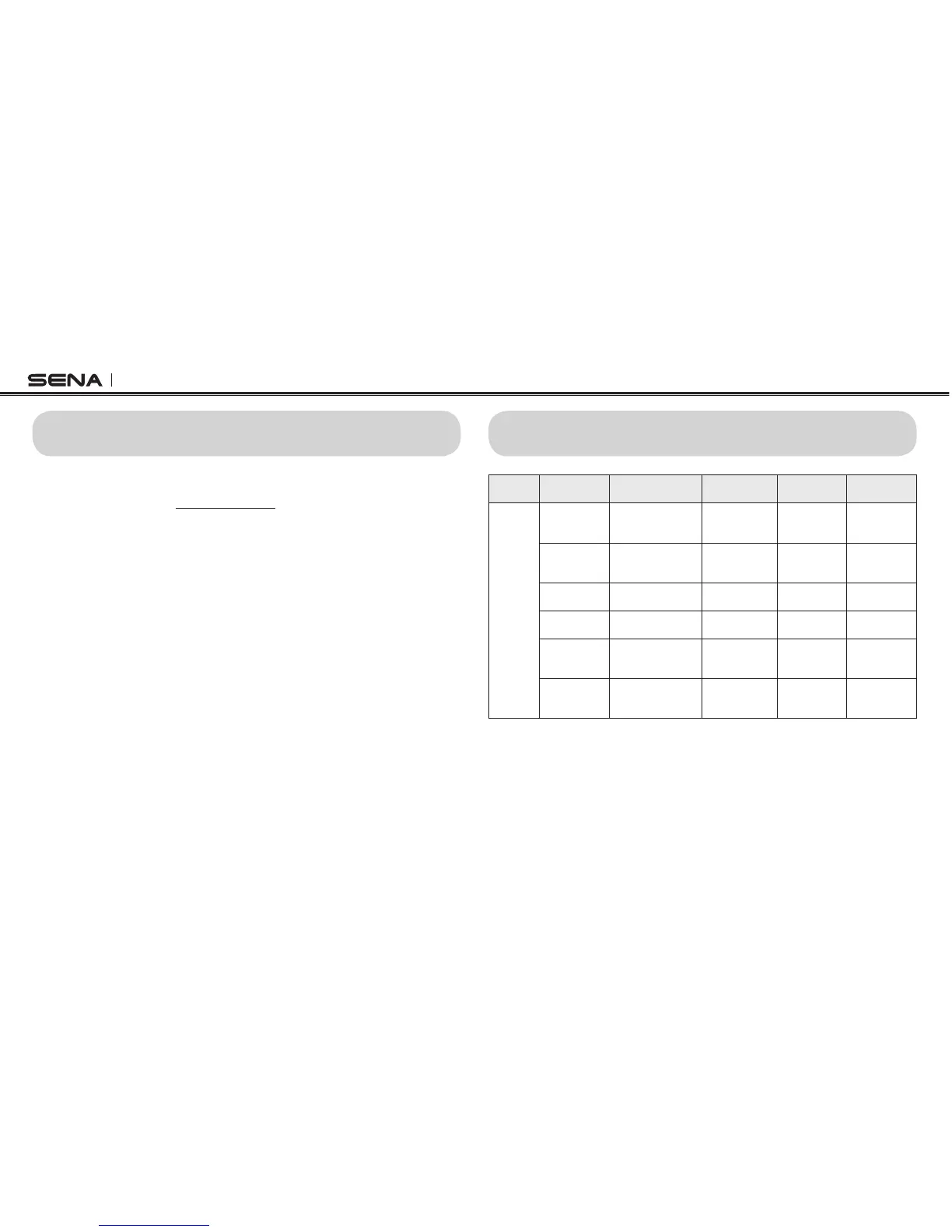
25 OPERATION QUICK REFERENCE
Type Function Button Command
Voice
Command
LED Beep
Basic
Function
Power-on
Press the Phone
Button and the Jog
Dial for 1 second
- Solid blue
Ascending
beeps
Power-off
Press the Phone
Button and the
Jog Dial
- Solid red
Descending
beeps
Volume
adjustment
Rotate the Jog Dial - - -
Configuration
Press the Jog Dial
for 12 seconds
“Configuration”
Solid blue
High tone
double beeps
Voice
command
Double tap the
surface of the main
unit
“Hello Sena!”
Green flashing -
Ambient Mode
Double tap the
Ambient Mode
Button
- Green flashing -

Table of Contents

Other manuals for Sena 20S EVO

Related product manuals