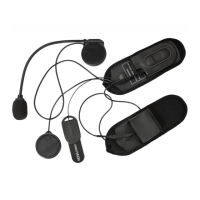
ACS10 Motorcycle Bluetooth
®
Communication System | 30
8. UNIVERSAL INTERCOM
Universal Intercom allows you to have intercom conversations with
users of non-Sena Bluetooth headsets. Non-Sena Bluetooth headset
can be connected to the Sena headset if they support the Bluetooth
Hands-Free Profile (HFP). You can pair the headset with only one
non-Sena headset at a time. The intercom distance depends on the
performance of the Bluetooth headset to which it’s connected. When a
non-Sena Bluetooth headset is paired with the headset while another
Bluetooth device is paired via Second Mobile Phone Pairing, it will be
disconnected.
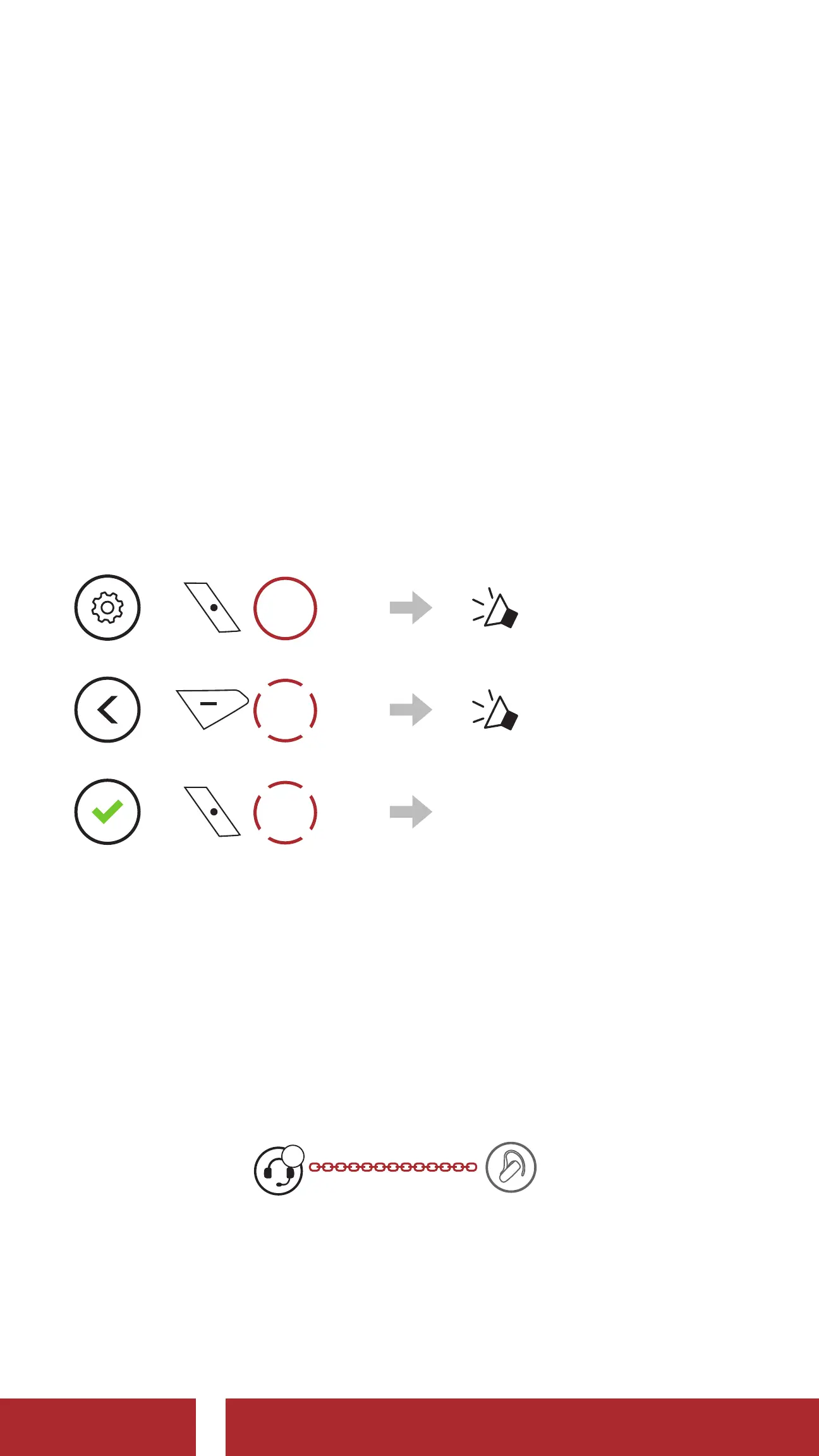
8.1 Universal Intercom Pairing
1.
=
15s
HOLD
“ Configuration menu”
2.
=
3x
TAP
“ Universal intercom
pairing”
3.
=
1x
TAP
Enter into Universal
Intercom Pairing mode.
4. Put the non-Sena Bluetooth headset in Hands-free Pairing Mode. The
headset will automatically pair with a non-Sena Bluetooth headset.
8.2 Two-Way Universal Intercom
You can initiate the Universal Intercom connection with non-Sena
Bluetooth headsets using the same intercom connection method as you
would between other Sena headsets.
A
YOU
Non-Sena
Headset
You may start/end a Two-Way Universal Intercom using the same way
as you do in a normal Two-Way Intercom. Please refer to Section 7.3:
“Two-Way Intercom”.
CHAPTER


 To Next Page