EXPAND
34
Note:
The Universal Intercom affects both the phone call connection on a
non-Sena and the multipoint connection on a Sena headset.
-
If the non-Sena headset does not support a multipoint connection then
a phone call connection will be unavailable while using the Universal
Intercom.
-
If the non-Sena headset (that has been paired to the Sena headset)
is powered on and is automatically connected, then the multipoint
connection of the Sena headset will be deactivated. Therefore, the
multipoint paired device such as a GPS will not be available for use
with the Sena headset while the non-Sena headset is powered on, and
turning it off will not automatically restore the multipoint connection. To
restore the multipoint connection on a Sena headset, you should turn
off the non-Sena headset first, then try to connect the multipoint paired
device manually from the device screen or simply reboot the multipoint
paired device so that it automatically connects to the Sena headset.
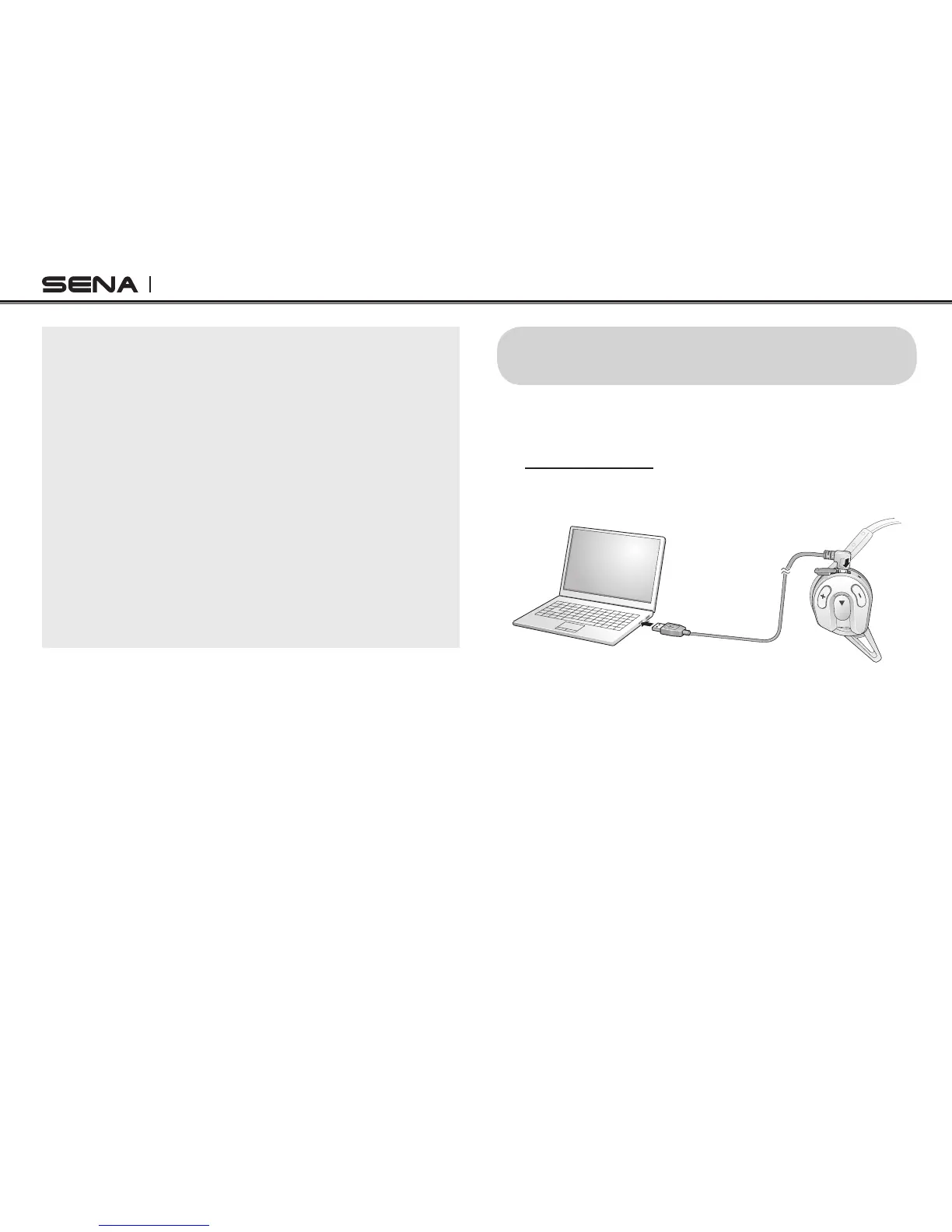
12. FIRMWARE UPGRADE
The Sena Expand supports a rmware upgrade
function. Please visit the Sena Bluetooth web site
at www.sena.com to check the latest software
downloads.



 To Next Page