pi Bluetooth Communication Headset for Helmets | 15
6 BLUETOOTH INTERCOM
⑥
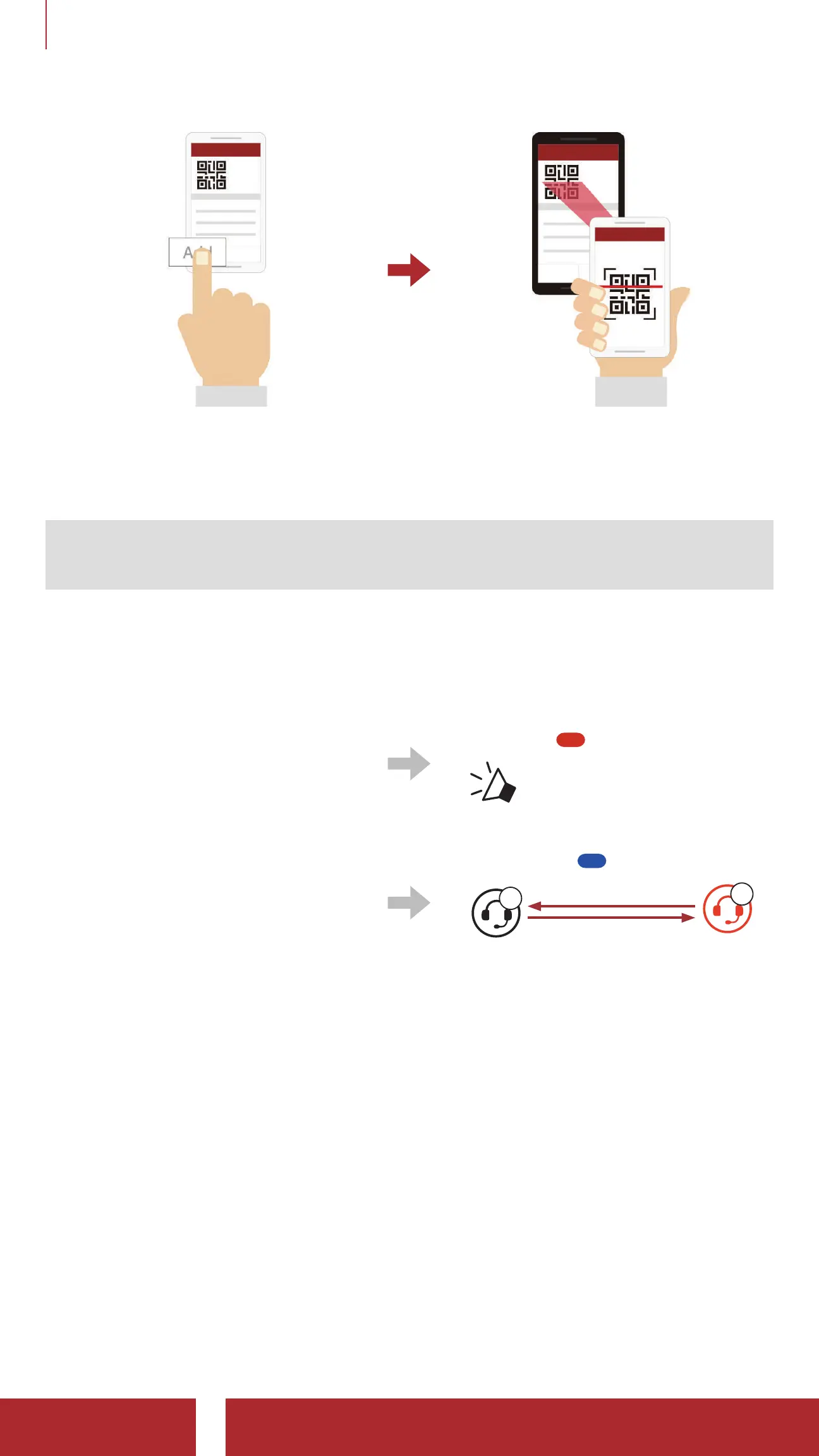
Click the Confirm Button and check that your friend (B) is paired with
you (A) correctly.
Note: The Smart Intercom Pairing (SIP) is not compatible with Sena
products that use Bluetooth 3.0 or below.
6.1.2 Using the Button
①
Press and hold the (-) Button
on the headsets (A and B)
for 5 seconds.
Blinking
“Intercom Pairing”
②
The two headsets (A and B)
will be automatically paired.
Turns blue
A
B
YOU
6.2 Two-Way Intercom
Start/End Conversation with the Intercom Friend
• Press and hold the (-) Button for 1 second.
6.2.1 HD Intercom
HD Intercom enhances the two-way intercom audio from normal quality
to HD quality. If this feature is disabled, the two-way intercom audio will
change to normal quality.



 To Next Page