pi Bluetooth Communication Headset for Helmets | 20
10. TROUBLESHOOTING
Please visit sena.com for more troubleshooting information.
• Customer Support: sena.com
10.1 Fault Reset
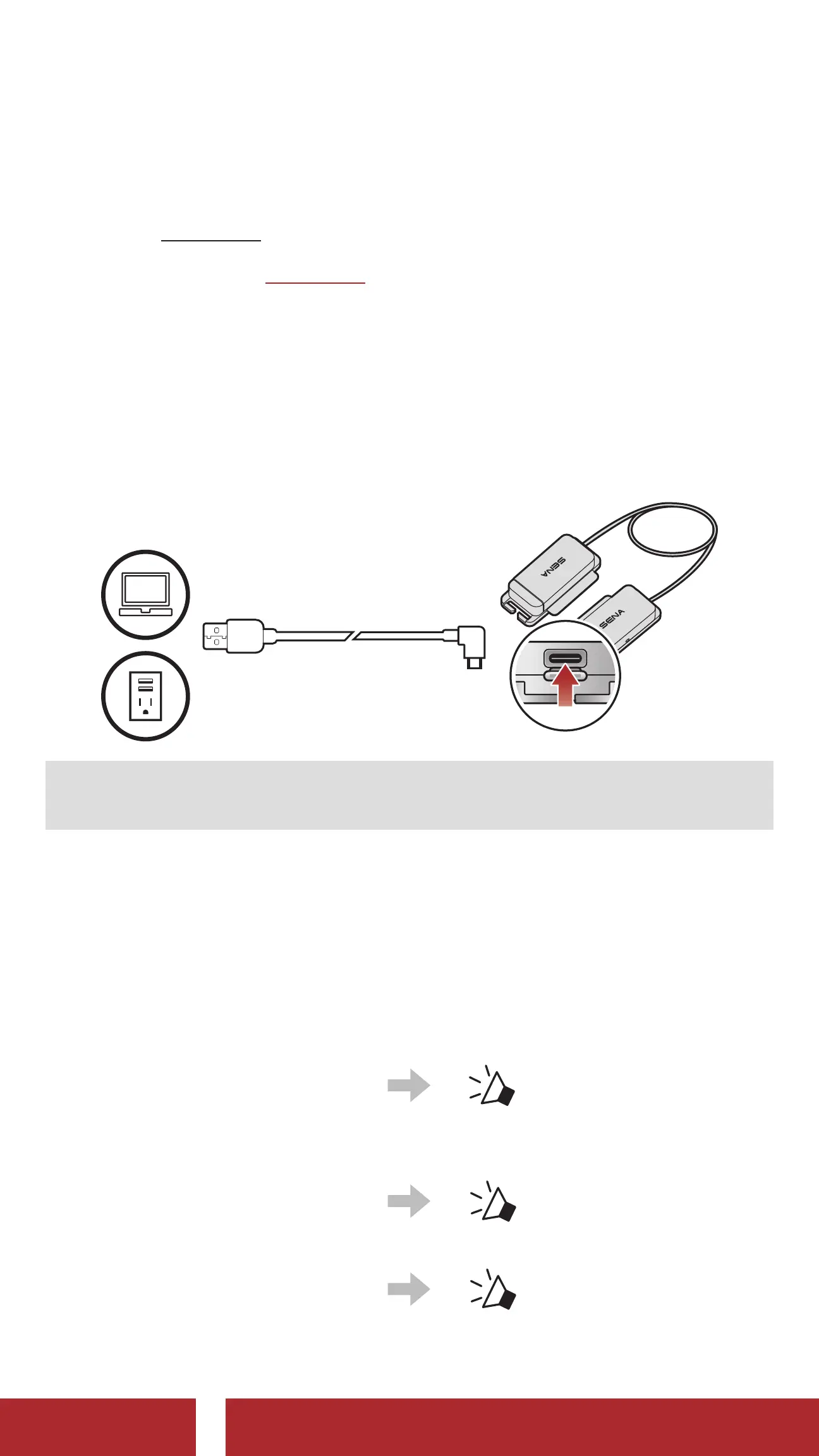
When the USB charging & data cable connects a power supply to the
headset, the headset will automatically be turned off and a fault reset
will occur.
Note: Fault Reset will not restore the headset to the factory default
settings.
10.2 Factory Reset
To erase all of your settings and start fresh, use the Factory Reset. The
headset automatically restores the default settings and turns off.
①
Press and hold the
(+) Button for 10 seconds
to enter the configuration
menu.
“Configuration menu”
②
Tap the (+) Button three
times.
“Factory Reset”
③
Tap the (-) Button to execute
Factory Reset.
“ Headset reset,
good-bye”
CHAPTER



 To Next Page