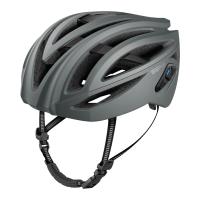
R1 EVO Smart Cycling Helmet | 20
6 MESH INTERCOM
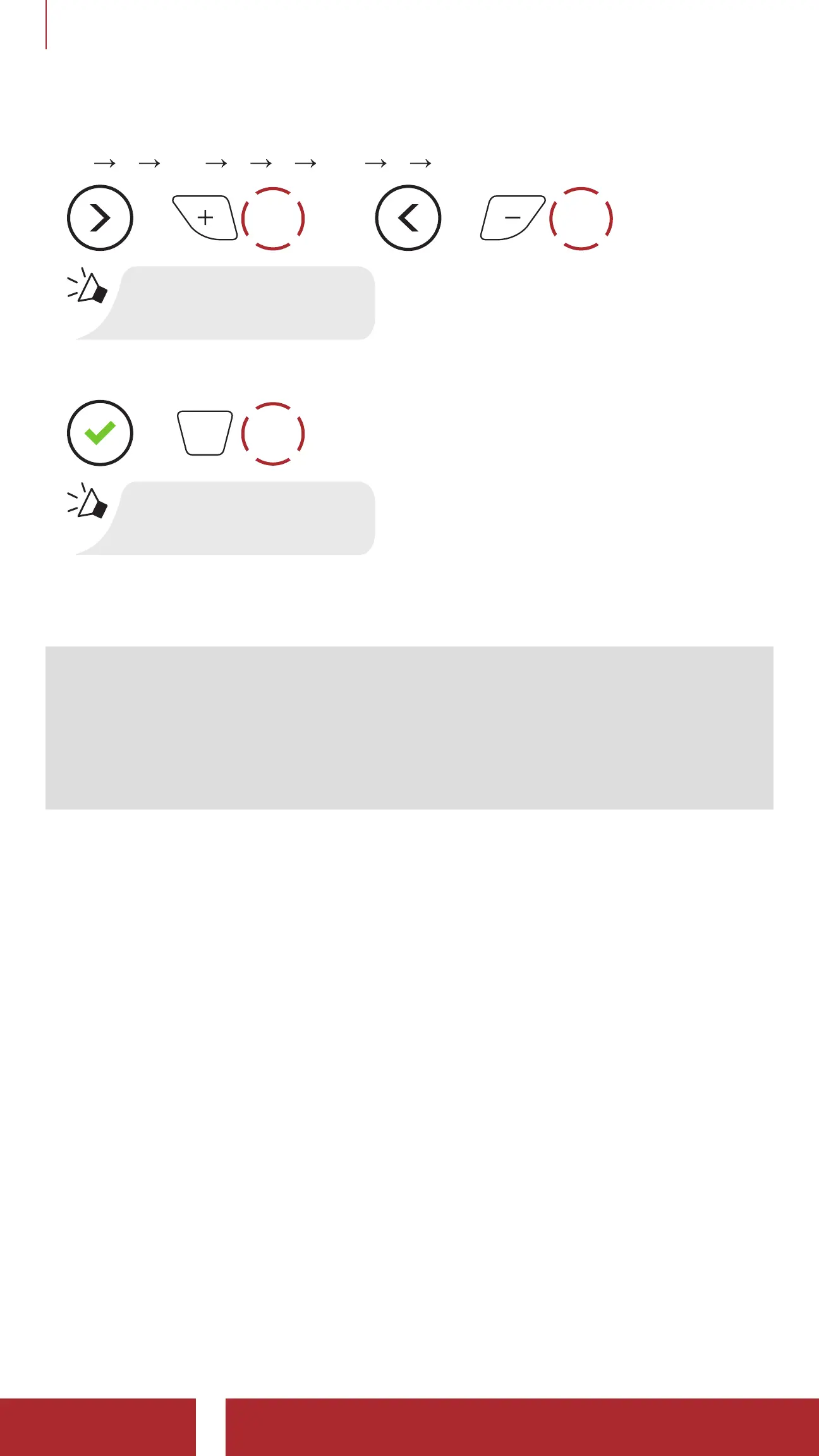
2. Navigate between the channel.
(1
2 ••• 8 9 Exit 1 •••)
=
1x
TAP
or
=
1x
TAP
“#”
3. Save the channel.
=
1x
TAP
“Channel is set,
channel #”
4. To exit the Channel Setting, tap the (+) Button or the (-) Button until
you hear a voice prompt, “Exit”, and tap the Center Button.
Note:
• Channel Setting always starts with channel 1.
• If you do not press any button within for approximately 10 seconds
in a specific channel, the channel will be automatically saved.
• The channel will be remembered even if you turn off the R1 EVO.



 To Next Page