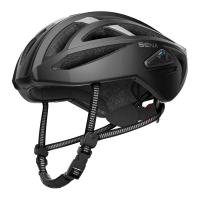
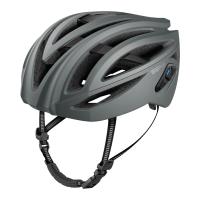
R1 EVO Smart Cycling Helmet | 28
11 CONFIGURATION SETTING
11.1.1 Phone Pairing
1. Execute Phone Pairing.
2. With your mobile phone in Bluetooth-pairing mode, select Sena R1
EVO in the list of devices detected.
3. If your mobile phone asks for a PIN, enter 0000.
11.2 Software Configuration Setting
You can change the settings of the headset through the Sena Device
Manager or the Sena Cycling App.
11.2.1 Channel Setting (Default: channel 1)
If the Mesh Intercom communication experiences interference because
other groups are also using the channel 1, change the channel. You can
select one of 1 to 9 channels.
11.2.2 Voice Prompts (Default: Enable)
You can disable voice prompts by software configuration settings, but
the following voice prompts are always on.
- Headset configuration settings menu, battery level indicator, speed
dial, FM radio functions
11.2.3 Voice Command (Default: Enabled)
When Voice Command is enabled, you can use your voice to give a
command the Bluetooth system operate certain operations completely
handsfree. If Voice Command is disabled, you will need to operate all
of the functions using the buttons on the Bluetooth system.
11.2.4 RDS AF Setting (Default: Disable)
Radio Data System (RDS) Alternative Frequency (AF) Setting allows
a receiver to re-tune to the second frequency location when the first
signal becomes too weak. With RDS AF enabled on the receiver, a radio
station with more than one frequency can be used.



 To Next Page